內容簡介
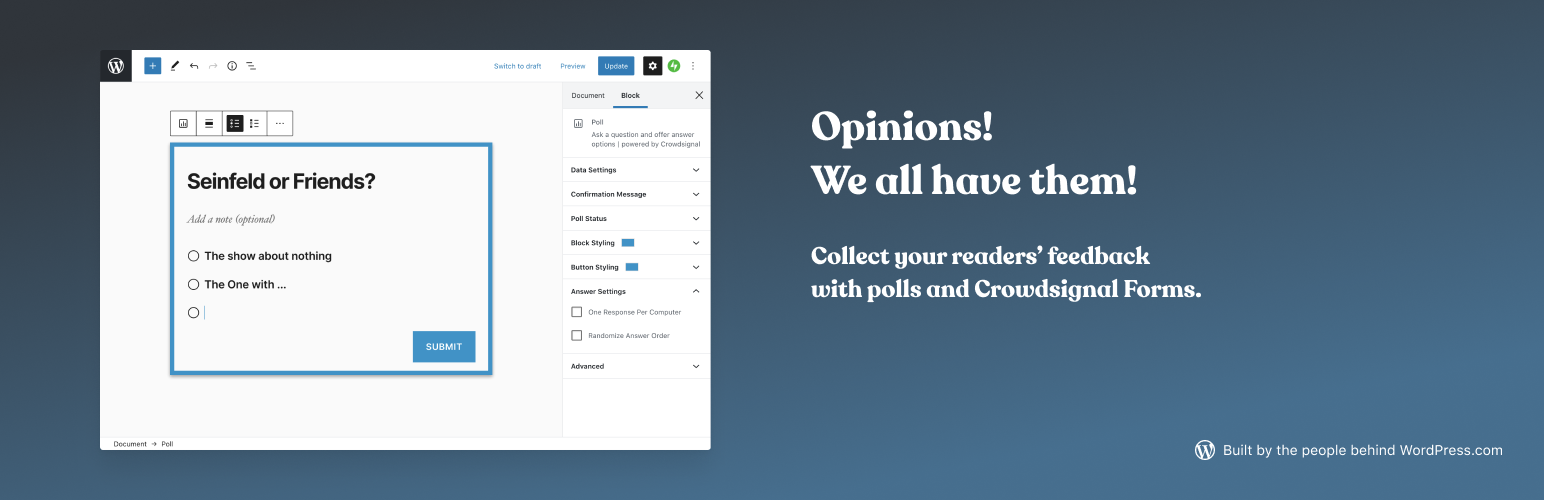
The Crowdsignal Forms 外掛可以讓您直接在區塊編輯器中建立和管理投票。
建立投票與編寫項目清單一樣簡單快速,不再需要嵌入區塊或複製、貼上。
自訂投票的外觀以符合品牌形象,選擇您最喜歡的顏色。投票區塊預設支援主題風格設定,您還可以按照自己的想法進行投票樣式設計。
使用 Crowdsignal 的結果頁面即時查看所有回應。查看投票者的地理位置,分析 IP 地址以檢查有無可疑投票行為。查看進階統計數據和分析報告以了解您的觀眾。
分析結果後,您可以將其以不同格式匯出。
設置投票關閉日期,建立單選或多選答案的投票,選擇是否向讀者展示投票結果。
使用免費的 Crowdsignal 帳戶,您可以建立無限量的投票,前 2,500 個信號是免費的,「信號」是指您在投票中收到的回應。如果您使用免費方案,您仍然可以完整存取前 2,500 個信號。如果您 升級,您將可以存取已解鎖的報告以查看所有回應,還能使用免費用戶無法使用的 各種功能。
外掛標籤
開發者團隊
📦 歷史版本下載
原文外掛簡介
The Crowdsignal Forms plugin allows you to create and manage polls right from within the block editor.
Creating polls is as simple and as fast as writing a bullet point list. No embed blocks and no copy pasting needed anymore.
Customize the look and feel of your polls to match your brand, and pick your favorite color. The poll block supports the styling of your theme by default, and from there you can customize the styling of your polls the way you want.
With Crowdsignal’s results page you can view all responses as they come in. See the geo-locations of your voters and analyze IP addresses for any suspicious voting behavior. See advanced stats and analytics for understanding your audience.
Analyze your results and then export them in a number of different formats.
Set close dates for polls, create polls with single or multiple choice answers, choose whether to show your readers the poll results or keep them private.
You can create an unlimited number of polls with a free Crowdsignal account and your first 2,500 signals are free. A signal is a response you get to a poll. If you are on a free plan, you still have full access to the first 2,500 signals. Any further responses you collect will still be recorded but if you upgrade you will get access to our unlocked reports to see them. You’ll also get access to a range of features not available to free users.