外掛標籤
開發者團隊
② 後台搜尋「CronEngine: Real Cron Scheduler」→ 直接安裝(推薦)
原文外掛簡介
WordPress only checks for scheduled tasks when someone loads a page. On a quiet site that means scheduled posts go out late (“Missed schedule”), and emails, backups, imports and WooCommerce tasks wait. On a busy site it means visitors pay for cron with slower page loads.
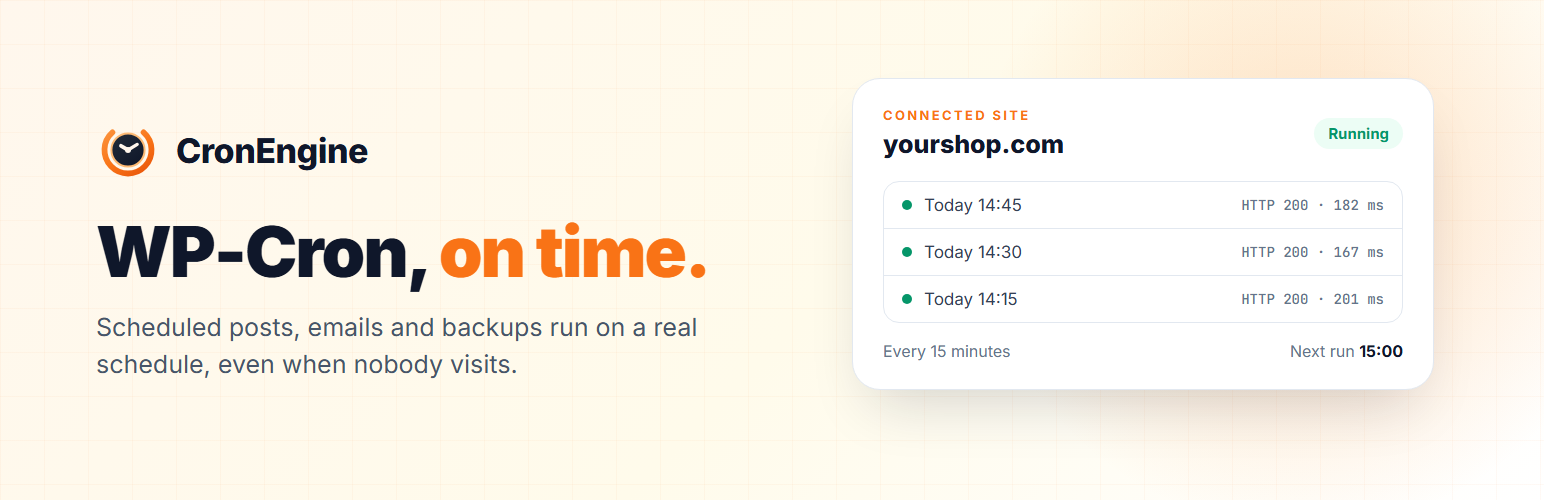
CronEngine fixes both. It calls your site’s wp-cron.php on a real schedule from the outside, and the plugin stops page views from starting cron.
One click to set up. Click Connect, sign in or create a free account, and you are back in WordPress with cron running. No wp-config.php edits, no server crontab.
On time. Every 15 minutes on the free plan, down to every minute on paid plans.
Alerts. You get an email when your site stops answering, and one when it is back.
Safety net. If CronEngine ever stops calling, WordPress goes back to running cron on visits by itself, so nothing is skipped.
See it working. Last run, next run and recent results right in Tools, CronEngine, and a check in Site Health.
More when you need it. Retries, Slack, Discord and webhook alerts, run history and custom schedules are in your CronEngine account.
Deactivating the plugin puts WordPress back exactly as it was.
External services
This plugin connects your site to CronEngine (https://cronengine.com), a hosted cron and monitoring service run by Furora BV, Belgium. The plugin does nothing that involves CronEngine until an administrator clicks “Connect to CronEngine”.
What is sent, and when:
When you click Connect: your browser is sent to cronengine.com with this site’s address, its name, the plugin version, and a random one-time value used to finish the connection securely. You sign in or create an account there.
When the connection finishes, when you open Tools, CronEngine, or change the interval: the plugin asks CronEngine for this site’s status or sends the new interval, using the site’s own key.
When you disconnect or delete the plugin: the plugin tells CronEngine to delete this site’s cron job.
From CronEngine to your site: CronEngine requests wp-cron.php on the interval you chose. It records the HTTP status and timing of each request, and the response only when a request fails.
No visitor data, content, or personal data about your users is sent.
Terms of Service: https://cronengine.com/terms
Privacy Policy: https://cronengine.com/privacy-policy