內容簡介
Creavi Appointment Booking Calendar 是一款乾淨、美觀且可擴展的 WordPress 預約外掛,無需付費即可使用。用戶可輕鬆創建可預約服務,定義可用性,並透過流暢的日曆流程讓客戶進行預約。
【主要功能】
• 創建可預約服務與定義可用性
• 連接 Google Calendar 或 Outlook Calendar
• 提供多種預約方式(面對面、電話、視頻會議)
• 自動發送確認郵件與提醒
• 支援短碼與頁面編輯器嵌入
外掛標籤
開發者團隊
② 後台搜尋「Creavi Appointment Booking Calendar」→ 直接安裝(推薦)
📦 歷史版本下載
原文外掛簡介
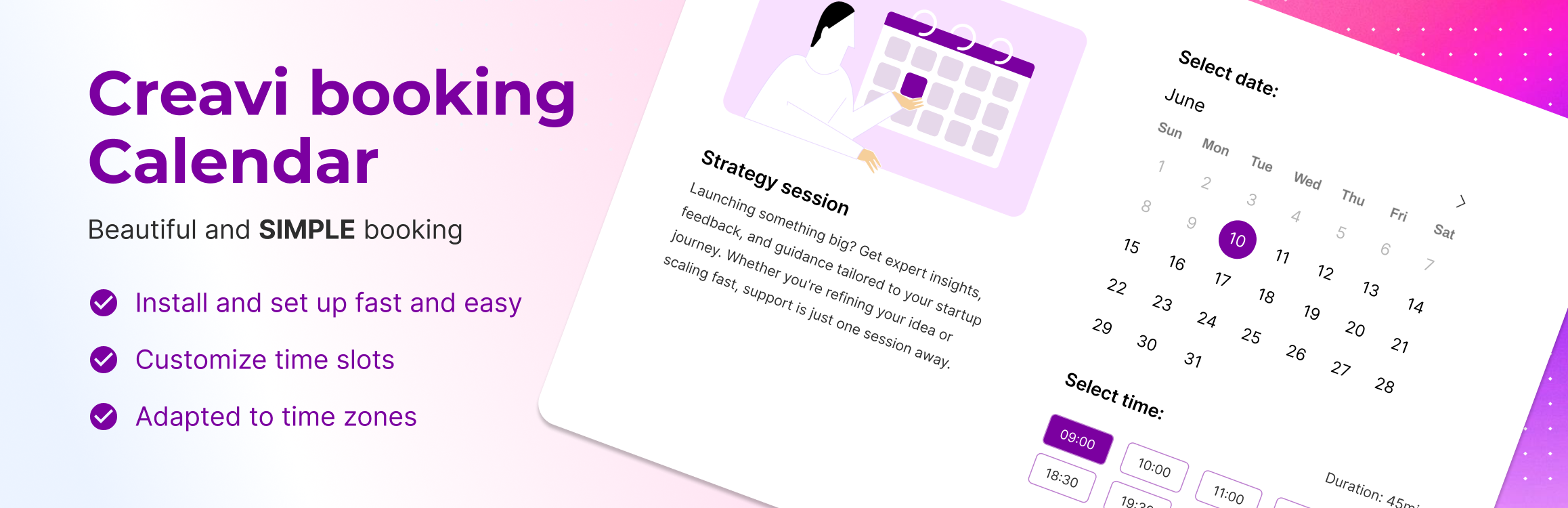
Creavi is a beautiful, free WordPress appointment booking plugin for service businesses. Let customers choose a service, select a specialist, and book an available time on your website. Google Calendar and Outlook sync, built-in secure video conferencing, email reminders, shared staff schedules, and booking approval are included, with no plugin-imposed service or booking limits.
Use a booking button, an embedded calendar, or a Service Catalog with categories and provider selection. Suitable for salons, clinics, consultants, coaches, personal trainers, fitness studios, and yoga instructors.
Try the live booking demo | Read the documentation | Ask a support question
Give customers a clear way to book
Show services as a simple list or organise them into categories, with optional images and your own labels.
Let customers select a provider and see available times that fit the service duration.
Place a calendar directly on a page or open it from a booking button. Both layouts work on mobile.
Match your site with colour, layout, wording, and calendar-language controls beside a live preview.
Keep staff schedules and connected calendars aligned
Link several services to one staff calendar. A booking blocks overlapping times across those services.
Connect Google Calendar or Outlook to create appointment events and block connected-calendar busy times.
Set weekday hours, days off, minimum notice, and rolling booking windows in days or months.
Choose 10, 15, 20, 30, 60, or 90-minute appointments and optional 5–60 minute buffers.
Use visitor-local or business timezones, with 12 or 24-hour display.
Manage appointments from WordPress
Confirm bookings automatically or review requests before approval, separately for each service.
Approve or reject pending requests from the booking list or individual booking screen.
Review rescheduling or cancellation of upcoming appointments and choose customer notifications.
Send editable customer and admin emails, separate reminders, and calendar attachments.
Collect contact details, custom answers, and consent with configurable forms.
Export selected bookings to CSV or Excel, and choose an optional retention period for old records.
Start with an editable Elementor demo page
Choose from nine demo pages for salons, yoga studios, dental clinics, consultants, coaches, and sales demos, including the Instagram Brand Consultant design.
Imports create draft pages with images, services, and catalogs. Set real content and availability before publishing. Demo pages require Elementor V4 atomic elements and global classes. Regular shortcodes work without Elementor. More demos are coming soon.
Add booking to your existing website
Inline calendar: [creavibc_booking_inline id="123"]
Popup booking button: [creavibc_booking_button id="123"]
Service Catalog: [creavibc_service_catalog id="123"]
Replace 123 with the service or catalog ID. Shortcodes work with the block editor, Elementor, and other builders. Booking Profile and Service Hero blocks are also included.
Offer in-person, phone, or online appointments with your own meeting link or a generated video meeting.