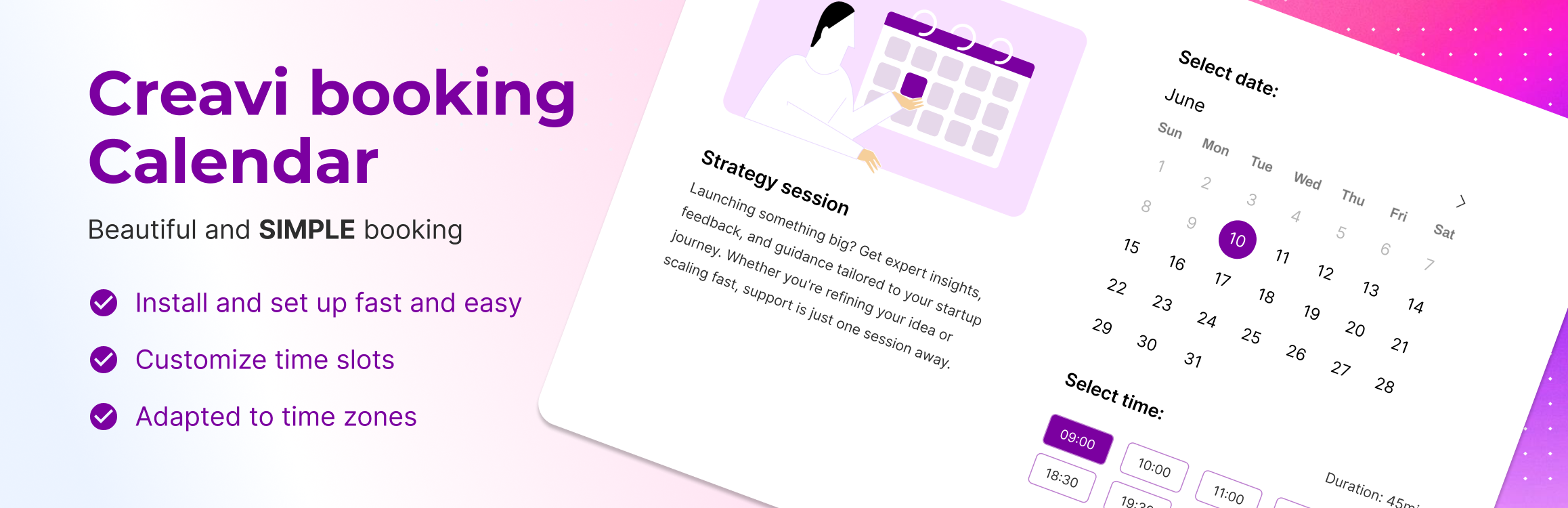
內容簡介
Appointment Booking Calendar 是一款專為 WordPress 設計的全方位預約外掛,能夠輕鬆地在網站上添加專業的預約和約會功能,適用於諮詢、課程、活動等,讓使用者和客戶都能享受簡單直觀的預約體驗。
【主要功能】
• 快速設定,兩分鐘內完成安裝
• 支援多個預約小工具在同一頁面
• 自訂預約表單欄位,無限添加自訂欄位
• 自動發送電子郵件通知與提醒
• 與 Google 日曆整合,自動推送預約
• 內建視訊會議功能,自動生成會議連結
外掛標籤
開發者團隊
② 後台搜尋「Appointment Booking Calendar」→ 直接安裝(推薦)
📦 歷史版本下載
原文外掛簡介
Appointment Booking Calendar
Booking Calendar is the ultimate all-in-one plugin to add professional bookings and appointments directly to your WordPress website.
Built natively for WordPress, it’s designed to make online bookings simple, fast, and intuitive – both for you and your clients.
Whether you need to schedule consultations, classes, events, or services, this plugin gives you everything you need to manage bookings with ease.
Easy Setup – Ready in 2 Minutes
Watch how it works in action:
Check out the live demo: https://wordpress.creavi.dk/booking/
We’re open to any suggestions! Feel free to reach out via the support forum — we’re happy to hear your ideas and may implement them in future updates.
Free Features:
Add booking button anywhere via shortcode: [creavibc_booking_button id="123"] (opens booking popup)
Embed full booking interface directly on page via shortcode: [creavibc_booking_inline id="123"]
Support multiple booking widgets on the same page (different services)
Smooth booking experience:
Popup or inline layout
Step-by-step flow: Date → Time → Details
Fully responsive and mobile-friendly
Flexible availability settings:
Admin-defined available days via date picker
Rolling availability range (e.g. next 30–365 days)
Exclude specific dates (days off, holidays)
Minimum time before booking (buffer)
Flexible weekday-based time slots:
Visual grid selector (e.g. Mon 9:00, Tue 10:30)
Different time slots per weekday
Optional slot duration: 20 / 30 / 60 minutes
Dynamic time slots based on selected date
Smart timezone handling:
Admin timezone detection
Timezone modes:
Localized (auto-adjust to user timezone)
Locked (fixed business timezone)
Clear timezone indication on frontend
Customizable booking form fields:
Toggle default Name & Email fields
Add unlimited custom fields (text or textarea)
Set any field as required
Automated email notifications & reminders:
Sent to both admin and customer
Dynamic tags: {name}, {email}, {date}, {time}, {service}
Optional reminder emails before the appointment (reduce no-shows)
Google Calendar integration:
Automatically push bookings to Google Calendar
Block already booked time slots from Google Calendar
Google Calendar link generation for attendees
Custom Google event title and description templates
Outlook Calendar integration:
Automatically push bookings to Outlook Calendar
Per-service Outlook connection and sync
Custom Outlook event title and description templates
Calendar & scheduling:
Downloadable .ics (iCalendar) file
Meeting & location options:
In-person meetings
Online meetings (video or custom link)
Phone call option
Built-in video conferencing:
Automatic meeting link generation
Personalization options:
Custom brand color
Personalized thank-you message
Easy booking management
Clean and minimal admin UI
Works with Gutenberg, Elementor, and other page builders
Multilingual & Translation Ready
Languages
This plugin is fully translation-ready and supports localization via translate.wordpress.org.
Available languages include:
* English (default)
* French
* Danish
You can help translate this plugin into your language at:
https://translate.wordpress.org/projects/wp-plugins/creavi-booking-service/