內容簡介
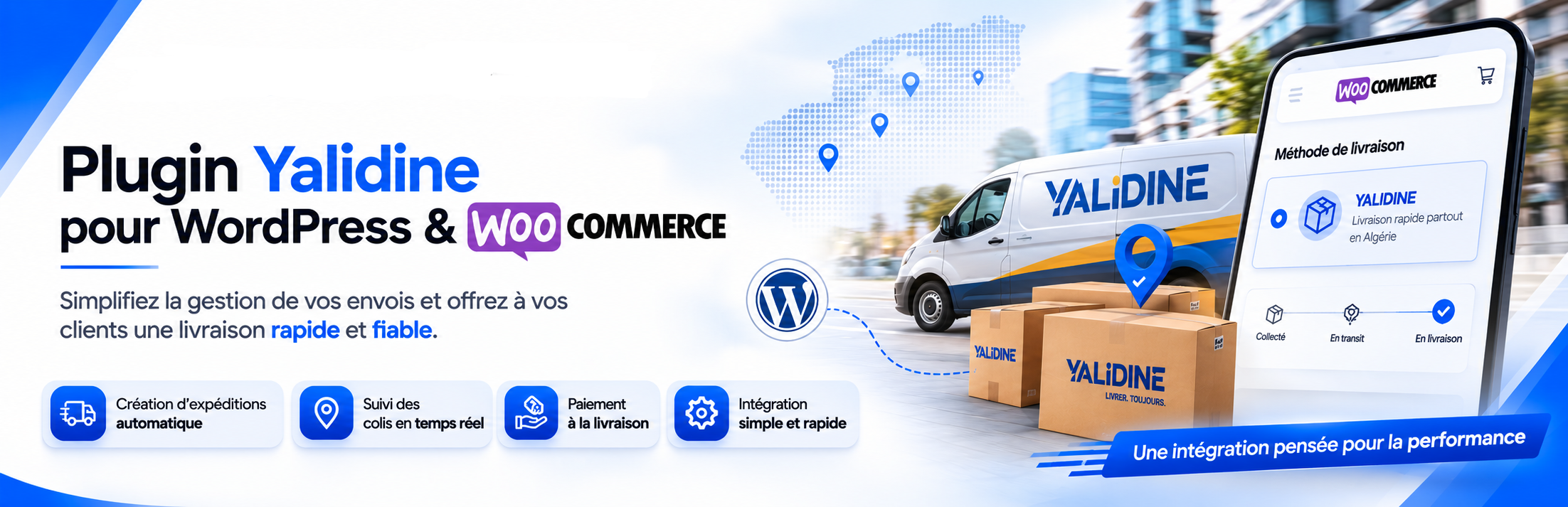
Createk Delivery for Yalidine 是一款專為阿爾及利亞設計的 WooCommerce 外掛,透過 Yalidine 交付 API 整合商店,提供便捷的運送解決方案,讓商家能夠輕鬆管理訂單及運費計算。
【主要功能】
• 多步驟設置精靈,簡化 API 配置
• 結帳欄位包括全名、地區、電話及電子郵件
• 提供家庭配送或取件櫃選擇
• 實時運費計算,整合 WooCommerce 訂單總額
• 管理工具可直接發送包裹至 Yalidine
外掛標籤
開發者團隊
② 後台搜尋「Createk Delivery for Yalidine」→ 直接安裝(推薦)
原文外掛簡介
Createk Delivery for Yalidine is developed by Createk Solution. It integrates your store with the Yalidine delivery API used in Algeria.
Full product page, features, pricing and demo: https://createksolution.com/yalidine-woocommerce-plugin/
This plugin is a third-party, unofficial integration. It is not affiliated with, endorsed by, or an official product of Yalidine El Djazaïr Service. You need your own Yalidine merchant account and API credentials (API ID and Token).
Features
Multi-step setup wizard (API ID, token, sender wilaya, delivery options)
Checkout fields: full name, region (wilaya), commune, phone, email
Delivery modes: home delivery or stop desk
Live shipping fees from the Yalidine Fees API (included in the WooCommerce order total)
Admin tools: send parcels to Yalidine from orders and download bordereaux
External services
This plugin connects to the Yalidine Express API (https://api.yalidine.app/v1/), operated by Yalidine El Djazaïr Service. It is required to:
Load wilayas, communes, and stop-desk centers
Calculate delivery fees at checkout
Create parcels and retrieve shipping labels (bordereaux) when an admin sends an order
What data is sent and when
At checkout (fee calculation / locality lists): destination wilaya and commune identifiers, and your configured sender wilaya. Customer contact details are not sent solely for fee lookup.
When an admin clicks “Send to Yalidine” on an order: parcel data required by their API (customer name, phone, destination wilaya/commune, product description, price / COD amount, dimensions, delivery type, stop-desk id if applicable).
No data is sent to Createk Solution. API calls are made only to Yalidine when credentials are configured and checkout/shipping/admin features are used.
Service links
Website: https://www.yalidine.com/
Merchant / API dashboard: https://yalidine.app
Privacy Policy: https://www.yalidine.com/assets/docs/politique_confidentialite_yalidine.pdf
Transport / prohibited items (service conditions): https://www.yalidine.com/assets/docs/produits_interdits.pdf
Account terms: accepted in the Yalidine merchant account (https://yalidine.app); contact Yalidine for the full commercial / transport contract applicable to your account.
Createk Solution contact: plugin landing page — phone 0557 27 05 39
Requirements
WordPress 5.8+
WooCommerce 5.0+
A Yalidine merchant account with API ID and API Token
Shipping to Algeria (DZ)