外掛標籤
開發者團隊
② 後台搜尋「Crea Utile PDF and Page Search」→ 直接安裝(推薦)
原文外掛簡介
Crea Utile PDF and Page Search adds live search to your WordPress site so visitors can find published pages, posts and text inside approved PDF documents. Results appear directly below the search field. PDF text is indexed on your own server, without an external indexing service.
Use it for a document library, a resource centre, an association website or a site that combines web pages and downloadable guides.
What can you do with this plugin?
Search published pages, posts and text-based PDF documents from one search form.
Create independent forms with different sources, filters and visual settings.
Approve public PDF files before indexing them locally.
Add PDF keywords, categories and tags to help organise your document library.
Display a form with the native block or the [crea_utile_search] shortcode.
Choose whether PDF results open the file or its public parent presentation page.
Interface and languages
Created in France by Créa Utile. The original interface is in French. Translation hooks and a POT catalogue cover the administration, editor and public messages. No additional language pack is bundled. A full French guide is included in readme-fr.txt.
Search forms and appearance
Create independent search forms and insert them using the Crea Utile PDF and Page Search block or the [crea_utile_search] shortcode. Results appear below the field without leaving the page.
Choose published pages, posts and explicitly approved PDF files. Filter PDF files using dedicated categories and tags. Standard post categories and tags can also appear as links to their existing public archives. Internal PDF categories do not create public archive pages.
Each form has its own inclusions, exclusions, result limit, catalog link and new-tab setting. Customize its width, height, font family, spacing, border, rounded corners, colors and result details. Choose an icon, text or both for the button. An administrator preview updates without running searches.
The default appearance uses available WordPress search field and button styles, including hover and focus states, and theme variables such as Kadence palette variables. The optional Customise mode offers separate controls for the field, button and results panel, with no custom CSS required. Exact styling depends on the active theme’s available styles.
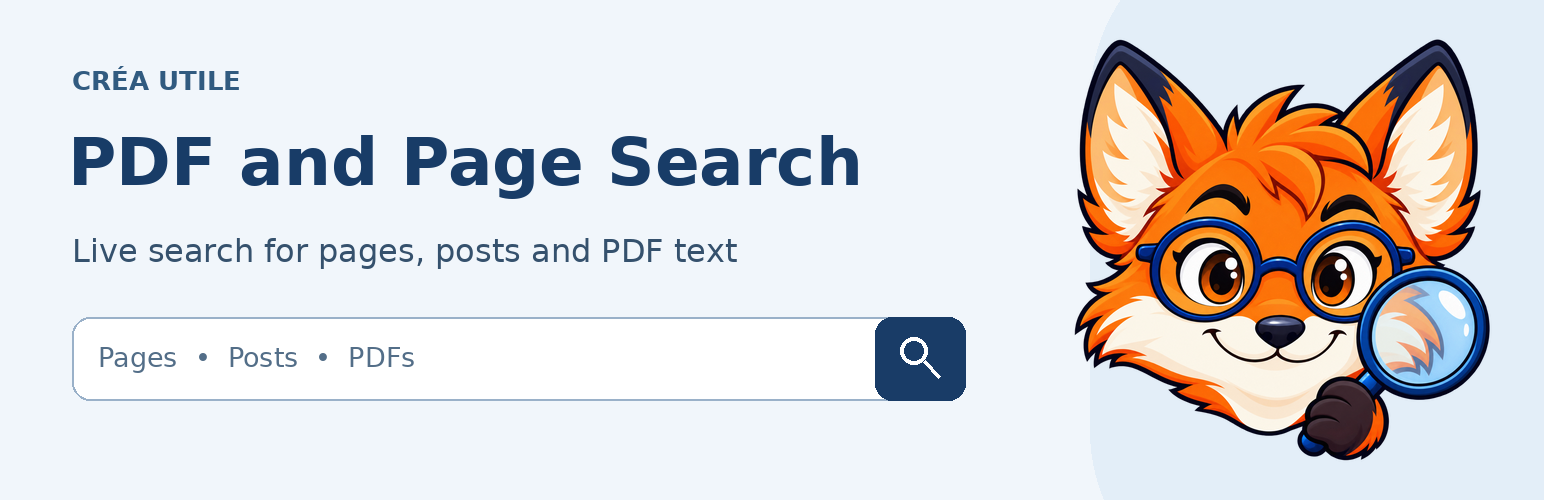
This extension is free. No paid feature gate, external indexing service, visitor tracking or forced public branding is included. A small fox illustration appears only in the administration interface.
PDF indexing
Open Index des PDF, explicitly approve public documents and optionally add keywords and classifications. Save, then start processing pending files. WordPress scheduled tasks can also advance the queue. One file is processed at a time.
Choose the PDF source in the form and select its allowed documents. PDF results can open the file or its public parent presentation page, falling back to the file if no parent exists.
PDF extraction requires PHP mbstring, iconv and zlib. Files must be local uploads. No system command or external extraction API is used. Current limits are 10 MB, 200 pages and 1 MB of extracted text per file. Scanned files without embedded text and encrypted files are not supported. Processing failures remain visible and do not expose partial indexes.
Changes through WordPress media hooks requeue approved documents. A changed file size or modification date also invalidates its old index. Reindex manually after an external replacement that preserves both size and date.
Filters and privacy
A blank filter means unrestricted within the selected sources. Terms within one filter use OR; separate category and tag filters use AND. Parent categories include child categories.
PDF classifications are independent from standard post classifications. Assigning a category never grants permission to search a document. Private or password-protected parent pages exclude their PDF files. Approval is checked again before returning results. Revoking approval removes the indexed entry, not the original media file.
Third-party file protection integrations require separate compatibility testing. Some known protection flags are checked, and developers can deny a file using the cuws_pdf_is_public filter. Do not approve confidential documents.
Search terms are sent to the site’s own server. Hosting or other plugins may keep technical logs. This extension does not add visitor analytics or send files to an external provider.
Current limits
Fuzzy spelling correction, OCR and search statistics are not included. The original interface is in French. Translation hooks and a POT catalogue cover the public interface, administration and block editor. No additional language pack is bundled.
Form selectors list up to 100 forms. Term selectors show 200 terms and term searches examine up to 500 candidates. PDF searches examine at most 500 ranked candidates. Large libraries need additional load testing and pagination work.
The administrator preview is indicative. Actual theme fonts, colors, hover and focus states, and contrast must be checked on the front end. System-font presets are offered, not automatic enumeration of every third-party font.
Third-party code and artwork
Smalot PDFParser 2.13.1 is included under LGPL-3.0. Its namespace is isolated to prevent conflicts. Sources and notices are included. See third-party-licenses.txt and vendor/pdfparser/LICENSE.txt.
Original extension code is GPL-2.0-or-later. The included administration fox illustration is distributed under GPL-2.0-or-later with the project owner’s permission. See ARTWORK-LICENSE.txt. This does not license the complete website mascot collection.