外掛標籤
開發者團隊
② 後台搜尋「Crawlmint SEO Content Audit and Fixer」→ 直接安裝(推薦)
原文外掛簡介
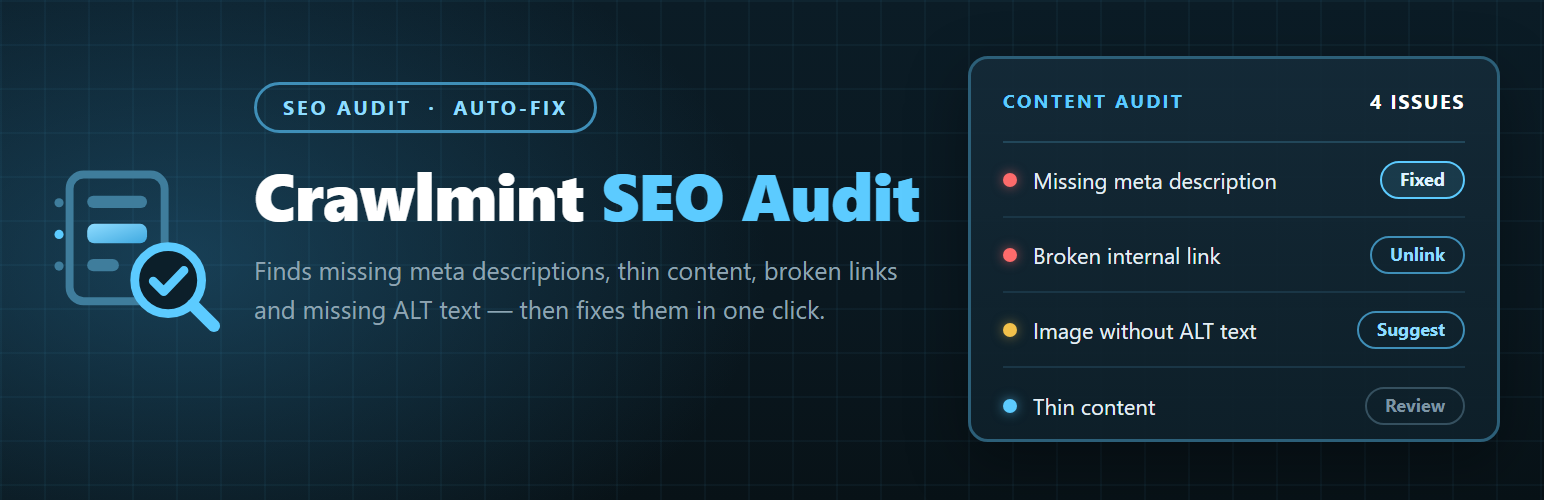
Crawlmint scans every post, page and custom post type you choose and reports the SEO and content problems holding them back, then offers a fix rather than just a red cross.
Checks included
Missing meta description, and descriptions that are too short or too long
Duplicate titles
Thin content and completely empty pages
Missing H1, multiple H1s, skipped heading levels
Broken internal links (including links to drafts and trashed content)
Broken external links
Orphan pages that nothing links to
Images with no ALT attribute
Missing schema markup
Incorrect or foreign canonical URLs
Outdated content, including pages still referring to a past year
Readability: reading ease score, long sentences, wall-of-text paragraphs
Content that reads as unedited generated text
Fixing, not just reporting
Where a fix is safe to automate, the plugin does it: writes the meta description, stores ALT text on the attachment, resets a canonical URL, demotes surplus H1s, unlinks a dead link. A revision is saved first, so anything can be rolled back from the post editor.
Suggestions
Suggested wording can be generated three ways, and which one is used is entirely your choice in the settings:
WordPress AI client (default where available). On WordPress 7.0 and later the plugin calls the AI client built into WordPress core, so generation is routed through whichever provider the site owner has already configured at site level. No extra API key, no provider lock-in.
Your own Anthropic or OpenAI key. If the core AI client is not available, or you prefer a specific provider, you can enter your own key. See “External services” below for exactly what is sent.
Offline. With no AI configured, the plugin falls back to suggestions built locally from the excerpt, attachment titles and the post title. Every check still runs, and the plugin remains fully usable with no external AI at all.
Works with your SEO plugin
Yoast SEO, Rank Math, All in One SEO and SEOPress are detected automatically, and meta is read from and written to the right place. With no SEO plugin active, the auditor outputs its own meta description, canonical and schema tags.
Privacy
This plugin does not track you. It collects no usage statistics, sends no telemetry, registers no analytics and contacts no home server. The only outbound requests it ever makes are the ones described in “External services” below, and each one is triggered by an action you take.
What is included
Everything: every check, unlimited scanning and issue reporting, offline and AI suggestions, one-click and bulk fixes, external link checking, scheduled audits with email reports, and CSV export. There is no paid tier and nothing is locked.
External services
This plugin can connect to the external services listed below. Nothing is sent anywhere until you enable the relevant feature.
1. Anthropic API (Claude)
Used only when AI suggestions are enabled and the provider is set to “Anthropic API”, which also requires you to supply your own Anthropic API key.
What it is used for: generating the suggested replacement text for a single issue, for example a proposed meta description, ALT text or rewritten heading.
What data is sent: the title, excerpt or relevant content extract of the one post you requested a suggestion for, the type of problem found, and your API key for authentication. Nothing else from your site is transmitted, and no personal data about your visitors is included.
When it is sent: only at the moment you select “Suggest” on an issue, or run a bulk suggest action. Scanning itself never contacts this service.
Endpoint: https://api.anthropic.com/v1/messages
Terms of service: https://www.anthropic.com/legal/consumer-terms
Privacy policy: https://www.anthropic.com/legal/privacy
2. OpenAI API (ChatGPT models)
Used only when AI suggestions are enabled and the provider is set to “OpenAI API”, which also requires you to supply your own OpenAI API key.
What it is used for: generating the suggested replacement text for a single issue, exactly as above.
What data is sent: the title, excerpt or relevant content extract of the one post you requested a suggestion for, the type of problem found, and your API key for authentication. Nothing else from your site is transmitted, and no personal data about your visitors is included.
When it is sent: only at the moment you select “Suggest” on an issue, or run a bulk suggest action. Scanning itself never contacts this service.
Endpoint: https://api.openai.com/v1/chat/completions
Terms of service: https://openai.com/policies/row-terms-of-use/
Privacy policy: https://openai.com/policies/row-privacy-policy/
3. The provider configured for the WordPress AI client (WordPress 7.0 and later)
When the provider is set to “WordPress AI client”, the plugin does not contact any AI service itself. It calls the AI client in WordPress core, and core forwards the request to whichever provider the site owner has configured in WordPress. The data sent is the same single-post extract described above. Which company receives it, and under which terms and privacy policy, is determined entirely by that site-level configuration, so please refer to the documentation of the provider you have configured in WordPress.
4. Websites linked to from your own content (broken external link checking)
Used only when the “Broken external links” check is enabled in the settings.
What it is used for: confirming whether the external URLs already present in your content still resolve, so dead links can be reported.
What data is sent: an ordinary HTTP request to each external URL found in your content, exactly as a visitor’s browser would make when following that link. No content of yours, no credentials and no visitor data are included. Responses are cached, so a given URL is not requested repeatedly.
When it is sent: during a scan, and only for the external URLs that appear in your own posts and pages.
Which services: whichever third-party websites you have chosen to link to. Their respective terms and privacy policies apply.