內容簡介
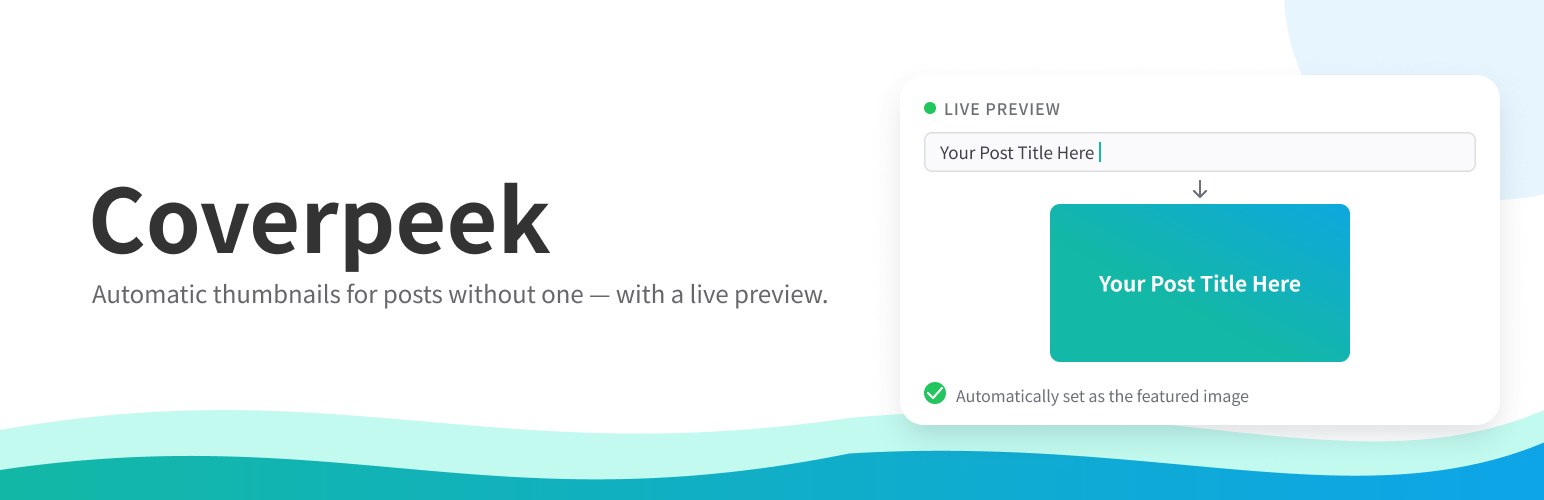
Coverpeek 自動為任何沒有特色圖片的文章生成縮圖,並在選定背景上顯示文章標題,確保每篇文章都有一致的縮圖,無需手動操作。
【主要功能】
• 自動生成特色圖片
• 支援自訂背景設計
• 文字樣式可自訂
• 實時預覽功能
• 可選擇輸出 OGP meta 標籤
外掛標籤
開發者團隊
② 後台搜尋「Coverpeek – Auto Thumbnails with Live Preview」→ 直接安裝(推薦)
原文外掛簡介
Coverpeek automatically generates a featured image for any post that doesn’t already have one. The generated image shows the post title on a background of your choice, so every post gets a clean, consistent thumbnail without any manual work.
By default this applies to blog posts, but you can also enable it for pages and any public custom post type from the settings screen.
How it works
Whenever you save a published item (of a post type you’ve enabled) that has no featured image, one is generated automatically and set for you.
If you later edit the title of a post, and its current featured image is one this plugin generated, that image is regenerated to match the new title.
A featured image you set yourself is never touched, replaced, or removed by this plugin.
If you remove a generated featured image and save the post, that save leaves the post without a featured image — nothing is generated at that moment. But the plugin fills in any missing featured image whenever a post is saved, so the next time that post is edited in any way and saved (even an edit unrelated to the image), a new thumbnail will be generated. To stop this from happening on a specific post, set a featured image manually instead of leaving it empty — a manually-set image is never touched by this plugin. See the FAQ for details.
An “Auto” badge appears on generated images in the Media Library (on by default), and, optionally, as a thumbnail column in the Posts list too — so you can tell them apart from featured images you set yourself. The Posts list column is off by default, since some themes and plugins already show a thumbnail column of their own.
Backgrounds
Choose from 5 built-in background designs, or upload your own image.
Recommended size for custom backgrounds: 1200 x 630px.
Supported upload formats: PNG, JPEG, GIF, WebP, BMP.
Text customization
Text color, font size, horizontal/vertical alignment, margins, and line height are all configurable.
A Japanese font (Noto Sans JP Bold) is bundled, so Japanese titles render correctly out of the box.
Live preview
The settings screen includes a live preview: as you change the background, colors, size, or alignment, you can see the actual generated thumbnail update immediately, with editable sample text. No more guessing how it will look. When you adjust the horizontal or vertical margin, the margin area is highlighted in color right on the preview image, so it’s immediately obvious where the margin actually falls.
Optional: OGP meta tags
Coverpeek can also output standard Open Graph meta tags (og:title, og:type, og:url, og:image, and more) for the post types you’ve enabled in the Post types tab. This is off by default, since many SEO plugins (Yoast SEO, Rank Math, All in One SEO, SEOPress, The SEO Framework) already output these tags — enabling both at once can cause duplicates. If one of those plugins is detected active, the settings screen shows a warning before you turn this on.
Performance
Thumbnails are generated once, when a post is saved — not on every page view. Visiting the site afterward is exactly as fast as with a manually uploaded featured image; there is no per-request image generation.
Requirements
This plugin uses the PHP GD extension (with FreeType/text support) to draw the thumbnail. GD is bundled with PHP and enabled by default on the vast majority of hosting providers. If it’s missing, the plugin shows a notice in the admin area and simply skips thumbnail generation — it will not break your site.
Credits
This plugin bundles the Noto Sans JP Bold font (Copyright 2014-2020 Adobe, Noto is a trademark of Google Inc.), licensed under the SIL Open Font License 1.1. See assets/fonts/LICENSE.txt for the full license text.