內容簡介
**外掛介紹總結:**
透過 Country Code For Elementor Form Telephone Field 外掛來增強您的 Elementor 表單!這款重要的附加元件通過無縫整合國家代碼選擇功能,來提升 Elementor 的預設電話欄位。
**問題與答案:**
1. 這個外掛的主要功能是什麼?
- 將國家代碼選擇功能直接整合到 Elementor 表單中。
2. 如何幫助使用者確保準確的電話號碼提交?
- 使用者現在可以輕鬆選擇他們的國家代碼,確保電話號碼以正確格式提交。
3. 這個外掛的特點包括哪些?
- 直接將國家代碼選擇整合到 Elementor 表單中;以導引方式簡化使用者的電話號碼輸入;在國家代碼選擇下拉選單中僅顯示特定國家;從國家代碼選擇下拉選單中排除特定國家;透過精確的格式增強表單的可用性和數據準確性。
4. 如何升級 Elementor 表單並最佳化使用者提交?
- 使用 Country Code For Elementor Form Telephone Field 外掛來升級您的 Elementor 表單,並優化使用者提交。
5. 這個外掛使用了哪些第三方庫和許可證資訊?
- intl-tel-input: [https://intl-tel-input.com/](https://intl-tel-input.com/)
- International Telephone Input Github: [https://github.com/jackocnr/intl-tel-input](https://github.com/jackocnr/intl-tel-input)
外掛標籤
開發者團隊
② 後台搜尋「Country Code For Elementor Form Telephone Field」→ 直接安裝(推薦)
📦 歷史版本下載
原文外掛簡介
Use Country Code for Elementor Form Telephone Field plugin to easily add an international country code dropdown with flags inside the phone field of your Elementor form.
👉 VIEW FREE DEMO – COUNTRY CODE FOR ELEMENTOR FORM
Upgrade to Cool FormKit to unlock more advanced features for Elementor forms – including range slider, signature field, conditional logic, calculator & more. Start building smarter forms with coolformkit today!
Free Plugin Features:
Seamless Integration with Elementor Forms: This ultimate Elementor addon helps users enter valid mobile numbers by selecting the correct country dial code before typing their phone number. It ensures properly formatted data, improves form validation, and reduces errors in contact forms, booking forms, registration forms, and more.
Show Only Selected Countries: Limit the dropdown to display only specific countries. For example, if you only want to show Canada, India, United States, and United Kingdom, simply enter their alpha-2 codes in the Tel field settings like: ca,in,us,gb.
Exclude Specific Countries: Show all countries but hide a few by entering their alpha-2 codes (e.g., af,pk removes Afghanistan and Pakistan).
Set a Default Country: Preselect a default country code when the form loads.
Control Dial Code Visibility: Show or hide the dial code while users type their phone number.
Strict Mode Validation: Enable strict mode to block invalid numbers or extra digits based on the selected country.
Compatibility with Hello Plus: This addon also works with the Hello Plus form lite widget. If you are creating forms using Elementor Free with Hello Plus, you can still add an international dial code dropdown to the phone field using this ultimate addon.
Upgrade for More Features
Auto Detect Country Code by User IP
Automatically select the user’s country code in the phone field based on their IP address. You can enable this feature inside your Elementor form by using CoolFormKit pro version.
Show Preferred Countries at Top
By default, the dropdown lists countries alphabetically (A–Z). With this feature, you can pin specific countries (like India, US, UK) at the top for faster user selection.
Show or Hide Country Flags
Choose whether to display country flags alongside dial codes. For faster form loading, you can disable flags and only show the country dial codes.
Country & State Field for Elementor Form
Go beyond phone fields! With Cool FormKit Pro, you can add a Country + State dropdown field. Users first select a country, and then the state field updates dynamically with available states.
👉 GET COOL FORMKIT PRO
More Essential Addons for Elementor Form
Conditional Fields for Elementor Form
Add conditional logic to Elementor form fields to show or hide inputs dynamically based on user choices. Make your forms smarter, cleaner, and easier to use.
Form Input Masks for Elementor Forms
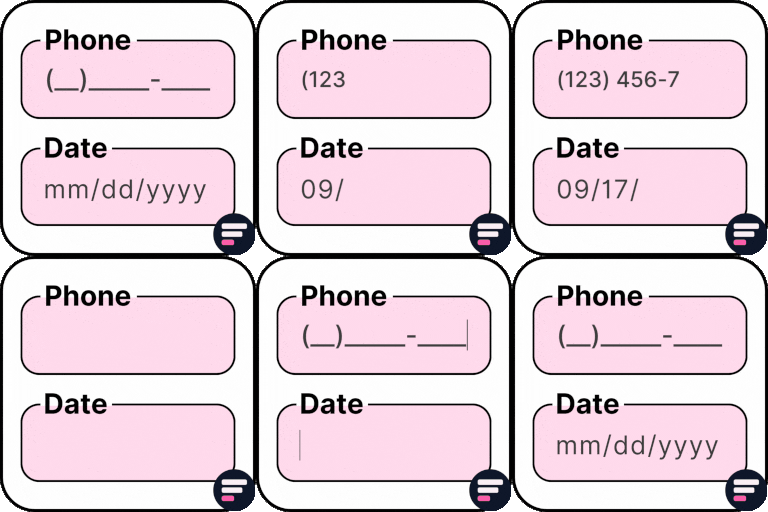
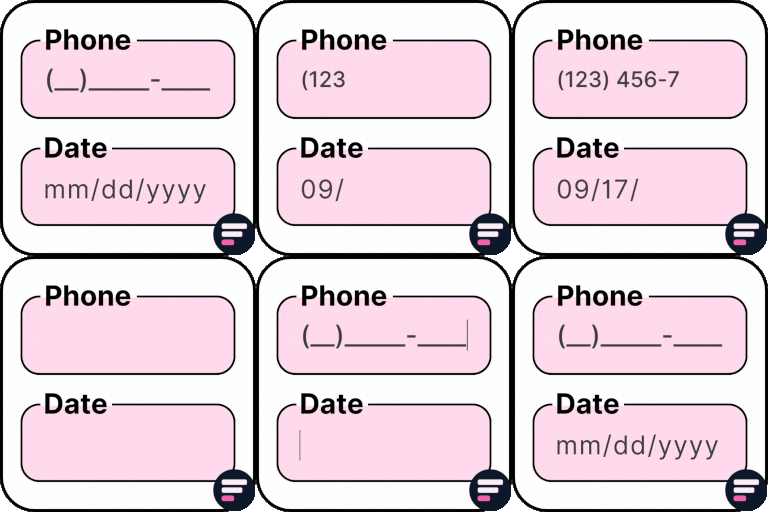
Apply input masks so users enter properly formatted data like phone numbers, dates, credit cards, and more. Improves accuracy and reduces validation errors.
Cool FormKit
A complete form builder addon for Elementor Free & Pro. It extends Elementor Pro forms with advanced fields or provides a dedicated form builder widget if you’re on Elementor Free. Popular features include:
Conditional Logic for Elementor Form Fields
Range Slider for Elementor Form
Signature Field for Elementor Form
Select2 Field
Image Radio & Checkbox Fields
Rating Field for Elementor Form
Calculator for Elementor
Cloudflare Turnstile for Elementor Form
hCAPTCHA for Elementor Form
👉 VIEW ALL FEATURES
Other Popular Addons for Elementor
Enhance your website-building workflow with these other ultimate Elementor addons by Cool Plugins:
Loop Grid Extender for Elementor Pro
Add ACF Repeater fields & advanced taxonomy filters inside Elementor Pro loop grids.
AutoPoly – AI Translation for Polylang
Instantly auto-translate Elementor pages using AI. Build multilingual websites faster with Polylang + AutoPoly.
Timeline Widget for Elementor
Display history, events, or milestones in beautiful vertical or horizontal timelines inside Elementor pages.
Events Widgets for Elementor
Add The Events Calendar widgets to Elementor — show events in grid, list, or carousel layouts with ease.
LocoAI – Auto Translate for Loco Translate
Translate WordPress plugins & themes automatically with AI. One-click string translation inside Loco Translate.
Use of 3rd Party Services: This plugin connects to the Cool Plugins feedback server only for optional usage data sharing and voluntary feedback submission (for example, during plugin deactivation). Data is transmitted solely after explicit user consent. No hidden tracking is performed, and no frontend visitor or site user data is collected. For more details, please review our Data Usage Policy, TOS, and Privacy Policy.It also includes the intl-tel-input library, distributed under the MIT License .