內容簡介
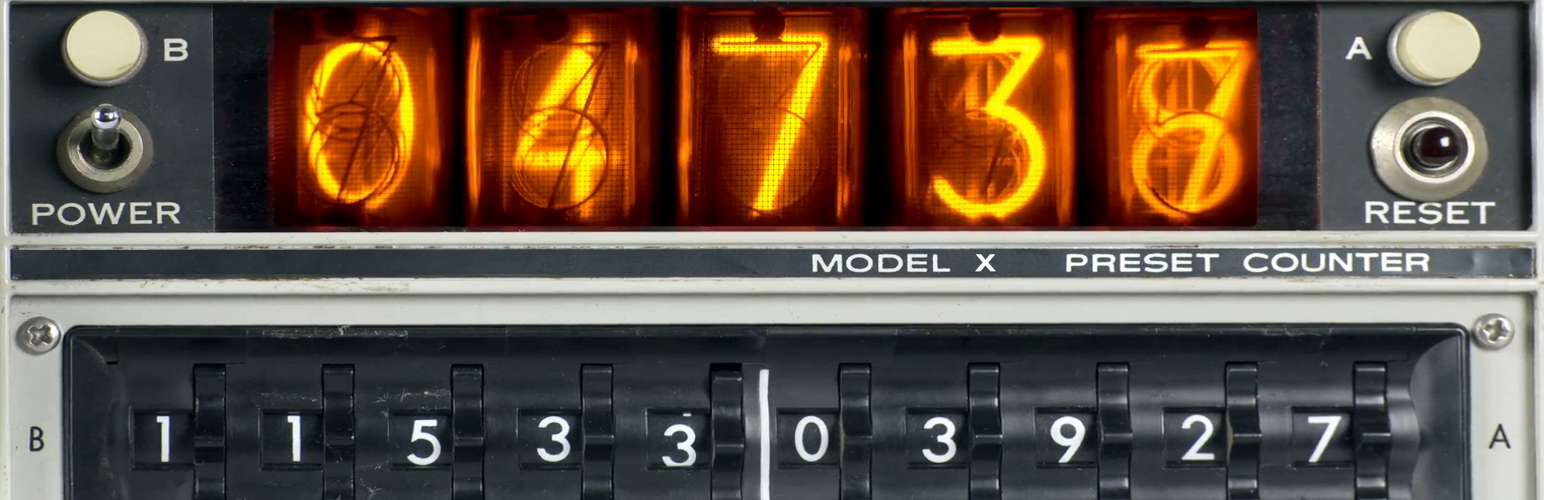
這是一個簡單、易用、快速、適應性強、本地化且客觀的訪問網站計數器。
它不會向其他伺服器發出任何額外的請求,這意味著它消耗的資源極少。
顯示任何頁面的總訪問次數。
您可以自定義顯示樣式,使用 class: ‘wpgear_counter_hits’。
只需將 shortcode [Get_Counter_Hits] 貼到您想要的位置,就可以了。
或者您可以在 PHP 腳本代碼中使用調用:echo get_Counter_Hits();
功能特色
簡單的本地計數器。
即使結果不顯示在任何地方時仍然有效。
不會計算管理員頁面。
shortcode 使用方式:[Get_Counter_Hits]
用於帶有 +100000 糾正的 shortcode:[Get_Counter_Hits base=”100000″]
PHP 使用方式:echo get_Counter_Hits ($base);
CSS class ‘wpgear_counter_hits’ - 可用於自定義外觀。
演示
您可以在這裡查看演示
外掛標籤
開發者團隊
原文外掛簡介
A simple, easy, fast, adaptive, local, objective counter to visit your site.
It does not use any additional requests to other servers, which means it consumes minimal resources.
Displays the count of all views of any page as a number.
You can customize your own display style. Use class: ‘wpgear_counter_hits’
Just paste Shortcode [Get_Counter_Hits] wherever you like and that’s it.
Or you can use calls in PHP scripts code: echo get_Counter_Hits ();
Features
Simple local Counter.
It always works, even if the result is not displayed anywhere.
Doesn’t count if Admin Page.
ShortCode for use: [Get_Counter_Hits]
ShortCode for use with correction +100000: [Get_Counter_Hits base=”100000″]
PHP use: echo get_Counter_Hits ($base);
CSS Class ‘wpgear_counter_hits’ – for disign customisation.
Demo
You can see the Demo here