內容簡介
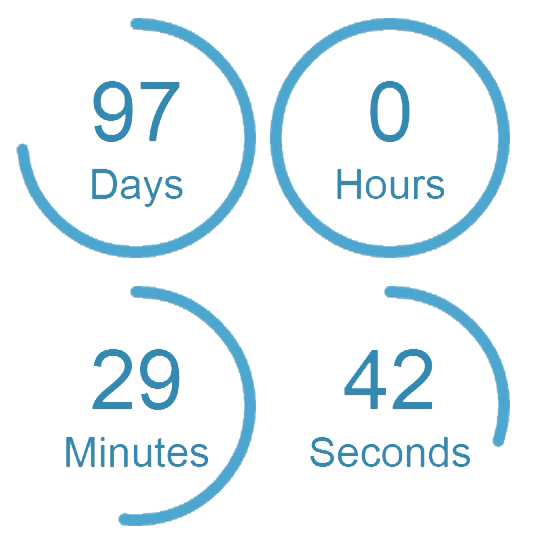
這是一個倒數計時器小工具和 shortcode,由ipadstopwatch.com製作。它可在桌面和手機設備上運行,且可自適應調整至任何尺寸。只需指定日期、標題和到達當日的消息即可使用,非常容易操作,非常適合大型活動、生日、新年等等。
如何操作
您可以在小工具畫面中添加它,也可以使用 shortcode:
[countdown date=’January 1, 2014′ title=’New Year Countdown’ message=’Happy New Year’ width=’157′]
您也可以選擇指定寬度。
該小工具通過將實際的完整倒數計時 Web 應用程序從ipadstopwatch.com網站拉取到 iframe 中而運作。
更具體地說,它會將 HTML 文件導入 iframe 中
外掛標籤
開發者團隊
📦 歷史版本下載
原文外掛簡介
A countdown clock timer widget and shortcode from ipadstopwatch.com. It works on PC and mobile devices. It adjusts to any size. Very easy to use just specify the date a title and a message for when the day is reached. Great for events like big games, birthdays, new years, etc.
How it works
You can either add it in the widgets screen, or you can use the shortcode:
[countdown date=’January 1, 2014′ title=’New Year Countdown’ message=’Happy New Year’ width=’157′]
Optionally you can specify a width.
The widget works by pulling in the actual full countdown web application
from the ipadstopwatch.com site.
More specifically it pulls in an HTML file into an iframe.