內容簡介
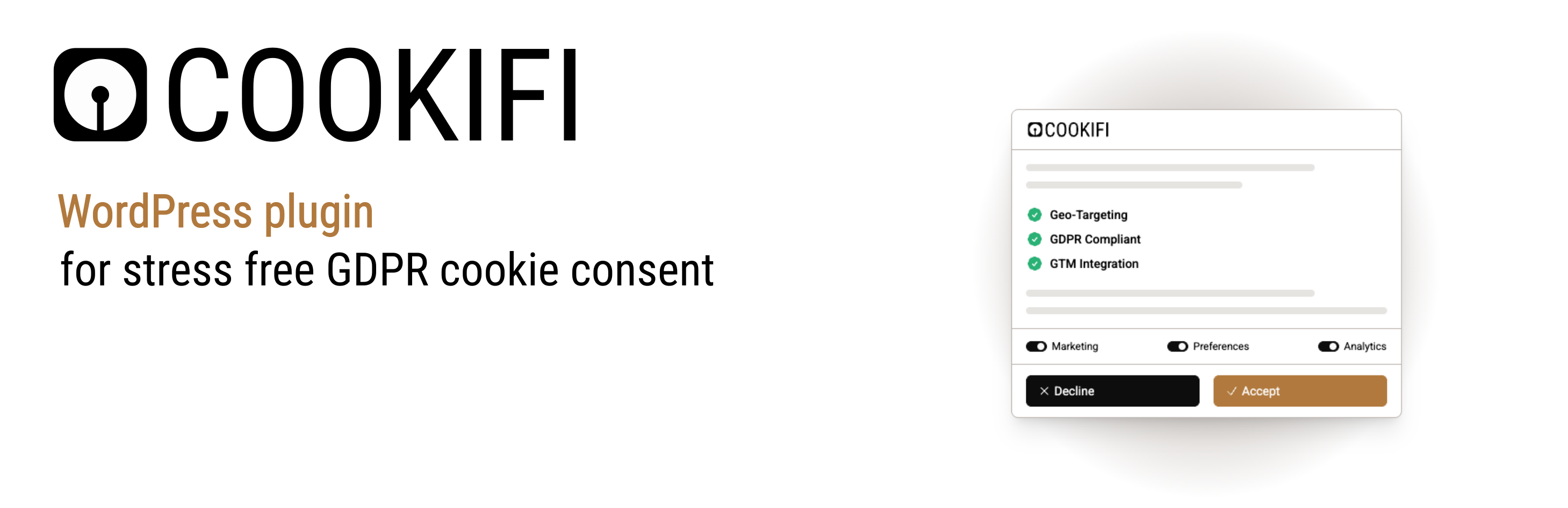
總結:Cookifi是一個全面的同意管理平台,幫助您遵守GDPR、CCPA和其他隱私法規。此外掛使在WordPress網站中集成Cookifi同意對話框變得輕鬆。
問題與答案:
問題:Cookifi提供了哪些功能?
答案:
- 簡單整合 - 只需您的API密鑰進行簡單設置
- 符合GDPR - 完全符合歐洲隱私法規
- 支援CCPA - 支持加州隱私法規
- 可定制 - 通過Cookifi儀表板配置您的同意對話框
- 調試模式 - 使用調試選項測試您的實施
- 輕量級 - 對站點性能影響最小
- 自動更新 - 同意對話框會自動更新,無需外掛更新
問題:使用Cookifi的流程是怎樣的?
答案:
- 安裝並啟用外掛
- 在admin.cooki.fi註冊免費帳戶
- 從Cookifi儀表板中獲取您的API密鑰
- 在外掛設置中輸入您的API密鑰
- 完成!同意對話框將出現在您的網站上
問題:為什麼選擇Cookifi?
答案:
- 用戶友好 - 簡單的設置和管理
- 全面 - 涵蓋多個隱私法規
- 透明 - 清晰的同意跟蹤和報告
- 可靠 - 企業級基礎設施
- 支持 - 專門的客戶支持團隊
問題:如何開始使用Cookifi?
答案:如果還沒有Cookifi帳戶,請免費註冊並獲取API密鑰,以開始在您的WordPress網站上管理同意。
問題:Cookifi外掛連接到哪些外部服務?
答案:
- 服務URL: https://lib.cooki.fi
- 網站:https://cooki.fi
- 隱私政策:https://cooki.fi/privacy
- 服務條款:https://cooki.fi/terms
注意:該外掛從lib.cooki.fi加載JavaScript來顯示您網站上的同意管理對話框。
外掛標籤
開發者團隊
② 後台搜尋「Cookifi – GDPR/CCPA Compliant Cookie Banner with Consent Mode & Geo Targeting」→ 直接安裝(推薦)
原文外掛簡介
Cookifi is a comprehensive consent management platform that helps you comply with GDPR, CCPA, and other privacy regulations. This plugin makes it easy to integrate the Cookifi consent dialog into your WordPress website.
Features
Easy Integration – Simple setup with just your API key
GDPR Compliant – Full compliance with European privacy regulations
CCPA Ready – Support for California privacy laws
Customizable – Configure your consent dialog through the Cookifi dashboard
Debug Mode – Test your implementation with debug options
Lightweight – Minimal impact on site performance
Auto-Updates – The consent dialog updates automatically without plugin updates
How It Works
Install and activate the plugin
Sign up for a free account at admin.cooki.fi
Get your API key from the Cookifi dashboard
Enter your API key in the plugin settings
That’s it! The consent dialog will appear on your website
Why Choose Cookifi?
User-Friendly – Easy setup and management
Comprehensive – Covers multiple privacy regulations
Transparent – Clear consent tracking and reporting
Reliable – Enterprise-grade infrastructure
Support – Dedicated customer support team
Get Started
Don’t have a Cookifi account yet? Sign up for free and get your API key to start managing consent on your WordPress site.
Privacy Policy
This plugin connects to the Cookifi service at lib.cooki.fi to load the consent management dialog. When the plugin is active with a valid API key, it will:
Load the Cookifi script from https://lib.cooki.fi
Send visitor consent choices to Cookifi servers
Store consent preferences according to your Cookifi configuration
For more information about data processing, please review the Cookifi Privacy Policy at https://cooki.fi/privacy.
External Services
This plugin relies on the Cookifi service:
Service URL: https://lib.cooki.fi
Website: https://cooki.fi
Privacy Policy: https://cooki.fi/privacy
Terms of Service: https://cooki.fi/terms
The plugin loads JavaScript from lib.cooki.fi to display the consent management dialog on your website.