內容簡介
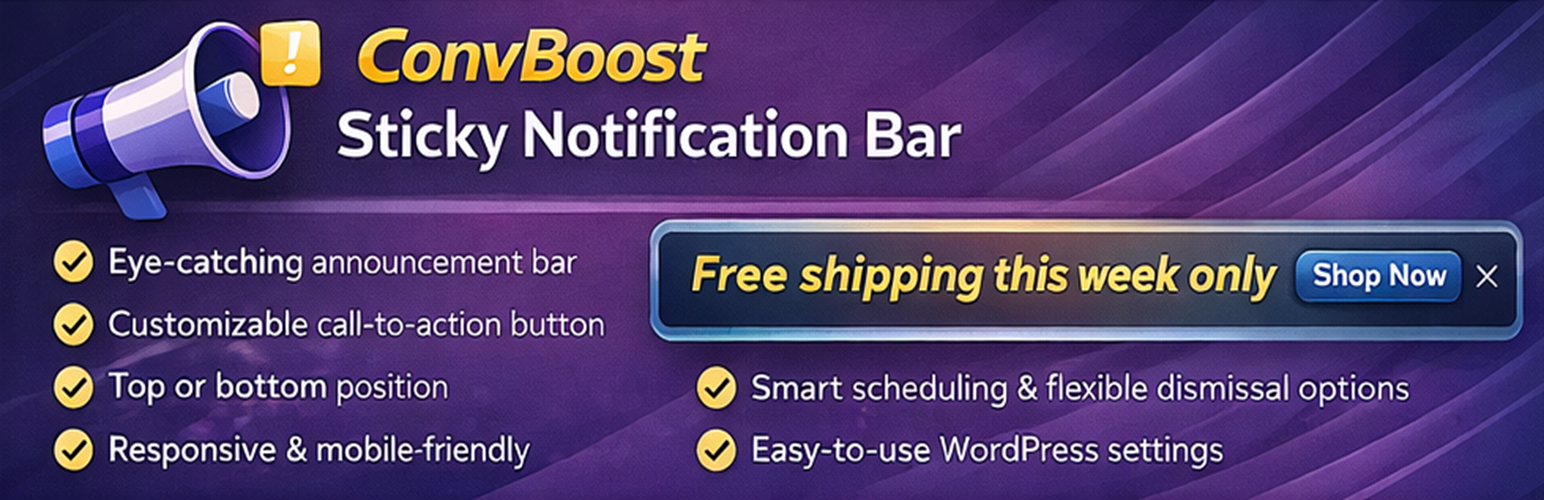
### 網站輕鬆添加置頂或置底的推廣/公告欄,還可設定呼籲動作和關閉模式。
<ul>
<li>如何在網站上輕鬆添加置頂或置底的推廣/公告欄?</li>
<li>這個外掛提供了哪些可選的呼籲動作和關閉模式?</li>
</ul>
外掛標籤
開發者團隊
② 後台搜尋「ConvBoost Sticky Notification Bar」→ 直接安裝(推薦)
原文外掛簡介
ConvBoost Sticky Notification Bar helps you add a clean sticky bar to your website (top or bottom of the screen) to highlight promotions, announcements, shipping updates, or any important message.
It’s built to stay simple, clear, and lightweight: configure your bar in minutes, keep the output minimal, and avoid over-complicated builders. When you do want to fine-tune design, the live admin preview helps you iterate faster.
Why users choose ConvBoost
Most sticky bar plugins force a slow loop: edit → save → open your site → refresh → repeat.
ConvBoost focuses on a faster, simpler workflow:
* Clear, beginner-friendly settings
* Lightweight output and minimal overhead
* Live preview to speed up styling (without guesswork)
Features
Lightweight and quick to configure
Live preview in the admin (see changes instantly while you edit)
Show the bar on desktop, mobile, or both
Place the bar at the top or bottom of your pages
Optional: push the page down when using a top bar (so it doesn’t cover your header)
Choose the inner width: full width or boxed (set a custom width like 600px)
Optional two-line layout on mobile (message + button can wrap neatly)
Scheduling (start/end date & time, minute precision)
Content exclusions (hide on areas like homepage, archives, search, and 404s)
Message
Add your message easily
Standard Links are allowed
No custom HTML (keeps it simple and safer)
Design (no coding or CSS needed)
Choose background and text colors
Set link color
Adjust font size
Optional shadow and border
Call-to-action button (optional)
Add a button (example: “Shop now”, “Get the offer”, “Contact us”)
Set the button link
Option to open in a new tab
Choose a button shape (Square / Pill / Rounded / Boxed)
Adjust button spacing and colors
Optional button shadow
Close button (optional)
Let visitors dismiss the bar
Dismiss for the current visit (session) or for X days
Choose close icon position (left or right)
Adjust close icon size and color