內容簡介
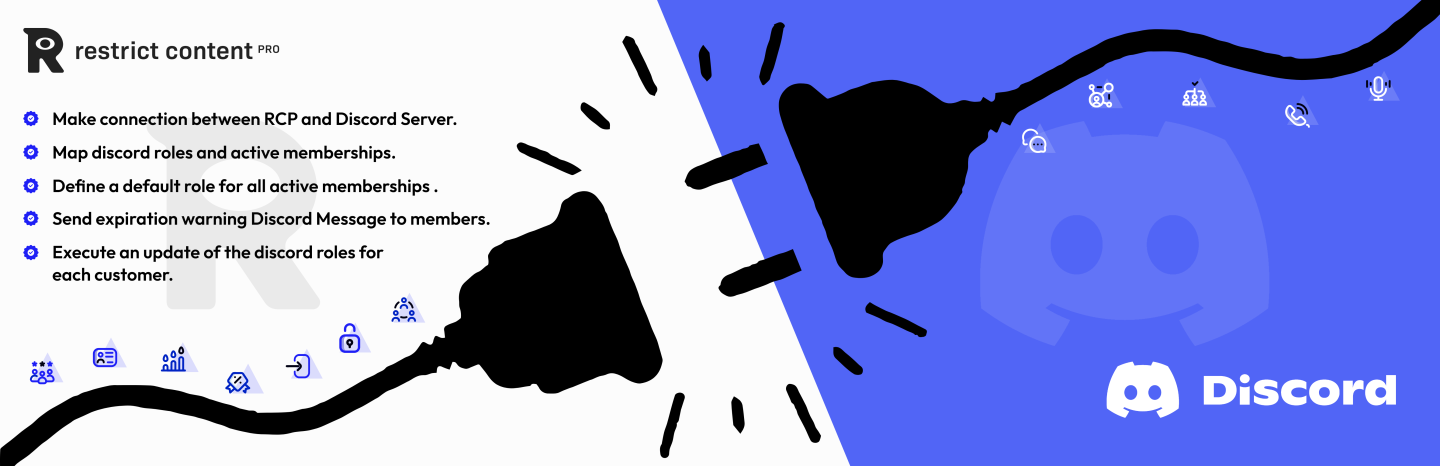
這個限制內容外掛可讓您將 RCP 的客戶連接到您的 Discord 在線社群,並依據他們的會員等級將服務器角色分配給成員。
非常簡單的設置和直觀的用戶界面,可在 Discord 內管理會員角色。
- 如果您在設置中遇到問題或發現任何錯誤,請隨時聯繫支援。
- 如果您喜歡這個外掛,請通過 PayPal 支持我們的免費優秀工作,我們的電子郵件是:[email protected]
此外掛提供以下功能:
1) 允許任何成員將其 Discord 帳戶與其 RCP 會員帳戶連接。
2) 會員將按照他們的會員等級在 Discord 上分配角色。
3) 可以從網站管理員更改/刪除成員角色。
4) 會員的角色將在會員資格到期時更新。
5) 會員的角色將在會員資格取消時更新。
6) 當會籍期滿時,向 Discord 成員發送直接消息。
7) 當會籍被取消時,向 Discord 成員發送直接消息。
8) 在會籍即將到期時,發送會籍到期提醒直接消息。
9) 短碼 [ets_restrictcontentpro_discord] 可用於任何頁面以顯示連接/斷開按鈕。
10) 在任何頁面上使用短碼 [ets_restrictcontentpro_discord],任何人都可以通過通過成員的 Discord 帳戶進行認證加入網站的 Discord 伺服器。如果在設定中選擇,新成員將獲得 default 角色。
11) 可在外掛外觀標籤下使用按鈕樣式功能。
查看我們的其他外掛
連接 MemberPress 和 Discord
連接 Learnpress 和 Discord
連接 LearnDash 和 Discord
連接 GamiPress 和 Discord
連接 LifterLMS 和 Discord
WCFM 供應商的 Webhook
檢查 HTTP 請求
針對 WooCommerce 的產品問題和回答
連接 Ultimate Member 和 Discord
連接 Badgeos 和 Discord
連接 Eduma 主題和 Discord
連接 Paid Memberships Pro 和 Discord
連接 ProfilePress 和 Discord
外掛標籤
開發者團隊
② 後台搜尋「Connect Restrict Content Pro to Discord AddOn」→ 直接安裝(推薦)
原文外掛簡介
This Restrict Content AddOn enables connecting your RCP customers to connect to your discord online community, with the server roles assigned to members as per their membership level.
Very simple setup and intutive User interface to Manage Member Role inside Discord.
– Please always contact support if you are facing issues in setup or see any bug.
– If you did like the plugin, kindly support us in doing free excellent work our PayPal email is: [email protected]
This plugin provides the following features:
1) Allow any member to connect their discord account with their RCP membership account.
2) Members will be assigned roles in discord as per their membership level.
3) Members roles can be changed/remove from the admin of the site.
4) Members roles will be updated when membership expires.
5) Members roles will be updated when membership cancelled.
6) Send a Direct message to discord members when their membership has expired.
7) Send a Direct message to discord members when their membership is cancelled.
8) Send membership expiration warnings Direct Message when membership is about to expire.
9) ShortCode [ets_restrictcontentpro_discord] can be used on any page to display connect/disconnect button.
10) Using the shortcode [ets_restrictcontentpro_discord] on any page, anyone can join the website discord server by authentication via member discord account. New members will get default role if selected in the setting.
11) Button styling feature under the plugin appearance tab.
Checkout Our Other Plugins
Connect MemberPress and Discord
connect Learnpress and Discord
Connect LearnDash and Discord
Connect GamiPress and Discord
Connect LifterLMS and Discord
Webhook For WCFM Vendors
Inspect HTTP Requests
Product Questions & Answers for WooCommerce
Connect Ultimate Member and Discord
Connect Badgeos and Discord
connect Eduma Theme and Discord
Connect Paid Memberships Pro to Discord
Connect ProfilePress to Discord