內容簡介
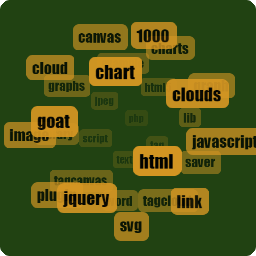
WordPress 2.3最佳的新功能是將標籤整合到WordPress的核心中。然而,包含在內的標籤雲小工具和功能仍有許多不足之處。因此,我利用自己空閒的時間,決定編寫自己的版本的標籤雲,讓您可以像標籤雲模板標記一樣進行所有自定義配置(幾乎是所有,請參閱下文)。
您可以在這裡找到插件主頁(並留下評論)。
注意
此插件的開發已停止!我正在尋找接手人。請在這裡找到更多信息。
升級
我建議使用內置的WordPress插件更新功能,但如果要手動升級,請按照以下說明操作:
1. 在WordPress管理選單中停用該插件。
2. 從/wp-content/plugins文件夾中刪除現有的tag-cloud.php文件。
3. 將tag_cloud文件夾上傳到/wp-content/plugins/目錄中。
4. 通過WordPress的“插件”菜單激活可配置的標籤雲,並將小工具添加到側邊欄。
5. (可選)在您的主題中添加ctc()模板標記。可以透過選項菜單或模板標記中的參數進行配置。
外掛標籤
開發者團隊
原文外掛簡介
The best new feature in WordPress 2.3 is the integration of tagging into the core of WordPress. However, the tag cloud widget & functions that are included leaves a lot to be desired. So, with time on my hands, I decided to whip up my own version of the tag cloud that lets you configure the tag cloud with all the customizations (well, almost, see below) the tag cloud template tag allows.
You can find the plugin home page (and leave comments) here.
NOTE
Development on this plugin has STOPPED! I am looking for someone to take it over. Find more info here
Upgrade
I suggest using the built-in WordPress plugin update feature, but to manually upgrade, follow these instructions:
1. Deactivate the plugin in the WordPress admin menu.
2. Delete the existing tag-cloud.php file from the /wp-content/plugins folder.
3. Upload the tag_cloud folder to the /wp-content/plugins/ directory.
4. Activate Configurable Tag Cloud through the ‘Plugins’ menu in WordPress and add the widget to your sidebar.
5. (Optional) Add ctc() template tag to your theme. Can be configured either via the Options menu, or via parameters in the template tag.