
外掛標籤
開發者團隊
原文外掛簡介
Complianty Connector links your WordPress site to your account at Complianty, a service that scans websites for cookie, tracking and privacy findings. The plugin needs a connection token that you create in Complianty for this website. Without a token it does nothing, except for an optional free check that you start yourself (see “External services”).
What the plugin does
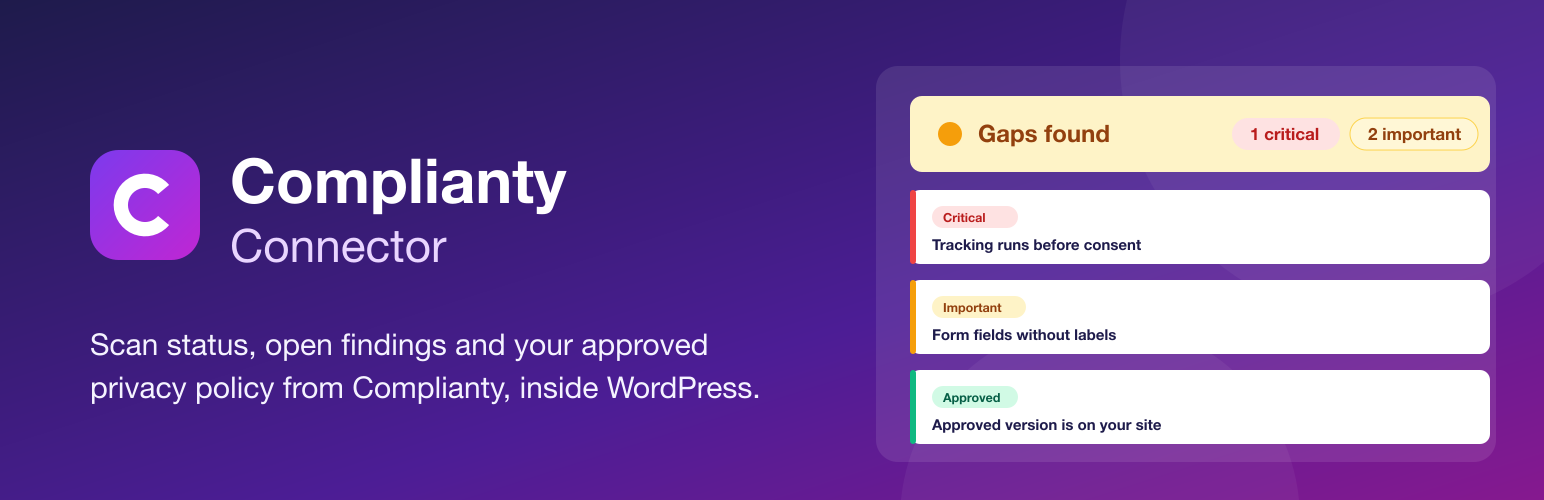
Shows the current status of your website scan in the WordPress admin and in a dashboard widget: a traffic light, the number of open critical and important findings, the most important open findings grouped by area (tracking, cookie banner, accessibility and so on), the date of the last scan.
Starts a new scan from WordPress. This works only if you allowed it when you created the token in Complianty.
Outputs the privacy policy that you created and approved in your Complianty account, with the shortcode [complianty_dse] or the block “Privacy policy (Complianty)”.
Offers a free check of your own website, as long as no token is set.
How the privacy policy output works
Your server fetches the approved version from Complianty, filters it with a strict whitelist and stores a local copy. Visitors of your website never contact Complianty.
If you edit the policy in Complianty and the new version is not approved yet, your website keeps showing the last approved version. The plugin screen tells you that a new version is waiting for approval.
If the Complianty subscription ends, the service provides a notice instead of the policy, and your website shows that notice.
The output contains no scripts, no iframes and no styles.
Optional and off by default: a short link to Complianty below the policy. You turn it on yourself in Settings > Complianty.
What the plugin does not do
It does not block cookies or scripts and is not a consent banner.
It does not change settings of your website and does not fix findings.
It gives no legal advice. Findings are notes for your review, not a statement about the legal situation of your website.
Limits set by the service
The plugin itself never locks a feature. The service sets limits: a pause between two scans of the same website, a daily scan budget depending on your plan, and for the free check one check per website address every six hours. The plugin shows these limits in plain words when you reach them.
External services
This plugin connects to the Complianty service (https://app.complianty.de) to show the scan status, to output your privacy policy and to run scans. The service is operated by Complianty.
1. Connection with a token (only after you enter a token)
What it is used for: reading the status of your website scan, reading the approved privacy policy, and, if you allowed it in your token, starting a scan.
Data sent: the connection token (in the Authorization header) and the plugin version (in the User-Agent header). The IP address of your server is visible to the service as in every web request. The plugin sends no website address, no user names, no WordPress version and no data about your visitors.
When: when an administrator opens the Complianty page or the WordPress dashboard and the cached status is older than six hours, when an administrator presses “Refresh”, “Update privacy policy” or “Scan now”, and in the background to keep the local copy of the privacy policy current (at most every six hours, only while a page with the privacy policy is viewed).
What the service stores: the time of the last request and a shortened, hashed form of the IP address of your server, so that you can see in Complianty when a token was last used.
2. Free check of this website (only after you press the button)
What it is used for: a short check of the cookie banner and the tools found on your website, shown on the plugin page while no token is set.
Data sent: the address of this website (the home URL of your WordPress site) and the plugin version. There is no input field: only your own address can be checked. No account, no e-mail address and no other data is sent.
When: only once you press “Check this website now”, after reading the notice next to the button. Nothing is sent before.
Terms of service: https://complianty.de/agb
Privacy policy: https://complianty.de/datenschutz
Where the token is stored
The token is stored encrypted in your database (libsodium, key derived from your WordPress security keys). This protects against leaks of the database alone, for example from a backup or a staging copy. It does not protect against access to wp-config.php, where the key material lives. If you prefer, define the token in wp-config.php. Then nothing is stored in the database:
define( 'COMPLIANTY_API_TOKEN', 'clp_site_...' );
Treat the token like a password. If it is exposed, revoke it in Complianty and connect with a new one.