內容簡介
arn how to create custom coming soon and maintenance pages, Colorlib Coming Soon & Maintenance Mode 是一個免費的 WordPress 外掛,可以讓你直接從 Live Customizer 快速創建獨特的 Coming Soon 及維護模式頁面。當外掛收集您訪客的電子郵件時,您可以輕鬆地在網站上工作。
Colorlib Coming Soon and Maintenance Mode 非常容易使用,用戶友好,多才多藝,對於任何想要開發獨特和自訂 Coming Soon 和維護模式頁面的人非常有用。此外掛可讓您完全控制 Coming Soon 和維護模式頁面,您可以直接從 WordPress 的 Customizer 更改它們的佈局。在網站進入維護模式時,您可以輕鬆地收集訪客的信息,並完全符合 GDPR。
Colorlib Coming Soon and Maintenance Mode 是免費使用的,并具有豐富的功能,可以在安裝和啟用外掛後在外觀>自定義中找到。只需點擊一下,您即可打開“即將推出”頁面和維護模式,因此您可以在訪問者不知道的情況下在網站上工作。
此外掛沒有可用的高級版本,因此您不會被廣告、高級版推銷或受限制的功能所打擾。它的所有功能都可以免費使用,以創建美麗的自訂建設中頁面和即將推出的頁面。
Colorlib Coming Soon and Maintenance Mode 充滿功能,易於使用和安裝,並且使用起來非常方便。此外掛附帶 15 個即將推出和建設中頁面模板,您可以直接使用。每個即將推出的頁面模板都已預先設計得專業且現代,並且都可以進行完全自定義。只需點擊一下,即可獲得自訂建設中頁面。
安裝和啟用 Colorlib Coming Soon and Maintenance Mode 外掛後,您可以在外觀>自定義>Colorlib Coming Soon Settings 的一般選項卡下找到所有功能。在這裡,您可以調整徽標圖像、背景圖像、標題和頁腳文本。從一般選項卡中,您還可以啟用或禁用 Colorlib Coming Soon and Maintenance Mode 外掛,以及為建設中頁面設置計時器。
從訂閱表格選項卡中,您可以設置訂閱表單。您可以打開或關閉它,並在即將推出/建設中頁面上添加註冊表單。Colorlib Coming Soon and Maintenance Mode 具有社交媒體整合功能,可以將社交媒體按鈕添加到即將推出頁面。
雖然此外掛非常易於使用,並且無需自定義編程即可設置和使用,但它提供了自定義 CSS 區域,允許您添加自定義樣式。
Colorlib Coming Soon and Maintenance Mode 的特點包括:
- 美麗和響應式的設計
- 適用於所有 WordPress 主題
- MailChimp 整合
- 直接從自定義器中快速設置
- 社交媒體按鈕(Facebook、Twitter、電子郵件、Pinterest、YouTube 和 Instagram)
- 自定義 CSS 區域
- 禁用/啟用訂閱表單
- 禁用/啟用建設中模式
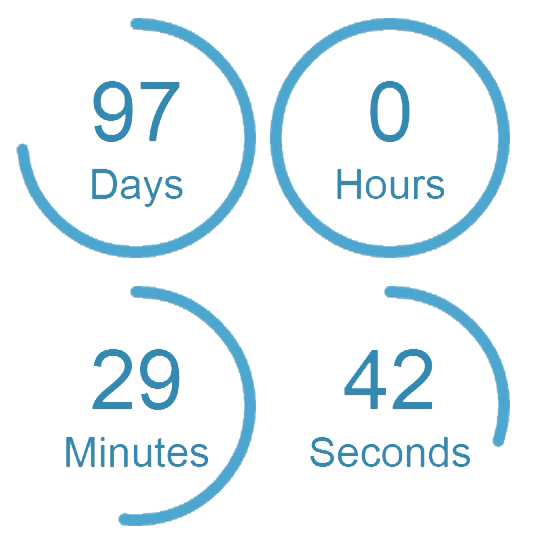
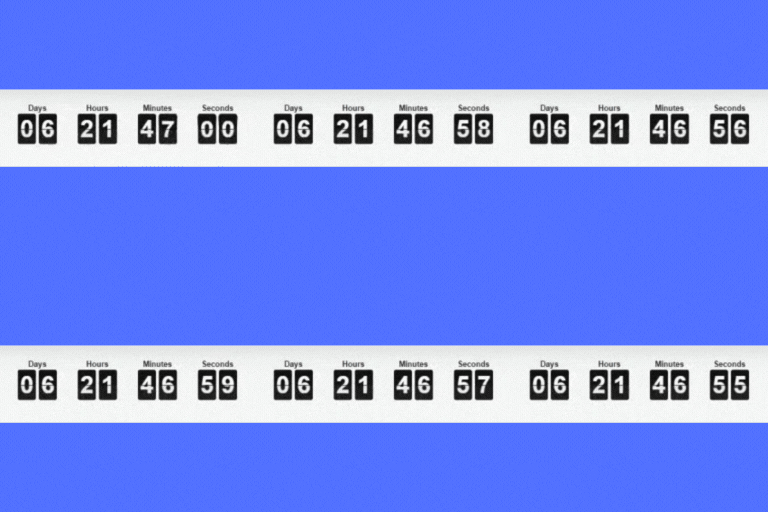
- 計時器倒數選項
- 開放日期
- 徽標和背景圖像
- 添加標題和頁腳文本
- 15 個預先構建的獨特和響應式模板
此外掛由 Colorlib 開發和維護。Colorlib 以其免費 WordPress 主題聞名。然而,現在他們正在尋求擴展其插件開發的業務,並認為 Colorlib Coming Soon 是一個很好的開始。
外掛標籤
開發者團隊
② 後台搜尋「Coming Soon & Maintenance Mode by Colorlib」→ 直接安裝(推薦)
📦 歷史版本下載
原文外掛簡介
Coming Soon & Maintenance Mode by Colorlib is a free WordPress plugin that lets you display a professional coming soon page, under construction page, or maintenance mode screen to your visitors while you work on your site behind the scenes. Set it up in minutes directly from the WordPress Live Customizer — no coding required.
Choose from 15 fully responsive coming soon templates, each pre-designed with modern layouts and fully customizable through the Customizer. Add your own logo, background image, heading text, countdown timer, and social media links. Collect email subscribers with the built-in MailChimp integration so you can build your audience before launch day.
Logged-in users can browse and edit the site normally while non-logged-in visitors see only the coming soon or maintenance page. The plugin also blocks the WordPress REST API for visitors to prevent content exposure while your site is under construction.
Why Choose This Coming Soon Plugin?
100% free — no premium version, no ads, no feature restrictions
15 responsive templates — professionally designed coming soon, maintenance mode, and under construction page layouts
Live Customizer — customize everything in real time without touching code
Countdown timer — display a launch countdown with configurable date and 12/24-hour format
MailChimp subscribe form — collect emails and grow your list while in maintenance mode
Social media integration — add links to Facebook, Twitter, Instagram, YouTube, Pinterest, and email
Custom logo and background — upload your brand logo and a custom background image
Google Analytics 4 — track visitors to your coming soon page with GA4
Custom CSS — add your own styles for advanced customization
REST API protection — blocks public API access while the site is under construction
Developer friendly — use the ccsm_skip_redirect and ccsm_force_redirect filters to control redirect behavior
Works with all WordPress themes — self-contained templates run independently of your active theme
GDPR compliant — collect visitor information while respecting privacy regulations
How It Works
Install and activate the plugin
Go to Appearance > Customize > Colorlib Coming Soon Settings
Pick a template and customize the content, colors, images, and countdown timer
Enable coming soon mode — visitors see your launch page, you keep working
Links
Documentation and Support
GitHub Repository
This plugin is developed and maintained by Colorlib. If you enjoy using it, please leave a review — it helps other WordPress users discover the plugin.