內容簡介
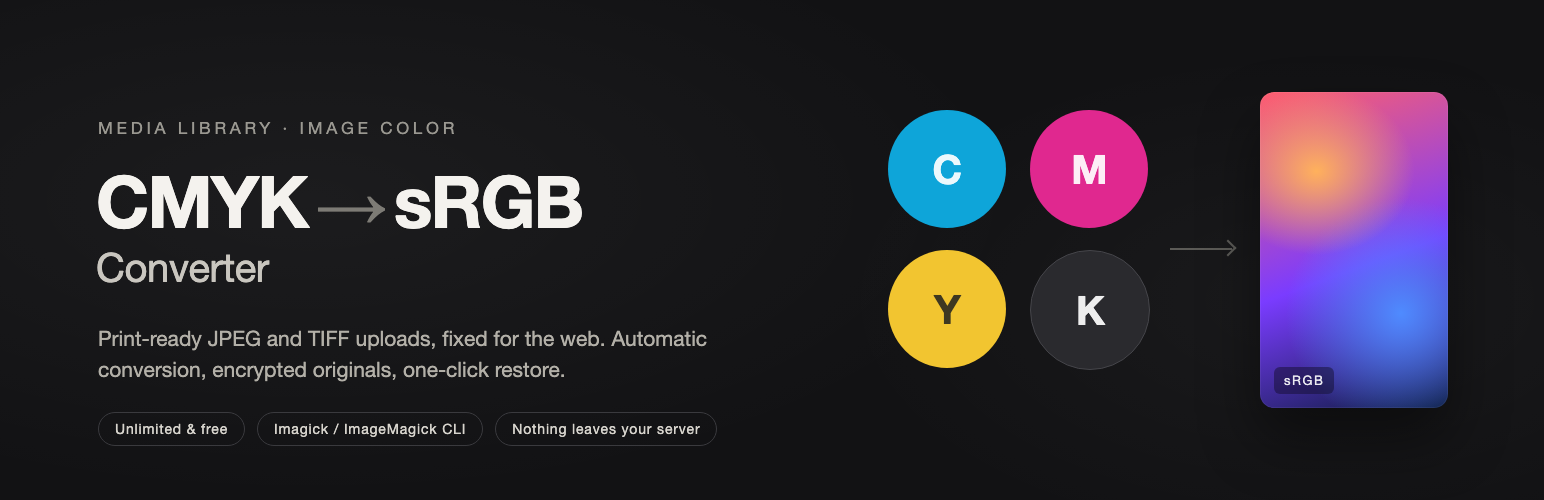
ColorBreezy 外掛自動將上傳的 CMYK JPEG 和 TIFF 圖片轉換為 sRGB 格式,並支援批量轉換媒體庫中的現有圖片,確保色彩準確性與兼容性。
【主要功能】
• 上傳時自動轉換圖片格式
• 媒體庫掃描與批量轉換
• 可選的定時轉換功能
• 原始圖片備份與恢復
• 轉換日誌的 CSV 匯出
• 無限次 JPEG 和單頁 TIFF 轉換
外掛標籤
開發者團隊
② 後台搜尋「ColorBreezy — CMYK to sRGB Converter」→ 直接安裝(推薦)
原文外掛簡介
ColorBreezy automatically converts CMYK JPEG and TIFF uploads to sRGB. You can also bulk-convert existing images in the Media Library. Original-image backup and restoration are supported. It uses PHP Imagick when available and falls back to ImageMagick CLI.
Automatic conversion on upload.
Media Library scan and batch conversion.
Optional scheduled conversion using WP-Cron, disabled by default until an administrator enables it.
Authenticated encrypted original backups with opaque filenames under wp-content/uploads/cmyk-originals/.
Configurable retention with daily backup cleanup.
Configurable conversion-log retention with daily cleanup.
Conversion history, authenticated original downloads and one-click full-size restoration.
CSV export of the conversion log.
Removal of stale EWWW WebP/AVIF sidecars so an optimizer can regenerate them.
Unlimited JPEG and single-page TIFF image conversions in the free edition.
Uploaded images and image contents never leave your WordPress server.
The optional one-question Yes/No satisfaction feedback is stored only in this WordPress site’s options. It has no free-text field, does not collect personal information, is not written to conversion logs, and is never sent externally. Administrators can clear it from Settings.
Privacy and external services
The plugin includes the Freemius SDK for opt-in usage analytics, update and future licensing support. Administrators may choose whether to share basic site, user, plugin, theme and environment information with Freemius. Declining does not disable image conversion. Freemius may also show an optional feedback form when the plugin is deactivated.
Freemius terms: https://freemius.com/terms/
Freemius privacy policy: https://freemius.com/privacy/
Third-Party Notices
The bundled sRGB_v4_ICC_preference.icc profile is Copyright (c) 2012 International Color Consortium and distributed unchanged under the terms published for this profile: https://registry.color.org/rgb-registry/srgbprofiles
Color conversion is best-effort and results vary with the source profile and server image library. Keep backups enabled and verify color-critical output before publishing. PHP Sodium is required for authenticated encrypted backups.