內容簡介
**摘要:**
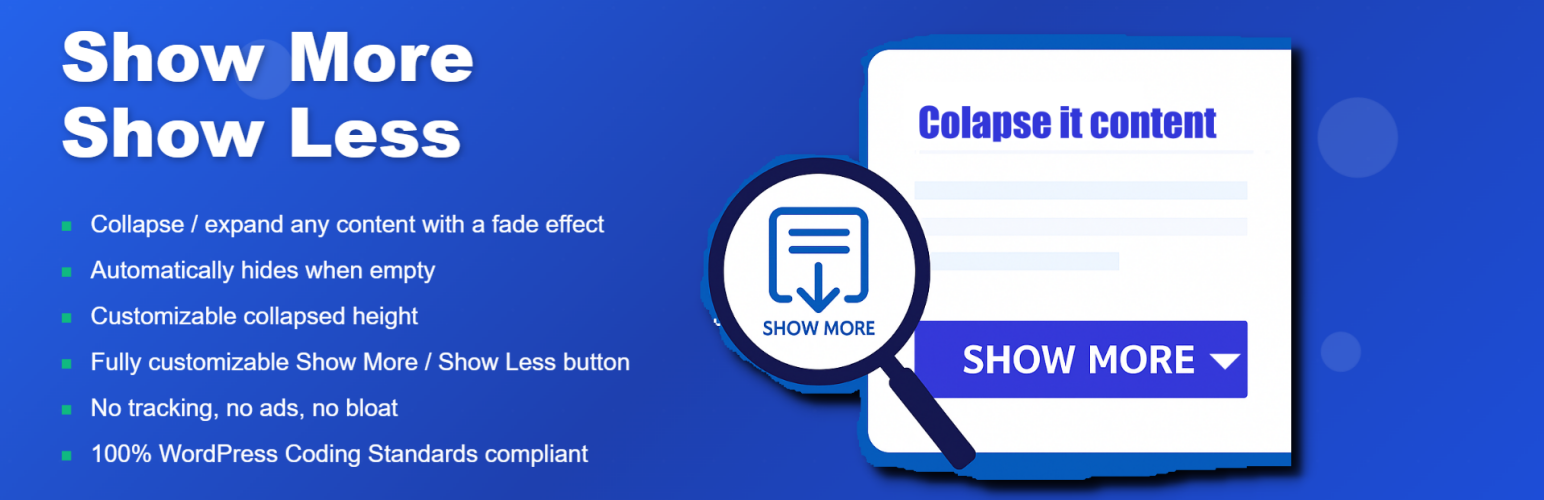
Collapse It 是一個現代化的 Gutenberg 區塊,允許您折疊或展開任何內容區域,並具有流暢的淡化效果和可自訂的“展示更多/展示更少”按鈕。該區塊非常靈活,可讓您設置折疊高度、按鈕樣式和文字。它還具有智能空內容檢測功能:如果區塊為空(即使包含空 shortcode 區塊),它將自動隱藏,保持頁面整潔並專業。
**問題與答案:**
1. Collapse It 是什麼?
- Collapse It 是一個現代化的 Gutenberg 區塊,用於折疊或展開任何內容區域。
2. Collapse It 的主要特點有哪些?
- 可以使用淡化效果來折疊/展開任何內容
- 即使包含空 shortcode 或任何動態區塊,也會在內容為空時自動隱藏
- 可自訂折疊高度
- 完全可自訂的“展示更多/展示更少”按鈕(文本、顏色、對齊、邊框半徑、字體大小、填充)
- 支持 Gutenberg 區塊編輯器
- 沒有追蹤、廣告或贅餘功能
- 遵守 100% 的 WordPress 編碼標準
- 開發者:Dashboard Team
3. 使用 Collapse It 的步驟是什麼?
- 在編輯器中插入“Show More (Collapse)”區塊。
- 在區塊內添加任何內容(文本、圖片、區塊,甚至 shortcodes)。
- 從區塊設定面板調整折疊高度和按鈕樣式。
- 如果留空,區塊將自動隱藏自己(包括空的 shortcode 區塊)。
4. Collapse It 的授權是什麼?
- 這個外掛程式根據 GPLv2 或更高版本的授權進行許可。請參見 https://www.gnu.org/licenses/gpl-2.0.html。
外掛標籤
開發者團隊
② 後台搜尋「Collapse It – Show More/Less Expand Button」→ 直接安裝(推薦)
原文外掛簡介
Collapse It is a modern Gutenberg block that allows you to collapse or expand any content area with a smooth fade effect and a customizable “Show More / Show Less” button. The block is highly flexible, letting you set the collapsed height, button styles, and texts. It also features smart empty-content detection: if the block is empty (even if it contains an empty shortcode block), it will automatically hide itself, keeping your pages clean and professional.
Key Features:
* Collapse/expand any content with a fade effect
* Automatically hides when empty (even with empty shortcode or any dynamic blocks)
* Customizable collapsed height
* Fully customizable Show More / Show Less button (text, color, alignment, border radius, font size, padding)
* Gutenberg block editor support
* No tracking, no ads, no bloat
* 100% WordPress Coding Standards compliant
* Developer: Dashboard Team
Usage
Insert the “Show More (Collapse)” block in the editor.
Add any content (text, images, blocks, or even shortcodes) inside the block.
Adjust the collapsed height and button styles from the block settings panel.
The block will automatically hide itself if left empty (including empty shortcode blocks).
License
This plugin is licensed under the GPLv2 or later. See https://www.gnu.org/licenses/gpl-2.0.html