外掛標籤
開發者團隊
原文外掛簡介
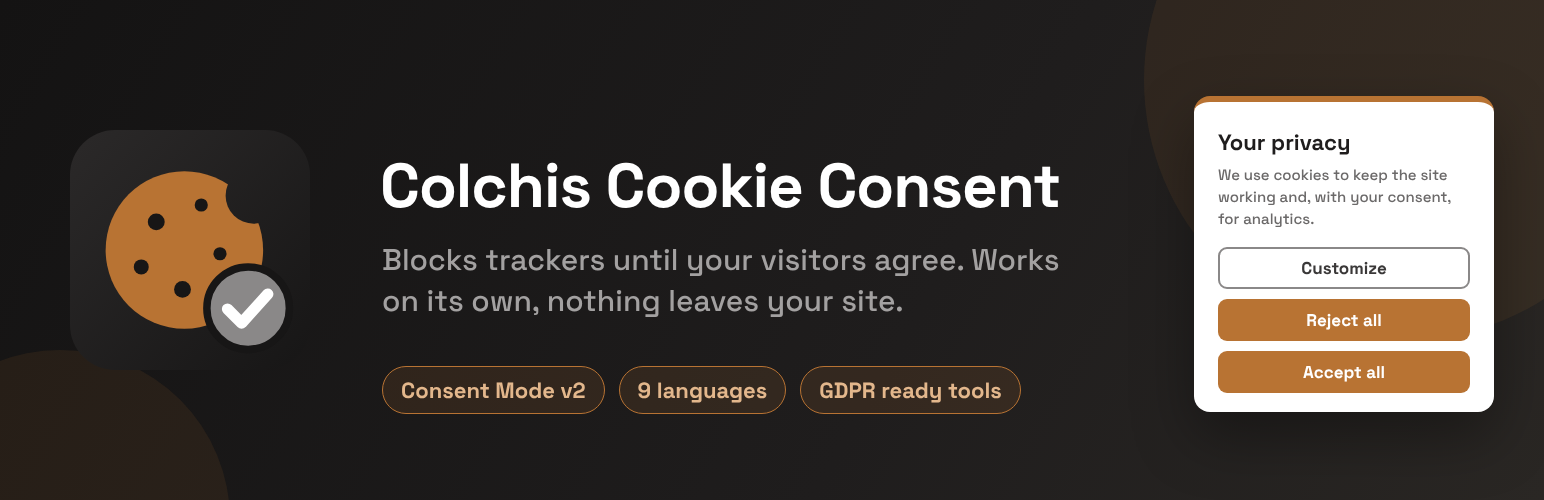
Colchis Cookie Consent shows a cookie banner and blocks analytics, advertising and other trackers until the visitor agrees. It works completely on its own: after you activate it, the plugin does not contact any Colchis server and loads all its files from your own site.
Automatic blocking of trackers before consent, both on the server (in the page HTML) and in the browser
Known embeds (YouTube, Google Maps, social widgets) wait for consent too
Google Consent Mode v2
The visitor’s choice is remembered in the visitor’s browser, also in Safari for the full period
Compatible with common caching and optimization plugins (the script is marked so they leave it alone)
The banner speaks your site’s language by itself — English, Georgian, Russian, German, French, Spanish, Italian, Polish or Dutch
Any other language too: write the banner texts yourself and they are used as they are
No account and no subscription: blocking, the banner and Consent Mode are free and stay free
Optional: connect to the Colchis service. If you want to design the banner in a dashboard, keep a log of consents as proof, or run a site in several languages where every page shows the banner in its own language, you can switch on “Connect this site to the Colchis service” on the settings page. The banner on your site then becomes the Colchis service’s own banner, loaded from the service. That is the only thing that sends data to a Colchis server (see “External services” below).
Credit. This plugin never adds a credit or link to your site. On the free plan of the Colchis service, the service’s banner (used only after you connect) shows a small “Powered by ColchisLab” line in its cookie settings window, which a paid plan can remove; the settings page says so next to the connection switch.
External services
This plugin works without any external service. Everything below happens only after the site owner ticks “Connect this site to the Colchis service” under Settings → Colchis Cookies. The box is unticked after installation and after every update; with it unticked, neither the plugin nor the visitor’s browser makes any request to the addresses below.
The Colchis service is provided by Colchis lab LLC (ColchisLab), Tbilisi, Georgia, on servers in Germany. Both addresses below are served through Cloudflare.
Terms of service: https://colchislab.com/terms/
Privacy policy: https://colchislab.com/privacy-policy/
Colchis banner (cdn.colchislab.com)
What it is for: on a connected site the cookie banner is the Colchis service’s own banner, so that its design and texts can be managed in the Colchis dashboard (app.colchislab.com) and improvements reach the site without a plugin update.
What is sent and when: on every page view, the visitor’s browser downloads the two banner files from cdn.colchislab.com. Like any web server, the CDN receives the visitor’s IP address, the browser name and the address of the page.
Colchis platform API (api.colchislab.com)
What it is for: applying the banner settings made in the Colchis dashboard, and keeping a log of consents as proof of consent.
What is sent and when:
When a visitor opens a page (at most once every 10 minutes per visitor): the visitor’s browser requests the banner settings for the site’s domain name. If “Regional rules” are switched on in the dashboard, the browser also asks the service which region the visitor is in (the country is worked out from the IP address and is not stored).
When a visitor makes a choice (accept, reject or custom): the site’s domain, a random anonymous visitor ID, the choice and its version, the language, the address of the page (without its query part) and the Global Privacy Control signal. The service also records the browser name and a shortened, one-way hashed form of the IP address; the full IP address is not part of the consent record.
From your WordPress server, when you open the settings page and once a day: the site’s domain name, to check whether the domain is registered.
In every case the service’s server logs keep the IP address for a limited time (at most about five weeks) for security and abuse prevention.
Tracker addresses listed in the plugin
The plugin contains a list of addresses of third-party trackers and embeds, such as connect.facebook.net, googletagmanager.com, google-analytics.com, maps.googleapis.com and youtube.com (in includes/trackers.php and assets/src/cookie-banner.js). These are not services the plugin uses: the plugin never contacts them and sends them nothing. It only uses the list to recognise those trackers in your pages and hold them back until the visitor has agreed.
Source code
The files assets/cookie-banner.min.js and assets/cookie-banner-ui-1.min.js are minified. Their readable source ships with the plugin, in assets/src/ (cookie-banner.js and cookie-banner-ui.js), and nothing else is needed to read or change them.
Each minified file is built from the source next to it with one command, and its first line records the SHA-256 of the exact source it was built from, so the two can always be checked against each other:
npx terser assets/src/cookie-banner.js -c -m --comments false -o assets/cookie-banner.min.js
npx terser assets/src/cookie-banner-ui.js -c -m --comments false -o assets/cookie-banner-ui-1.min.js