
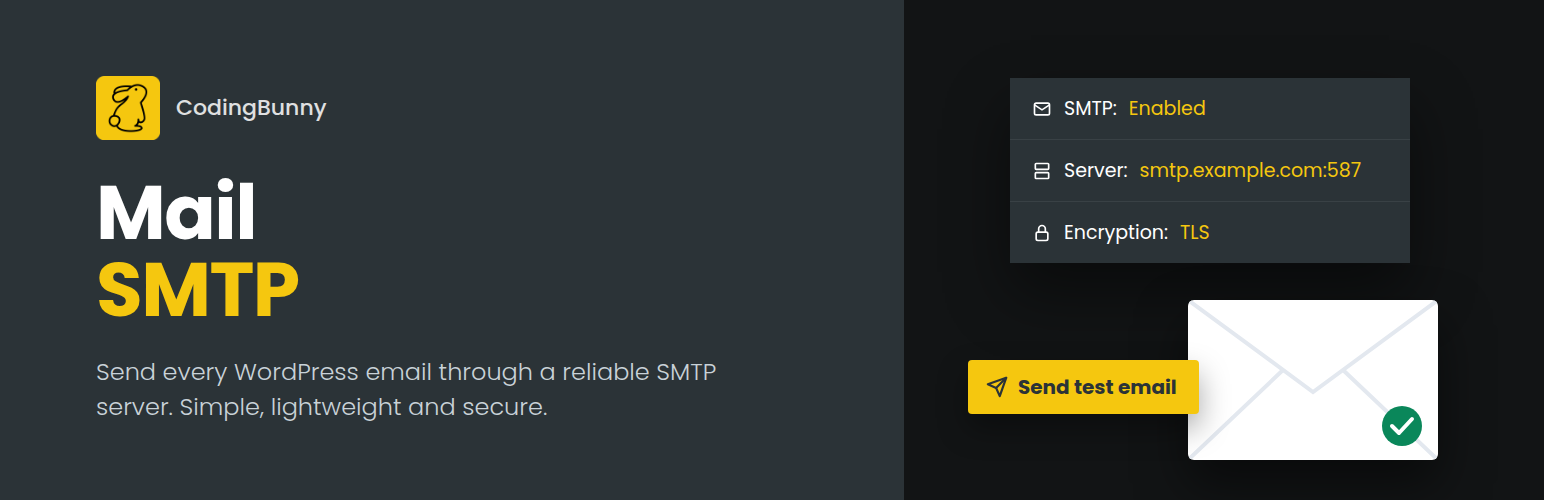
內容簡介
CodingBunny Mail SMTP 讓您輕鬆配置 SMTP 伺服器,以便從 WordPress 網站發送所有外發電子郵件。此外掛解決了使用 wp_mail() 函數時常見的郵件送達問題,確保郵件不會進入垃圾郵件夾。
【主要功能】
• 一鍵啟用或禁用 SMTP
• 支援 SSL、TLS 或無加密
• 自動建議 SMTP 端口
• 可選的 SMTP 驗證(用戶名與密碼)
• 加密存儲密碼以確保安全
• 內建測試郵件工具
外掛標籤
開發者團隊
原文外掛簡介
CodingBunny Mail SMTP allows you to easily configure an SMTP server to send all outgoing emails from your WordPress website.
By default, WordPress uses the wp_mail() function which relies on the server’s PHP mail configuration. This often leads to delivery issues or emails ending up in spam. This plugin solves that problem by routing emails through a reliable SMTP server.
Key Features
Enable or disable SMTP with a single toggle
Presets for the most common mail providers
Supports SSL, TLS, or no encryption
SMTP port suggested automatically based on the encryption type
Optional SMTP authentication (username & password)
Secure password storage using encryption
Settings can be defined as constants in wp-config.php
Custom “From Email” and “From Name”
Built-in test email tool
SPF, DKIM and DMARC check of the sender domain
Failed emails log with configurable retention
Lightweight, no third-party dependencies
Fully compatible with WordPress PHPMailer
Clean and accessible admin interface
Security
The SMTP password is encrypted with authenticated AES-256-GCM before being stored in the database and is never displayed in plain text in the WordPress admin area. For maximum security, you can define it as a constant in wp-config.php so that it is never stored in the database at all.
Configuration
You can configure the following options:
SMTP Host (e.g. smtp.example.com)
SMTP Port (e.g. 587)
Encryption: None, TLS, or SSL
Enable/Disable SMTP authentication
SMTP Username & Password
Sender Email Address
Sender Name
After saving, use the Test Email section to verify your configuration.
Configuration via wp-config.php
Every setting can also be defined as a constant in wp-config.php. Constants take priority over the values saved in the admin area, and the related fields are shown as read-only.
define( 'CODINGBUNNY_MAIL_SMTP_ENABLED', true );
define( 'CODINGBUNNY_MAIL_SMTP_HOST', 'smtp.example.com' );
define( 'CODINGBUNNY_MAIL_SMTP_PORT', 587 );
define( 'CODINGBUNNY_MAIL_SMTP_ENCRYPTION', 'tls' ); (none, tls or ssl)
define( 'CODINGBUNNY_MAIL_SMTP_AUTH', true );
define( 'CODINGBUNNY_MAIL_SMTP_USERNAME', '[email protected]' );
define( 'CODINGBUNNY_MAIL_SMTP_PASSWORD', 'your-password' );
define( 'CODINGBUNNY_MAIL_SMTP_FROM_EMAIL', '[email protected]' );
define( 'CODINGBUNNY_MAIL_SMTP_FROM_NAME', 'My Website' );
You can define only the constants you need: the remaining settings are read from the admin area.
Uninstall
When the plugin is uninstalled, all plugin options (including encrypted credentials and the failed emails log) are removed from the database.













