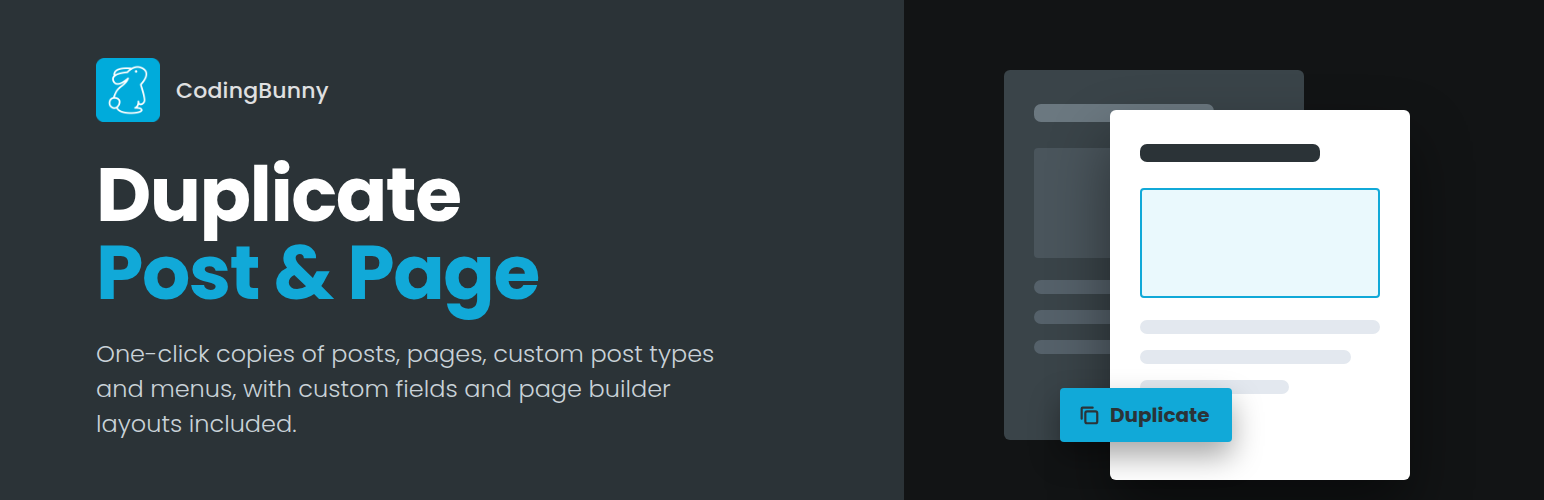
內容簡介
總結:Duplicate page and post 外掛提供了複製頁面或文章的功能,只需一個點擊即可複製頁面、文章和自定義文章,並保存為草稿。儘管缺少其他外掛的許多功能,但相比之下,操作迅速。
1. 這個外掛提供了哪些主要功能?
- 複製特定頁面。
- 複製特定文章。
- 複製特定自定義文章(CPT)。
- 選擇要複製的文章/頁面元素。
- 添加標題前綴的選項。
- 添加標題後綴的選項。
- 選擇複製的文章/頁面狀態。
- 點擊複製後重定向的選項。
- 選擇允許的使用者角色權限。
- 選擇允許的文章類型權限。
外掛標籤
開發者團隊
② 後台搜尋「CodingBunny Duplicate Post & Page」→ 直接安裝(推薦)
原文外掛簡介
CodingBunny Duplicate Post & Page creates an exact copy of any post, page or custom post type in one click. The duplicate keeps the content, custom fields, taxonomies and page builder layouts of the original, so you can start a new version without rebuilding anything.
You can also duplicate navigation menus, including nested items, CSS classes and link settings.
Where to duplicate
“Duplicate” link in the post, page and custom post type lists
“Duplicate” bulk action to copy several items at once
“Duplicate” button in the block editor and in the classic editor
“Duplicate” link in the admin bar, also on the front end
What can be copied
Title, content, excerpt, slug, date, author and password
Featured image and attached media (files are copied, so deleting the copy never removes the original images)
Categories, tags and any custom taxonomy
Page template, post format and menu order
Custom fields, including data saved by Elementor, Beaver Builder, Divi, ACF and SEO plugins
Child pages, with their own hierarchy
Comments, with their replies
Settings
Title prefix and suffix, with a live preview
Status of the duplicate: draft, pending review, private, published or same as the original
Open the duplicate in the editor or stay on the list
Choose which user roles can duplicate and on which content types
For developers
cbedp_duplicate_args and cbedp_new_post_data filters to change what is duplicated
cbedp_excluded_meta_keys and cbedp_excluded_taxonomies filters to skip specific data
cbedp_user_can_duplicate filter to customize permissions
cbedp_after_duplicate_post, cbedp_duplicate_menu_item and cbedp_after_duplicate_menu actions




![WP-CopyProtect [Protect your blog posts]](https://s.w.org/plugins/geopattern-icon/wp-copyprotect_cccccc.svg)