
內容簡介
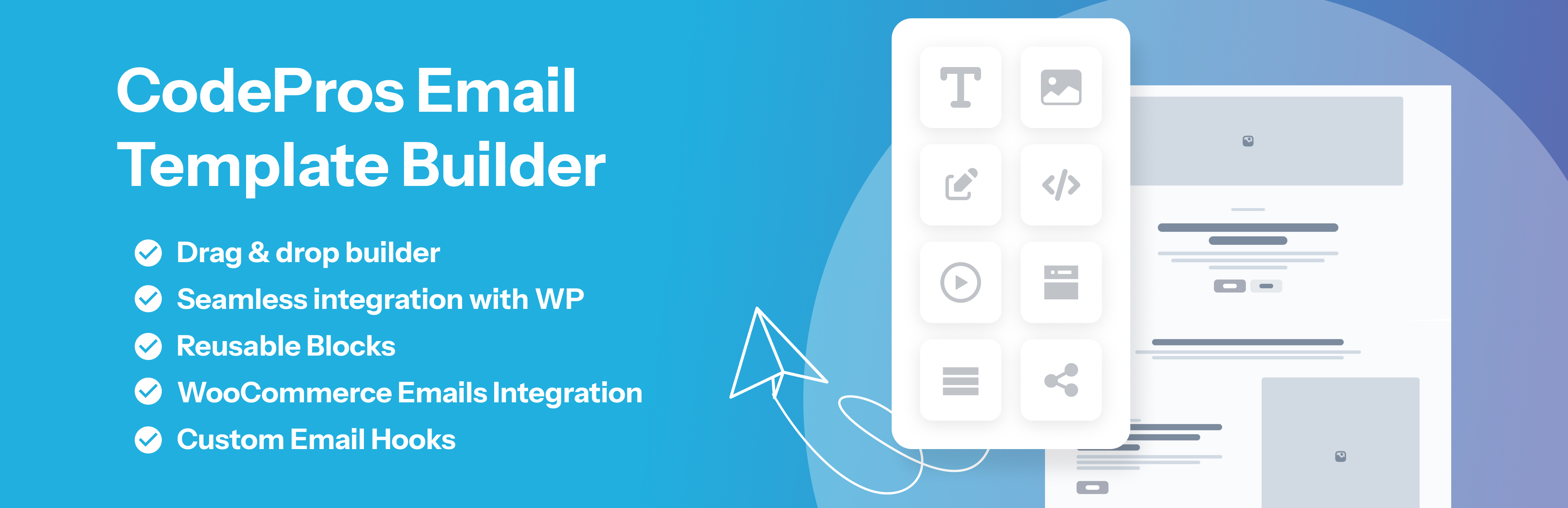
CodePros Email Template Builder 讓使用者完全掌控 WordPress 和 WooCommerce 發送的交易郵件。透過視覺化的拖放編輯器,輕鬆替換預設的純文字或基本 HTML 郵件,無需編碼即可製作像素完美的品牌模板。
【主要功能】
• 視覺化拖放郵件編輯器,包含多種區塊
• 支援 8 種 WordPress 核心郵件類型
• 完整支援 16 種 WooCommerce 郵件類型
• 每個模板可自訂主旨、寄件者名稱及信箱
• 實時預覽,發送前可查看變數數據
• 測試郵件可直接從管理介面發送
外掛標籤
開發者團隊
② 後台搜尋「CodePros Email Template Builder」→ 直接安裝(推薦)
原文外掛簡介
CodePros Email Template Editor gives you full control over the transactional emails sent by WordPress and WooCommerce. Replace the default plain-text or basic HTML emails with pixel-perfect branded templates built in a visual drag-and-drop editor — no coding required.
Key features:
Visual drag-and-drop email builder with blocks: heading, text, button, image, divider, spacer, columns, container, footer, and order items table.
Assign templates to 8 WordPress core email types: new user registration (to user and admin), password changed notification, password reset, comment notification, comment moderation, email address change confirmation, and admin email change confirmation.
Full WooCommerce transactional email support — all 16 WooCommerce email types covered.
Per-template control over subject line, preheader text, From Name, and From Email address.
Live preview with real variable data before sending.
Send test emails directly from the admin.
Dynamic variable system: {{order_id}}, {{customer_name}}, {{order_items_table}}, and more — resolved at send time.
CSS inlining for maximum email client compatibility.
WooCommerce email active/inactive toggle — instantly switch between the custom template and WooCommerce default per email type.
Custom hook support (Pro) — intercept any email sent by third-party plugins.
Reusable blocks (Pro) — save any block as a reusable snippet and insert it across multiple templates.
Per-side padding controls on heading, text, image, and columns blocks for precise spacing.
Container block for styled section wrappers with background color, border, and border radius.
Footer block for branded email footers with copyright text and background styling.
Upgrade to Pro — unlock custom hook support, reusable blocks, and other advanced features: https://store.codepros.ai/codepros-email-template-builder
Built with WordPress-native technology:
React admin SPA using @wordpress/scripts.
REST API backend (cpetb/v1 namespace).
Custom database table (not post meta) for reliable template storage.
No external dependencies for core features — your email data stays on your server. (Pro license validation contacts the CodePros AI licensing server — see “External Services” below.)
Requirements
WordPress 6.3 or higher.
PHP 7.4 or higher.
MySQL 5.6+ or MariaDB 10.1+ (for the plugin’s custom database table).
WooCommerce (optional) — required only if you want to customize WooCommerce transactional emails; the plugin works standalone without it.
A modern browser (Chrome, Firefox, Safari, or Edge — latest two versions) to use the visual drag-and-drop builder in wp-admin.
An active Pro license (optional) — required only to unlock Custom Hook Support and Reusable Blocks. See “Upgrade to Pro” above.
External Services
This plugin’s core email-building functionality runs entirely on your own server. No data is transmitted to any third party during template creation, preview, or email sending.
The Pro license verification feature contacts an external API operated by CodePros AI (the plugin developer). This is the only external service this plugin uses.
Service: CodePros AI Licensing API
Endpoint: https://api.store.codepros.ai
Operated by: CodePros AI
Terms of Service: https://codepros.ai/terms
Privacy Policy: https://codepros.ai/privacy-policy
When data is transmitted and what is sent:
License Activation — triggered manually when you enter a license key and click “Activate” in the plugin’s License settings screen.
Your license key (entered by you)
Your site name (from WordPress Settings → General → Site Title)
Your site URL (from WordPress Settings → General → WordPress Address)
License Deactivation — triggered manually when you click “Deactivate” in the License settings screen.
Your license key
The activation instance ID (a token assigned by the licensing server at activation time, stored in your database)
License Validation — triggered automatically in the background, at most once every 12 hours, but only when a license key is already stored and was previously active. No data is transmitted if no license key has ever been entered.
Your license key
The activation instance ID
No data is ever sent if you do not enter a license key. Free-tier users are completely unaffected.
The plugin stores the following license-related data in your WordPress database (wp_options table):














