內容簡介
CodeCrafters URL Indexing 外掛可即時通知搜尋引擎有關網站內容的變更,無論是發佈、更新或刪除文章,讓網站內容更快被索引,提升搜尋引擎能見度。
【主要功能】
• 即時通知 Google 和 IndexNow 搜尋引擎
• 支援 Google Indexing API 和 IndexNow 協議
• 簡化的設置流程,無需手動上傳
• 輕量級設計,無額外負擔
• 透過 WP-Cron 管理 API 請求
• 儲存憑證於資料庫,確保安全性
外掛標籤
開發者團隊
② 後台搜尋「CodeCrafters URL Indexing for Google and IndexNow」→ 直接安裝(推薦)
原文外掛簡介
CodeCrafters URL Indexing is not affiliated with or endorsed by Google, Microsoft, or the IndexNow initiative. Google, Bing, and IndexNow are trademarks of their respective owners.
CodeCrafters URL Indexing tells search engines about your content the moment it changes. When you publish, update, or delete a post or page, the plugin notifies Google and IndexNow-compatible engines right away—so you spend less time waiting for organic crawls and more time shipping content.
Faster discovery instead of waiting for crawlers
Traditional SEO relies on search bots finding new URLs on their own schedule. That can take hours or days. CodeCrafters URL Indexing shortens that gap by sending explicit URL notifications whenever your content changes. Fresh posts, corrected pages, and removed URLs are all reported promptly so indexing can begin sooner.
Two modern APIs in one lightweight plugin
Google Indexing API — Authenticates with a Google Cloud service account (OAuth 2.0 / JWT) and publishes URL_UPDATED or URL_DELETED notifications to Google’s Indexing API. Ideal for sites that need timely Google awareness of content changes.
IndexNow — Submits URLs to the IndexNow protocol used by Bing, Yandex, Naver, and other participating engines. A site key is generated on activation and verified via a rewrite-served key file—no manual upload to your server disk.
Enable either API or both. Each connection can be tested from the settings screen before you go live.
Zero bloat, privacy-first architecture
CodeCrafters URL Indexing is built for WordPress performance and hygiene:
Pure WordPress APIs—no Composer runtime libraries, no jQuery admin scripts, no heavy SDKs
API pings are offloaded to WP-Cron so saving a post never waits on a remote request
Google access tokens are cached in WordPress transients, and the daily Google quota counter is updated atomically so concurrent pings cannot exceed it
Credentials stay in your database (wp_options); the Google JSON key is never written to the uploads folder
Submission log with automatic cleanup
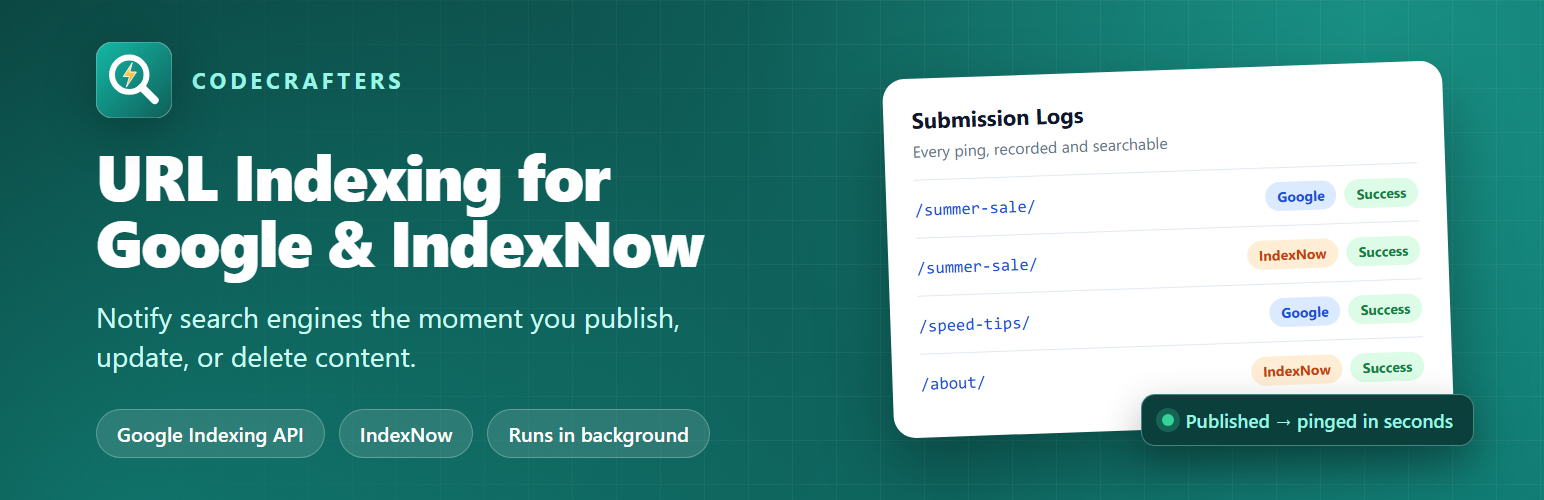
Every ping is recorded in a dedicated log table: URL, engine, action, status, HTTP code, and response body. Filter by engine, status, or date, export CSV when you need an audit trail, and rely on automatic pruning so old entries are cleaned up on a schedule (30 days by default, configurable from 7 to 365 days).
Manual control when you need it
Prefer to push a single URL now? The post editor meta box includes Submit to Google and Submit to IndexNow buttons so you can re-notify engines after a quiet edit or a failed automatic attempt—without leaving the editor.
Configure which post types are monitored, toggle auto-ping per engine, and watch your Google daily quota usage from Settings. CodeCrafters URL Indexing stays out of your theme and front end while keeping search engines in the loop.
How it works
You change content. You publish, update, unpublish, trash, or permanently delete a post, page, or any monitored post type.
The plugin queues a ping. It picks the right notification type (URL_UPDATED for published content, URL_DELETED when a published URL is removed or unpublished) and schedules a single WP-Cron event. Your save finishes immediately.
Search engines are notified in the background. The cron job sends the URL to the Google Indexing API (if enabled and within your daily quota) and to IndexNow (if enabled), which shares it with Bing, Yandex, Naver, and other participating engines.
Every result is logged. The outcome (success, failed, skipped, or quota exceeded), HTTP code, and raw response are saved to the Submission Logs screen so you can see exactly what happened.
Notifications ask search engines to crawl sooner. They do not guarantee indexing or ranking; each engine still decides whether and when to index a URL.
Google Indexing API vs. IndexNow
Google Indexing API notifies Google Search. You provide a Google Cloud service account JSON key and add that service account as an Owner in Google Search Console. Up to 200 requests per day per Google Cloud project. One-time setup takes about 10–15 minutes.
IndexNow notifies Bing, Yandex, Naver, and other IndexNow partners. You provide nothing: the plugin generates the key and serves the verification file for you. It works the moment you enable it.
Most sites enable IndexNow right away and add Google once Search Console ownership is ready.
Developer hooks
ccurlidx_post_types — filter the list of monitored post types.
ccurlidx_should_ping — return false to skip pings for a specific post or status transition.
ccurlidx_should_ping_google / ccurlidx_should_ping_indexnow — skip a single engine for a given URL.
External Services
This plugin connects to the following external services:
Google OAuth 2.0 token endpoint (https://oauth2.googleapis.com/token)
Purpose: Exchanges a signed service-account JWT for a short-lived access token used by the Indexing API
Data sent: A signed JWT asserting the service account identity (no page content or visitor data)
Authentication: Service account private key stored locally in WordPress options
Google API Terms of Service
Google Privacy Policy
Google Indexing API (https://indexing.googleapis.com)
Purpose: Notifies Google when a URL is published, updated, or deleted
Data sent: The full URL of the published/updated/deleted page and the notification type (URL_UPDATED or URL_DELETED)
Authentication: OAuth 2.0 Bearer token obtained from the token endpoint above
Google API Terms of Service
Google Privacy Policy
IndexNow API (https://api.indexnow.org)
Purpose: Notifies Bing, Yandex, Naver, and other IndexNow-compatible engines
Data sent: The site host, API key, key file location URL, and URL(s) of published/updated content
IndexNow Protocol Specification
Microsoft Privacy Policy
The IndexNow key verification file is served by this WordPress site at /{key}.txt (rewrite rule). That response is not an external service call.