內容簡介
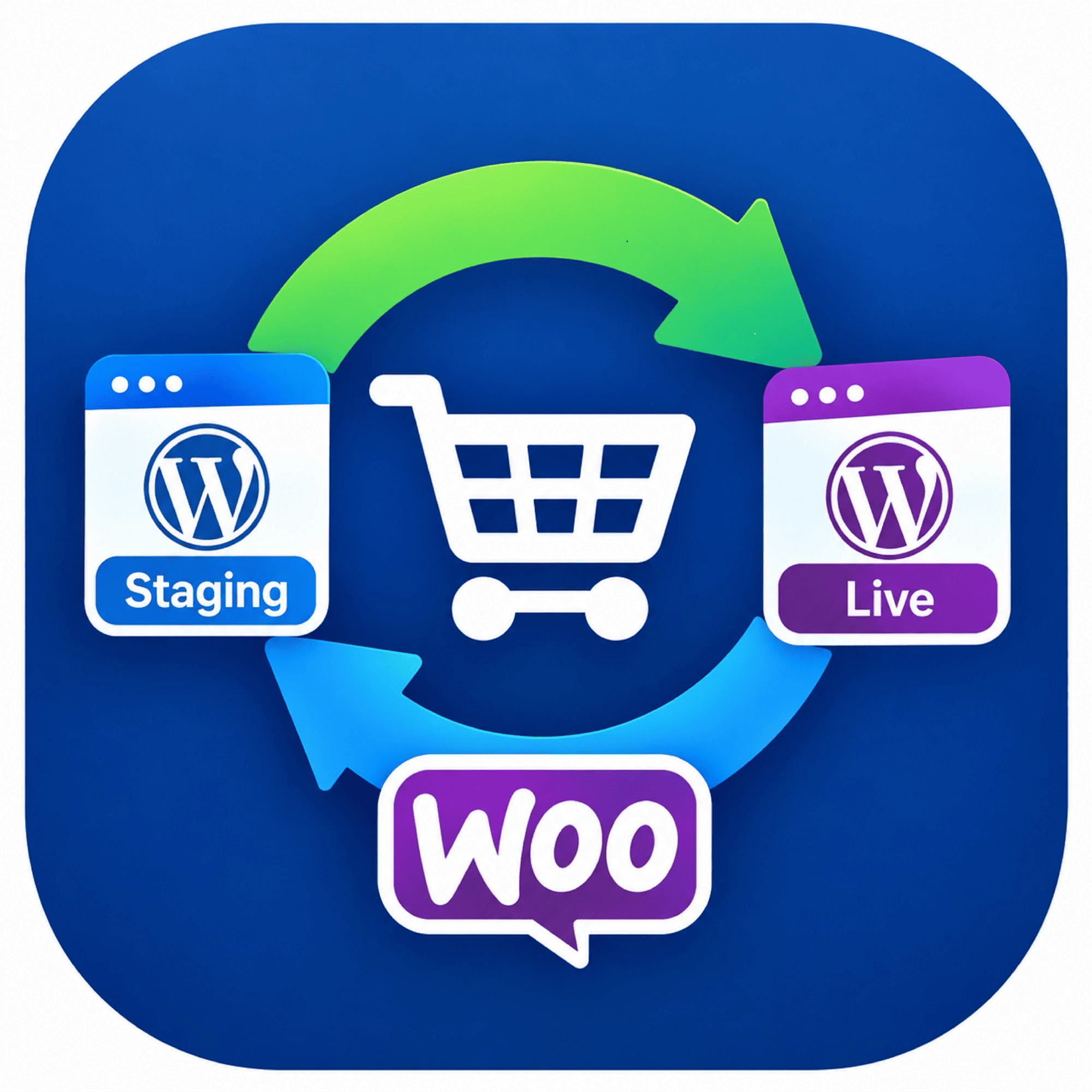
Cobiro for WooCommerce 是一款能將您的 WooCommerce 商店與 Cobiro 服務無縫連接的外掛,透過簡單的一鍵操作,快速同步產品並利用 AI 增強商品資訊,提升銷售效益。
【主要功能】
• 一鍵連接 Cobiro 帳戶
• 自動生成只讀 WooCommerce REST API 金鑰
• 立即同步產品至 Cobiro
• AI 增強商品標題、描述與屬性
• 直接從控制台登入 Cobiro 儀表板
外掛標籤
開發者團隊
原文外掛簡介
Cobiro for WooCommerce links your WooCommerce store to Cobiro with a single click:
One click in your WordPress admin provisions your Cobiro account (user, team, workspace, and store) — nothing to fill in.
A read-only WooCommerce REST API key is generated for you automatically. You never copy or paste keys.
Your products start syncing to Cobiro immediately.
Cobiro’s AI enriches your titles, descriptions and attributes for each channel: Google Shopping, Meta, Microsoft and TikTok. AI enrichment is charged separately by Cobiro.
“Open Cobiro Dashboard” logs you straight into Cobiro from wp-admin.
How the connection is secured
The plugin never carries a shared secret. When you click Connect, it creates a read-only API key on your own store and sends it to Cobiro. Cobiro then calls your store back with that key to confirm you are the store owner before it sets anything up. Only a store administrator can start this flow.
External services
This plugin connects your store to Cobiro (https://cobiro.com), a product feed and
marketing service, so that your catalogue can be distributed to shopping channels.
When you click “Connect to Cobiro” the plugin sends your store URL, the email address
and name of the WordPress account you are logged in with, your store name and
country/currency, plus a read-only WooCommerce REST API key it generates for you, to
https://api.cobiro.com. Cobiro then calls your store
back with that key to confirm you are the owner before creating your account.
After connecting, Cobiro reads your published products from your store’s own REST API
on a schedule. No customer or order data is ever read or sent, and nothing is written
back to your store.
By connecting your store you agree to Cobiro’s terms of service and privacy policy.