內容簡介
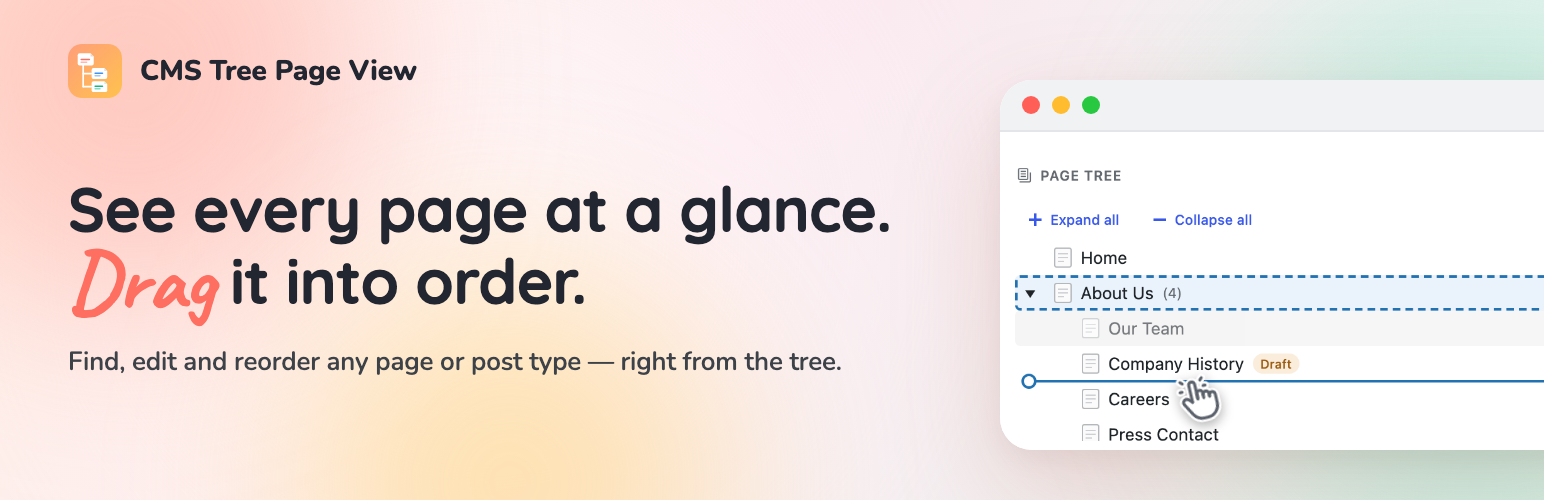
CMS Tree Page View 外掛提供了一個清晰的樹狀結構,讓使用者能夠輕鬆地查看和重新排列網站的所有頁面與文章。透過拖放操作,使用者可以快速調整內容結構,提升管理效率。
【主要功能】
• 清晰的樹狀結構顯示所有頁面與文章
• 拖放功能可快速重新排列或嵌套頁面
• 直接在樹狀圖中編輯、查看和新增頁面
• 支援多種內容類型,包括文章和產品
• 實時預覽頁面而不需離開樹狀圖
• 完整的鍵盤導航功能
外掛標籤
開發者團隊
② 後台搜尋「CMS Tree Page View – Reorder Pages with a Drag-and-Drop Tree」→ 直接安裝(推薦)
📦 歷史版本下載
原文外掛簡介
Your whole site, laid out as one clear tree. Drag a page to move it, click to edit, and shape your structure in seconds.
See the tree in action:
CMS Tree Page View gives WordPress the page overview it’s always been missing: one friendly tree of every page and post, so you can finally see how your site fits together — and rearrange it just by dragging.
No more clicking through endless paginated lists. Everything’s in front of you: drag a page to reorder or renest it, and edit, add or search right where you are. Setting up a brand-new site? Add a whole batch of pages at once.
Loved by editors, agencies and anyone who looks after a content-heavy site — and actively maintained again by its original author, in use since 2010 and translated into more than 20 languages.
If you also run Simple History — my free activity-log plugin — the tree shows recent changes as you go: pick any page to see its history, or glance at the latest edits across your whole site, without leaving the screen.
Why you’ll like it
See your whole site in one place. Every page, and exactly how it’s nested, in a single tree.
Rearrange by dragging. Move a page up, down, or into another page just by dragging it — the order sticks, and your theme can use it too.
Do everything without leaving the tree. Edit, view, add and search your pages right where you see them.
Not just pages. Turn on the tree for posts, products or any content type — and drag an item from one tree into another to change what kind of thing it is.
What’s in the tree
A clear, visual tree of your pages and posts — like folders in Finder or File Explorer
Drag and drop to reorder and renest
Drag a brand-new page straight into the tree to create it exactly where it belongs
Add a page after or inside another — or a whole batch at once
Edit or view any page straight from its row: hover a page and the icons appear, or press “e” or “v”
See a live preview of any page right beside the tree, without opening it
Search the whole tree without leaving the screen
Full keyboard navigation, so your hands can stay on the keys
A tree right on your dashboard, ready the moment you log in
See who moved, edited or added a page, right beside the tree, plus a history icon on every row — when the free Simple History plugin is installed
Works with pages, posts, products and any custom content type — hierarchical or not
Showing this order on your site
The plugin stores the order you set as WordPress’ “menu order”. It does not change how your
theme outputs your pages — to show them on the front end in the tree order, the query that
outputs them must sort by menu_order. See the FAQ below for ready-to-use code examples.
Translations/Languages
Available in 20+ languages, including German, French, Spanish, Russian, Italian, Dutch, Polish, Swedish, Greek, Finnish and Japanese.
Always show your pages in the admin area
If you want to always have a list of your pages available in your WordPress admin area, please check out the plugin
Admin Menu Tree Page View.
Donation and more plugins
These two plugins work nicely together: install my free Simple History plugin and the tree will show you who recently moved, edited or added each page. On its own, Simple History is a complete activity log for your admin — logins (both failed and successful), post and page edits, plugin updates, user changes and more — so you can always see what happened on your site, and when.
Using my Simple SEO plugin? The page card in the tree shows each page’s SEO title and description.
If you like this plugin don’t forget to donate to support further development.