內容簡介
產品頁面 | 影片 | 演示 | 使用者指南 | 插件擴充功能 | 其他CM Plugins
使用Video Courses Manager外掛,輕鬆管理您在WordPress網站上提供的線上課程、網路研討會及內容,讓使用者可以觀看、追蹤、評論和關注進度。已更新及測試2021版本。
Video Courses Manager外掛,讓使用者追蹤及組織您在WordPress網站上提供的線上影片課程與網路研討會。
Video Lessons Manager外掛,讓您管理影片教學課程與線上上課單元,使用者與管理員可以追蹤進度、留下評論和加入最愛。您可以建立多元化的學習單元,並融入豐富的教材內容,打造一個結合 WordPress 的線上學習管理系統。
Video Courses Manager外掛,讓您管理影片課程、教學影片與課程單元,使用者與管理員可以追蹤進度、留下評論和加入最愛。此外掛可以建立一個 WordPress 學習管理系統,讓使用者取得課程進度與影片內容。
此外,外掛的專業版還支援付費觀看期限的單元影片,使用PayPal、Stripe等多種金流管道,或是微支付解決方案進行收費結帳。
此外掛的專業版支援Vimeo私人頻道或是Wistia生成的影片,可建立多個基於Vimeo或Wistia帳戶的課程或教學單元,讓您能在WordPress網站上的任意頁面或文章中顯示影片。
擴充功能與整合
CM Video Lessons Payments
CM Video Lessons Certificates
CM Video Lessons Quiz
CM MicroPayments
CM Download Manager
升級後的好處
在Video Manager的專業版中,您可以支援支付、學生追蹤進度、個人筆記和書籤功能。管理員可以鎖定某些單元必須在付費後才能觀看,使用CM MicroPayment和Easy Digital Downloads進行信用卡或PayPal付款結帳,並設定一定數量的天數來限制使用時間。除此之外,管理員也可查看特定使用者的進度報告,以及單元或課程的整體報告。
在您的影片課程上增加付款模組
讓使用者每個影片都可以留下筆記
學生看完單元或課程時支援通知提醒
支援當學生完成單元或課程後的證書功能
支援Wistia和Vimeo
讓使用者將特定影片加入書籤
讓使用者檢視其進度報告
讓管理員設定單元的價格和觀看時間限制
外掛標籤
開發者團隊
② 後台搜尋「CM Video Lessons Manager – Simplify video lessons management for better education」→ 直接安裝(推薦)
原文外掛簡介
Premium Plugin Page | Videos | Demo | User Guide | Add-ons
Easily manage your eLearning video content with our WordPress Video Course plugin. Allow your users to watch, track, comment, and follow your online courses.
The WordPress Video Lessons Manager plugin enables course administrators to effectively manage video courses and monitor student progress.
Students can leave comments and mark their favorite videos, while the online course WordPress plugin facilitates organizing videos in a structured format with accompanying course content.
Video LMS Plugin Premium Editions
The Video LMS Plugin Premium editions includes even more powerful features, such as: integrating payment support through WooCommerce or Easy Digital Downloads, several course templates, student tracking dashboard, quiz and certificates integration and much more.
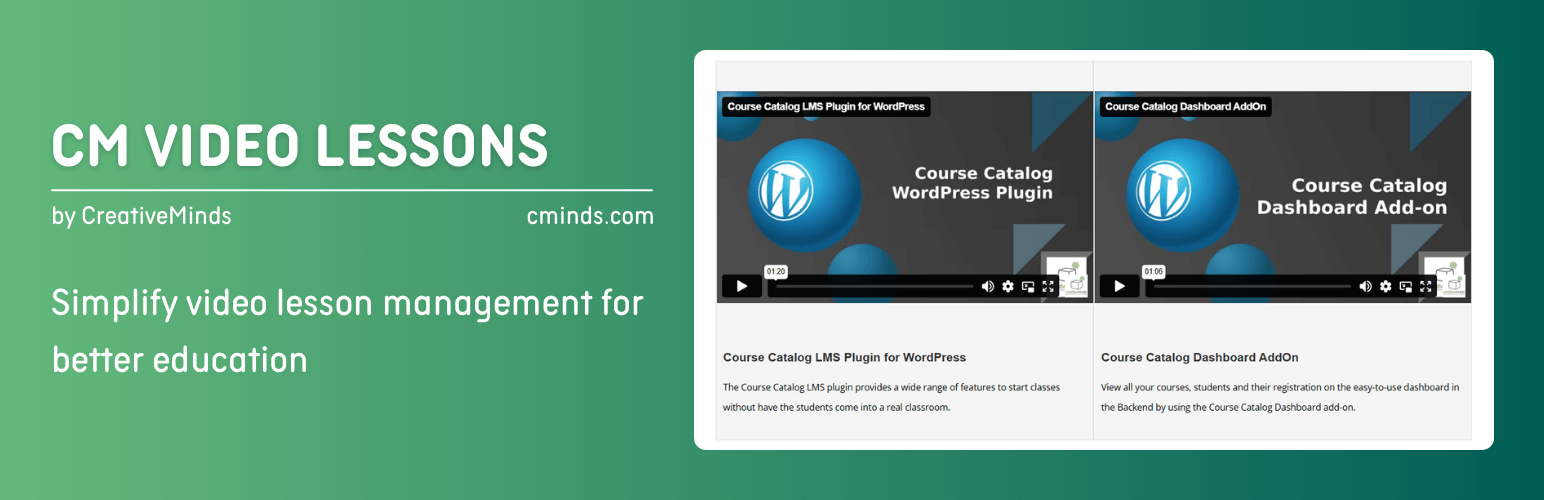
Video LMS Plugin Introduction Video (Pro Version)
WordPress Video Lessons Manager Plugin Use Cases
eLearning – Build an eLearning videos platform.
Online Course Platform – Organize your videos into courses.
Track Students – Track your students learning progress.
eLearning Payment Support – Sell your video courses or channels online.
WordPress Video Lessons Manager Plugin Basic Features
Read Vimeo private videos, albums and channels.
Create multiple channels.
Edit Labels.
WordPress Video Lessons Manager Plugin Pro Version Features
Pro Version Detailed Features List | Demo Site
Wistia Support – Import videos from you Wistia account.
Create Multiple Lessons – Set as many lessons or video courses as needed within your WordPress site. Each can show a different video from Vimeo or Wistia.
Video Courses – Video lessons can be grouped by courses.
Shortcode Support – Use the WordPress LMS Plugin to display a lesson or a video course can using a shortcode that can be embedded in any post or page.
Bookmarks – Users can mark videos in their private bookmark list and see the list of all bookmarks in the dashboard.
History and Statistics – the WordPress video course plugin allows you to display detailed statistics per each user and video.
User Notes – User can leave their own notes and remarks for each video. This notes are only viewable by the user.
Student dashboard – Build a dashboard using a shortcode to display all needed information for each student including bookmarks, report and list of video courses available.
Search Support – the WordPress Video Lessons Manager plugin enables you to browse the video content by video description, notes and title.
Access Control – Admin can define if the online courses can be viewed by logged in or non logged in users.
Video Templates – Video lesson can be shown using several available display templates.
Drip-feed Videos – Unlock each new video only when the user has watched the minimum % of the previous video and a certain amount of days passed after unlocking it.
Restrict By Time – Restrict video access by time per user or lesson. When a user exceeds their viewing limit, access will be blocked.
Notification Support – Administrators can use the WordPress LMS plugin to setup notifications to be up-to-date with users’ progress.
Badges – Let your users earn points by watching lessons and courses, which can be used to unlock achievement badges.
Payment Support – Enable purchase option for watching a video/lesson/course. Payment is done while integrating the plugin with Easy Digital Downloads and can support more than 20 payment gateways.
Quiz Support – Add ability to create quiz to test user knowledge once they complete a video lessons.
Certificate Support – Generate certificates for the users upon completion of a video/lesson/course/quiz.
HubSpot Integration – Send lesson and video completion data to HubSpot.
s2Member Pro Integration – Compatibility with the s2Member Pro membership plugin.
WordPress Video Lessons Manager Plugin Add-ons and Integrations
CM Video Lessons Payments
CM Video Lessons Certificates
CM Video Lessons Quiz
CM MicroPayments
CM Download Manager
Follow Us
Blog | Twitter | LinkedIn | YouTube | Pinterest | Facebook
Suggested Plugins by CreativeMinds
CM Tooltip Glossary – Easily creates a Glossary, Encyclopaedia or Dictionary of your website’s terms and shows them as a tooltip in posts and pages when hovering. With many more powerful features.
CM Download Manager – Allows users to upload, manage, track and support documents or files in a download directory listing database for others to contribute, use and comment upon.
CM Answers Plugin – A fully-featured WordPress Questions & Answers Plugin that allows you to build multiple discussion forum systems Just like StackOverflow, Yahoo Answers and Quora, Now with MicroPayments and Anonymous posting support.
CM Restrict Content – A full-featured, powerful membership solution and content restriction plugin for WordPress. Support access by role to content on your site.
WordPress Video Lessons Manager Plugin Installation
Upload the plugin folder to the /wp-content/plugins/ directory.
Activate the plugin through the ‘Plugins’ menu in WordPress.
Manage your CM Video Lessons from Left Side Admin Menu.