內容簡介
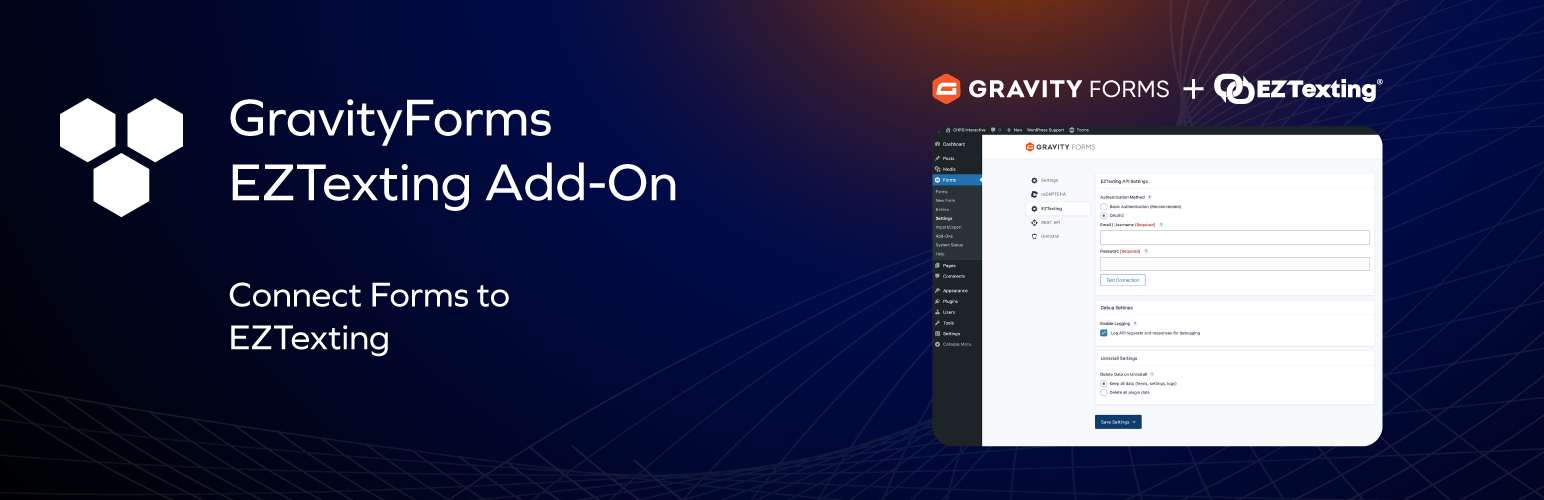
總結:CHRS EZTexting Sync for Gravity Forms是一款外掛,能夠無縫地將您的Gravity Forms連接到EZTexting帳戶。使用者提交表單時,其聯絡資訊將自動同步至EZTexting,讓您能輕鬆建立簡訊行銷名單。
問題與答案:
1. CHRS EZTexting Sync for Gravity Forms是什麼?
- 這是一款外掛,能夠將您的Gravity Forms與EZTexting帳戶無縫連接,讓表單提交者的聯絡資訊自動同步至EZTexting,方便建立簡訊行銷名單。
2. 這個外掛有哪些功能特色?
- 自動聯絡同步:表單提交時自動在EZTexting中創建或更新聯絡人
- 欄位映射:將任何表單欄位映射到EZTexting聯絡屬性(電話號碼、姓名、電子郵件)
- 自訂欄位支援:將表單欄位映射到EZTexting的自訂聯絡欄位
- 群組分配:自動將聯絡人添加到一個或多個EZTexting群組
- 條件邏輯:僅在特定條件滿足時同步聯絡人
- 多個餵入:為不同情況在每個表單上創建多個餵入
- 安全認證:支援基本驗證和OAuth2
- 錯誤記錄:詳細記錄和管理員通知失敗的同步
- 录入備註:直接在表單條目上查看同步狀態
3. 安裝此外掛需要什麼條件?
- WordPress 6.0或更高版本
- PHP 8.2或更高版本
- Gravity Forms 2.5或更高版本
- 有效的EZTexting帳戶
4. 如何使用這個外掛?
- 安裝並啟用外掛
- 在外掛設置中輸入EZTexting API憑證
- 在任何Gravity Form上創建一個餵入
- 將表單欄位映射到EZTexting聯絡字段
- 選擇要將聯絡人添加到的群組
- 表單提交將自動同步到EZTexting
5. EZTexting是什麼?
- EZTexting是一個第三方簡訊行銷平台,讓企業能夠向客戶發送簡訊並管理聯絡列表。
6. 何時會將數據發送到EZTexting?
- 只有在提交具有有效EZTexting餵入的Gravity Form時
- 符合餵入的條件邏輯(如果配置了)
- 在映射字段中提供有效的電話號碼时。
外掛標籤
開發者團隊
② 後台搜尋「CHRS EZTexting Sync for Gravity Forms」→ 直接安裝(推薦)
原文外掛簡介
CHRS EZTexting Sync for Gravity Forms seamlessly connects your Gravity Forms with your EZTexting account. When users submit a form, their contact information is automatically synced to EZTexting, allowing you to build your SMS marketing lists effortlessly.
Features
Automatic Contact Sync – Automatically create or update contacts in EZTexting when forms are submitted
Field Mapping – Map any form field to EZTexting contact properties (phone, name, email)
Custom Fields Support – Map form fields to your EZTexting custom contact fields
Group Assignment – Automatically add contacts to one or more EZTexting groups
Conditional Logic – Only sync contacts when specific conditions are met
Multiple Feeds – Create multiple feeds per form for different scenarios
Secure Authentication – Supports both Basic Authentication and OAuth2
Error Logging – Detailed logging and admin notifications for failed syncs
Entry Notes – See sync status directly on form entries
Requirements
WordPress 6.0 or higher
PHP 8.2 or higher
Gravity Forms 2.5 or higher
An active EZTexting account
How It Works
Install and activate the plugin
Enter your EZTexting API credentials in the plugin settings
Create a feed on any Gravity Form
Map your form fields to EZTexting contact fields
Select which groups to add contacts to
Form submissions will now sync to EZTexting automatically
Links
EZTexting
External Services
This plugin connects to the EZTexting API to sync contact information from your Gravity Forms submissions to your EZTexting account.
What is EZTexting?
EZTexting is a third-party SMS marketing platform that allows businesses to send text messages to their customers and manage contact lists.
What data is sent?
When a form is submitted and a feed is configured, the following data may be sent to EZTexting:
Phone number (required)
First name
Last name
Email address
Any custom fields you have mapped in the feed configuration
Group assignments
When is data sent?
Data is sent to EZTexting only when:
A Gravity Form with an active EZTexting feed is submitted
The feed’s conditional logic (if configured) is met
A valid phone number is provided in the mapped field
Service Links
EZTexting Website
EZTexting Terms of Service
EZTexting Privacy Policy