外掛標籤
開發者團隊
原文外掛簡介
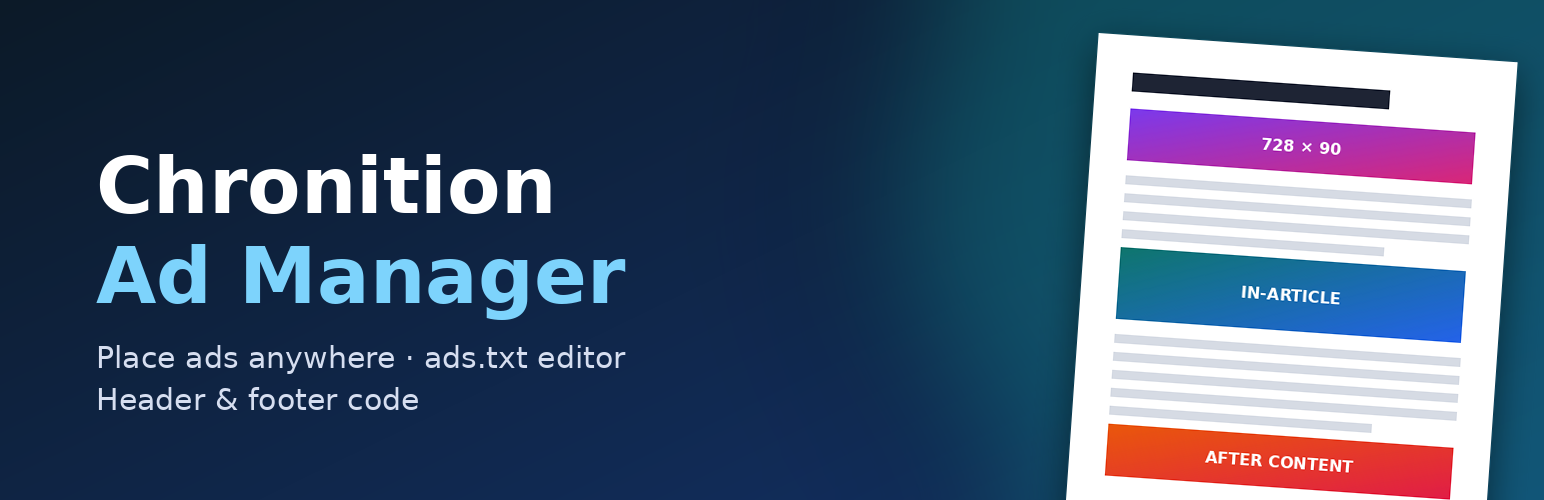
Chronition Ad Manager places Google AdSense ad units and your own image banners exactly where you want them, and decides who sees them and when. You never paste code: enter your AdSense publisher and ad unit IDs (or choose a banner image), and the plugin writes the official markup for you.
Ad types
Google AdSense ad units: responsive, in-article or fixed size, from your publisher ID and ad unit (slot) ID.
AdSense Auto ads: switch them on with your publisher ID.
Image banners: any image from your media library with a link (marked rel="sponsored", as Google asks), alternative text and “open in a new tab”.
Place ads anywhere
Inside posts and pages: before the content, after any paragraph (with “repeat every N paragraphs”), in the middle, or after the content. Paragraphs inside tables, lists, quotes and figures are skipped, so ads never break your layout.
Between posts on your blog page, categories, tags and archives. Works with classic themes and block themes (Query Loop).
Manually with a shortcode, the “Ad” block, the “Ad” widget or a template tag.
Show each ad to the right people
Pages: single posts and pages, front page, blog page, archives, search results, 404.
Content types, specific post IDs, and categories or tags to include or exclude.
URL contains / does not contain.
Devices: desktop, tablet and mobile (based on screen width, so it works with page caching).
Visitors: everyone, logged-out only or logged-in only. Hide ads from chosen user roles.
Schedule: start and end date and time.
Minimum post length.
ads.txt and app-ads.txt
Edit both files in WordPress. They are served at your site root, with no file uploads needed.
Live validation that shows errors and warnings line by line (IAB ads.txt 1.1).
An “Add AdSense line” helper.
A live check that confirms the public file matches what you saved.
Finds an existing ads.txt file on the server and imports it for you.
Google & tracking by ID
Enter an ID and the plugin adds the official snippet:
Google Analytics 4 (measurement ID)
Google Tag Manager (container ID)
Meta Pixel (pixel ID)
Site verification for Google Search Console, Bing and Pinterest
Your own visits as an administrator are not tracked unless you choose so.
Built for real sites
Ads are on/off with one click from the list, and can be duplicated.
“Preview ad positions” outlines and labels every ad on your site, visible only to you.
Test mode shows ads only to administrators while you set up.
Per-post switch to turn off all ads on a page.
Optional “Advertisement” label, alignment, floating and spacing.
Fast: active ads are compiled into a single cached option, so pages do not run extra database queries to find ads.
Ad Manager Pro
An optional paid add-on, Chronition Ad Manager Pro, adds custom code ads for any ad network, header and footer code, sticky, side-rail and pop-up ads, rotation and A/B tests, lazy loading, impression and click statistics, an ad-blocker message, consent support and import/export. This plugin is complete and fully functional without it.
External services
This plugin connects to third-party services only when you enter an ID for them. Nothing is loaded until you do.
Google AdSense — when you create an AdSense ad or turn on Auto ads, visitors’ browsers load https://pagead2.googlesyndication.com/pagead/js/adsbygoogle.js with your publisher ID so Google can show ads. Google receives the visitor’s IP address, browser details and the page address, and may set cookies. Terms — Privacy — AdSense policies
Google Analytics 4 — when you enter a measurement ID, visitors’ browsers load https://www.googletagmanager.com/gtag/js and send page views to Google Analytics. Terms — Privacy
Google Tag Manager — when you enter a container ID, visitors’ browsers load https://www.googletagmanager.com/gtm.js (and ns.html without JavaScript), which runs the tags you set up in Tag Manager. Terms — Privacy
Meta Pixel — when you enter a pixel ID, visitors’ browsers load https://connect.facebook.net/en_US/fbevents.js and send page views to Meta (https://www.facebook.com/tr). Terms — Privacy
Site verification codes for Google Search Console, Bing and Pinterest are printed as meta tags; your site does not contact those services.
ads.txt live check — the “Check now” button requests your own site’s ads.txt file from your server. No other site is contacted.
If your visitors are in a region that requires consent for advertising or analytics cookies, use a consent plugin or the consent option of Ad Manager Pro.