內容簡介
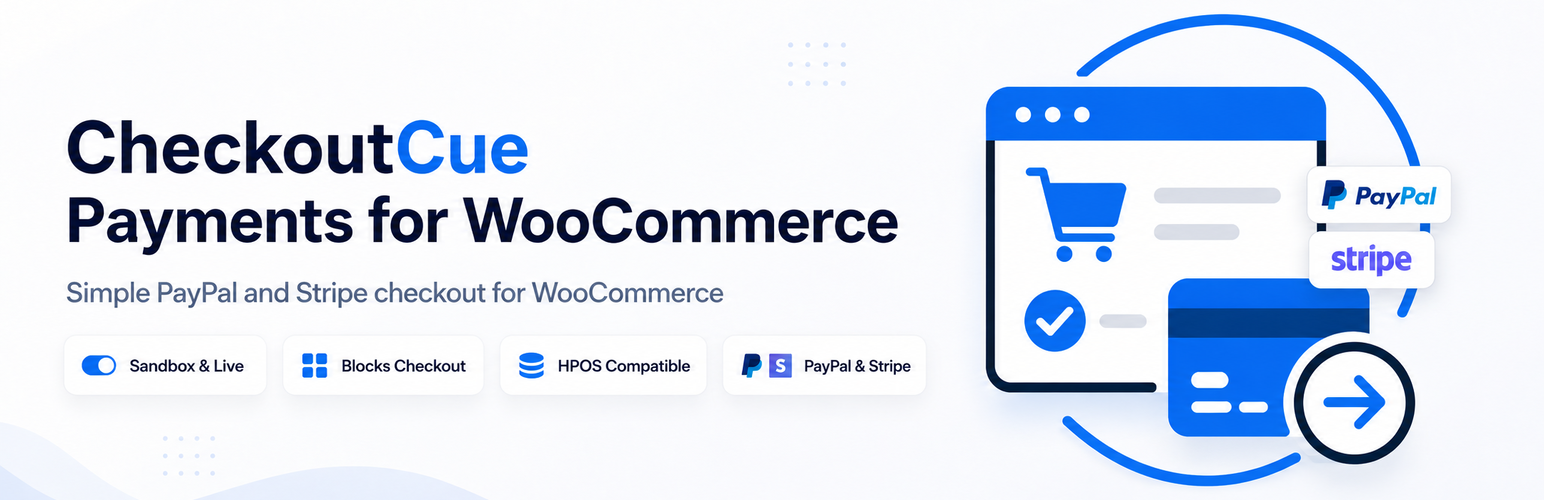
CheckoutCue Payments for WooCommerce 為 WooCommerce 提供兩種獨立的付款方式,分別是透過 PayPal Orders API v2 的 PayPal 結帳和使用 Stripe-hosted Checkout 的信用卡付款。商店擁有者可以選擇啟用其中一種或兩種付款方式,並且每種方式擁有獨立的設定和流程。
【主要功能】
• 支援 PayPal 和 Stripe 獨立設定
• 測試 PayPal 和 Stripe 憑證
• 支援簡單、變數、虛擬及可下載產品
• 提供 WooCommerce 記錄功能
• 確認付款前驗證訂單細節
外掛標籤
開發者團隊
② 後台搜尋「CheckoutCue Payments for WooCommerce」→ 直接安裝(推薦)
原文外掛簡介
CheckoutCue Payments for WooCommerce adds two independent hosted payment methods to WooCommerce:
PayPal checkout using the PayPal Orders API v2.
Card payments using Stripe-hosted Checkout.
Store owners can enable either gateway or both. PayPal and Stripe use separate settings, credentials, order metadata, and payment flows.
PayPal features:
Redirect customers to PayPal and capture approved payments after they return to WooCommerce.
Use separate Sandbox and Live PayPal REST API credentials.
Test PayPal credentials from the WooCommerce payment settings screen.
Replace or explicitly remove saved PayPal Sandbox and Live credentials without exposing saved values in the settings-page HTML.
Verify the PayPal order ID, captured amount, and currency before marking an order paid.
Send product line items and SKUs when the order can be represented exactly.
Optionally send and lock the WooCommerce shipping address at PayPal.
Generate a saved invoice ID prefix for stores sharing one PayPal account.
Stripe features:
Redirect customers to Stripe-hosted Checkout for one-time card payments.
Use separate Test and Live Stripe API keys and webhook signing secrets, with environment-specific credential fields.
Set a site-specific display name at the top of Stripe Checkout.
Set an optional site-specific card statement descriptor suffix.
Test the selected Stripe API key from WooCommerce settings.
Show the last correctly signed Test or Live webhook received by the site.
Optionally add the WooCommerce shipping address to Stripe payment details.
Send product names and SKUs when totals can be represented exactly, with an automatic exact-total fallback.
Confirm payment only through a signed Stripe webhook.
Verify the WooCommerce order ID, Checkout Session, environment, amount, currency, and Stripe payment status before marking an order paid.
Reuse an open Checkout Session and use a per-order payment-attempt idempotency key.
Ignore already processed Stripe webhook event IDs.
Identify the originating website and safely acknowledge signed events created by another CheckoutCue site using the same Stripe account.
Shared features:
Support simple, variable, virtual, and downloadable WooCommerce products.
Support coupons, taxes, shipping, fees, multiple quantities, and mixed carts through the verified WooCommerce order total.
Support WooCommerce High-Performance Order Storage (HPOS).
Support WooCommerce classic checkout and checkout blocks.
Provide optional WooCommerce logging without writing payment credentials to logs.
CheckoutCue Payments intentionally stays narrow. It does not add subscriptions, saved payment methods, card vaulting, inline card fields, manual capture, refunds, disputes, buy-now-pay-later methods, or shipment tracking.
For shipment tracking and PayPal tracking sync after an order has been paid, use ParcelCue Tracking for WooCommerce.
CheckoutCue Payments is developed by StoreOpsWP. It is not developed, endorsed, or supported by PayPal or Stripe.
Third-Party Services
CheckoutCue Payments connects directly from the merchant’s WooCommerce website to PayPal and/or Stripe when the corresponding gateway is configured and used.
PayPal
Service provider: PayPal
Service used: PayPal REST API, including OAuth token requests and Orders API v2 order creation/capture endpoints
Service URLs:
https://api-m.paypal.com
https://api-m.sandbox.paypal.com
CheckoutCue sends data to PayPal when a store administrator tests credentials and when a customer chooses the PayPal gateway during checkout. Saved PayPal credentials are not returned in the settings-page HTML.
Data sent to PayPal may include:
PayPal REST API Client ID and Secret Key when testing credentials or requesting an access token. PayPal documentation may also call the Secret Key the Client Secret.
WooCommerce order ID, invoice ID, currency, and order total.
Product names, SKUs, quantities, and prices when line item transfer is enabled and the order can be represented exactly.
Shipping name and address when shipping-address transfer is enabled.
Return and cancel URLs so PayPal can send the customer back to the WooCommerce store.
PayPal terms and privacy information:
PayPal User Agreement: https://www.paypal.com/legalhub/paypal/useragreement-full
PayPal Privacy Statement: https://www.paypal.com/privacy
Stripe
Service provider: Stripe
Service used: Stripe API and Stripe-hosted Checkout
Service URLs:
https://api.stripe.com
https://checkout.stripe.com
CheckoutCue sends data to Stripe when a customer chooses the Stripe gateway and the plugin creates or retrieves a hosted Checkout Session.
Data sent to Stripe may include:
The merchant’s selected Stripe Test or Live API Key, which can be a secret or restricted key, in the authenticated server-to-server API request.
WooCommerce order ID and order number.
Final order amount and currency.
Customer billing email.
WooCommerce product names, SKUs, quantities, and shipping lines when detailed line-item transfer is enabled and exact.
WooCommerce delivery name, address, and phone when shipping-address transfer is enabled.
Store URL, a non-secret website identifier, CheckoutCue version, payment environment, and payment attempt number in Stripe metadata.
The configured Stripe Checkout display name and card statement suffix.
WooCommerce success and cancellation URLs.
Stripe sends signed webhook events to the merchant’s configured WooCommerce webhook endpoint. CheckoutCue verifies the signature using the merchant’s saved Webhook Signing Secret. Stripe credentials are stored in the merchant’s WordPress/WooCommerce settings and are not sent to StoreOpsWP.
Stripe terms and privacy information:
Stripe Services Agreement: https://stripe.com/legal/ssa
Stripe Privacy Policy: https://stripe.com/privacy