內容簡介
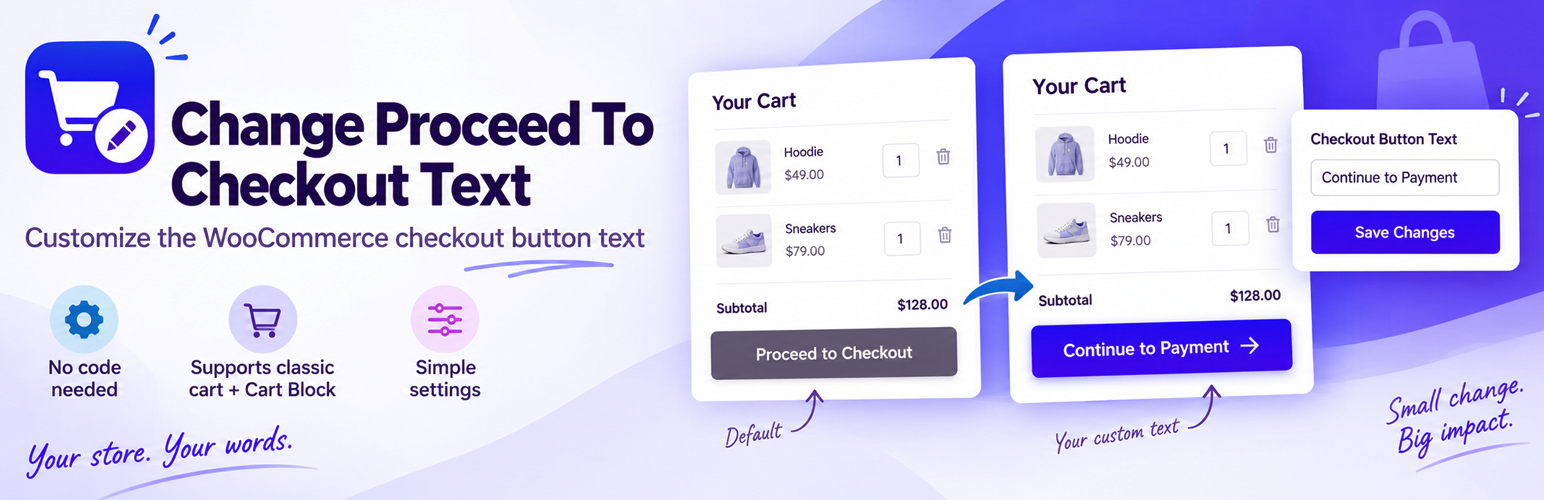
Change Proceed To Checkout Text 外掛提供簡單的設定介面,讓使用者可以更改 WooCommerce 的「前往結帳」按鈕文字,提升購物體驗。此免費外掛無需許可證或帳號,完全功能可用。
【主要功能】
• 更改 WooCommerce 按鈕文字
• 支援經典與現代購物車
• 無需許可證或外部服務
外掛標籤
開發者團隊
② 後台搜尋「Change Proceed To Checkout Text」→ 直接安裝(推薦)
原文外掛簡介
Change Proceed To Checkout Text provides a simple settings screen for changing the WooCommerce Proceed to Checkout button text.
The free plugin is fully functional without a licence, account or external service and supports both the classic WooCommerce cart and the modern WooCommerce Cart Block.
Change Proceed To Checkout Text Pro is an optional, separately installed commercial add-on available from Arrow Design. The Pro implementation and licence-validation code are not included in this WordPress.org plugin.
Pro adds additional WooCommerce button labels, a custom checkout destination and conditional Proceed to Checkout rules based on products, product categories, cart total, cart quantity, product type, login status, customer role, shipping method and payment method.
A 7-day Pro trial is available from Arrow Design.