內容簡介
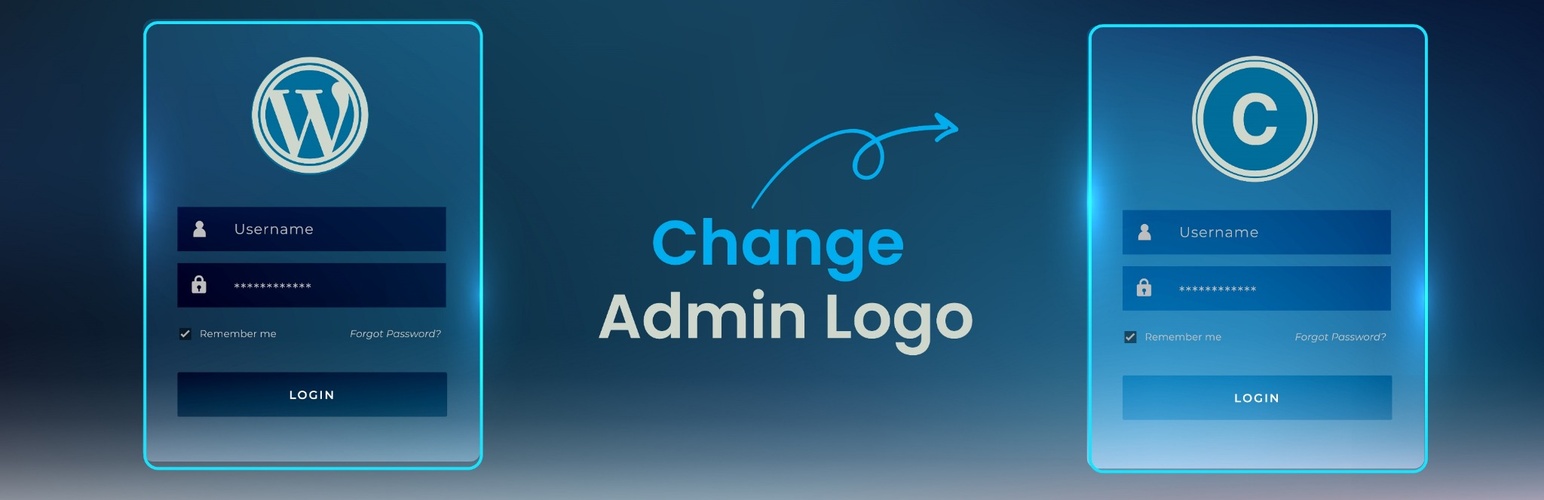
Change WordPress Admin Logo 是一款輕量級外掛,可以將 WordPress 登入頁面的預設標誌替換為自訂標誌,讓網站登入畫面更具個人化風格,無需編輯 CSS 或程式碼。
【主要功能】
• 從媒體庫中選擇任何圖片作為登入標誌
• 自動調整標誌尺寸,保持比例適合登入表單
• 可選擇特定的寬度和高度設定
• 設定頁面可預覽所選標誌
• 無需編碼或自訂 CSS
• 輕量級:登入頁面僅一個樣式區塊,前端無任何負擔
外掛標籤
開發者團隊
原文外掛簡介
Change WordPress Admin Logo is a lightweight plugin that replaces the default WordPress logo on the login page with a logo of your choice. Whether you are building a site for a client or branding your own website, it gives you a quick way to personalise the login screen with no CSS tweaks or code editing.
Pick an image from the media library and save. The plugin reads the image dimensions and sizes the logo to fit the login form while keeping its proportions, so wide, square, and tall logos all display correctly without any manual sizing. Width and Height fields are available when you want a specific size.
Features
Choose any image from the media library as the login logo
Automatic sizing that keeps the logo proportions and fits the login form
Optional Width and Height fields for a specific size
Preview of the selected logo on the settings page
No coding or custom CSS required
Lightweight: one style block on the login page, nothing on the front end
Usage
After activation, open Custom Admin Logo in the WordPress admin sidebar.
Click Choose Logo Image and pick or upload an image in the media library.
Leave Width and Height empty to size the logo automatically, or enter a value in either field.
Click Save Changes. Your login screen now shows the custom logo.