內容簡介
Database for Contact Form 7 是一個擴充外掛,能將 Contact Form 7 的表單提交資料自動儲存至資料庫,方便用戶在 WordPress 控制台中查看、篩選與匯出資料,提升資料管理效率。
【主要功能】
• 自動儲存 Contact Form 7 提交資料
• 支援所有標準表單欄位類型
• 編輯每個聯絡條目的詳細資訊
• 批次刪除聯絡條目
• 資料匯出至 CSV 檔案
• 顯示/隱藏資料欄位
外掛標籤
開發者團隊
原文外掛簡介
Contact Form 7 itself doesn’t directly save form submissions to a database. However, with this database extension for Contact Form 7, you can achieve this functionality. It supports saving data from all of the standard form field types offered by Contact Form 7.
DEMO
Frontend Demo
Fill submission details for testing
Backend Demo
Log in WordPress dashboard to view the saved data
Username: demo
Password: demo
⛩️ Get Database for Contact Form 7 Pro
⛩️ Compare Free vs Pro
Without this plugin, you have to check each and every email to manually copy and keep the data you want.
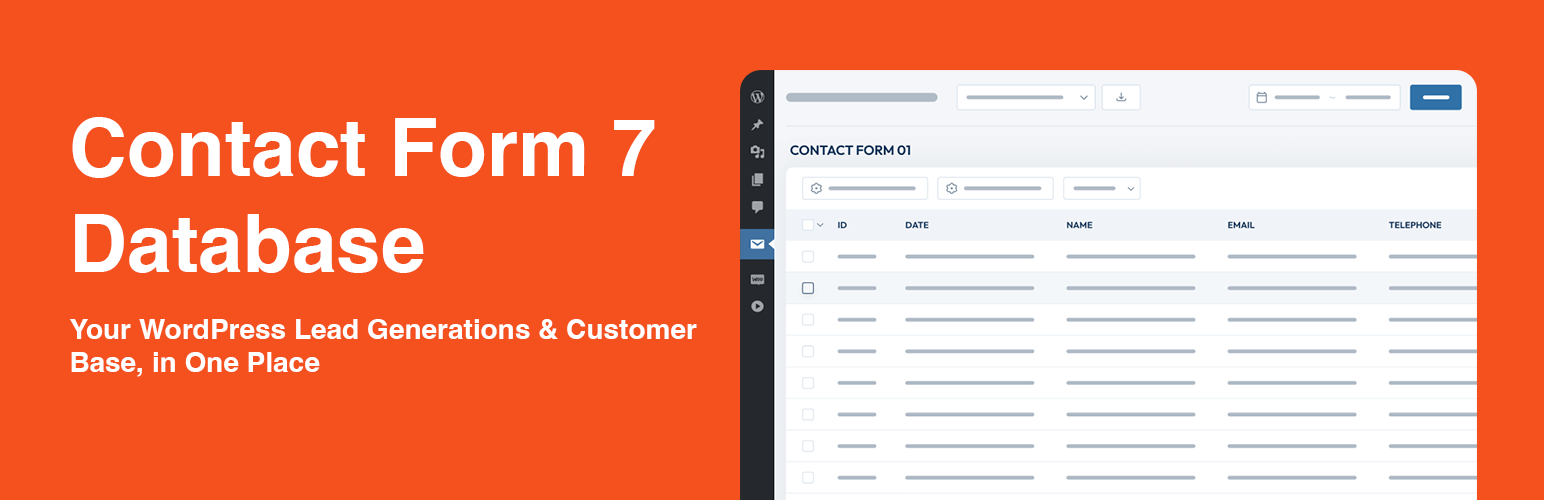
With this plugin, all the Contact Form 7 data will be automatically saved and displayed neatly in the WordPress dashboard. Ready for you to view, sort out, filter, and export any time you want.
This is a good way to automate the process of saving submitted data. The premium version works for all forms: contact form, quote form, request form, registration form, and so on.
⚡️ FEATURES
After activating CF7 Database plugin, you will see a new Database menu nested under Contact menu. That’s where you can view and manage your contact form database.
What you can do in Database dashboard:
Save all data from Contact Form 7 to database
Easy to change the tags
Edit details for each contact entry
Bulk delete contact entries
Drag and drop to sort columns
Show/hide columns
Export all data to CSV
Export any column’s data to CSV
Display data for the selected form
Automatically record data from multiple forms (Pro)
Info included:
Name
Phone Number
Email Address
Subject
Message
Submission data & time
User ID
IP
And other information that you collect in the forms
This plugin offers additional functionalities like saving user IP addresses, timestamps, or structured content data.
DOCUMENTATION & SUPPORT
👉 View documentation
👉 Contact us for technical support
♥️ Like this Database for Contact Form 7 Plugin?
Rate us 5⭐ stars on WordPress.org.
Check out our other Contact Form 7 extensions!
💅 Looking for an appointment booking form?
Try out this free WordPress appointment booking form plugin 🌐
COMPATIBILITY
This is an extension for Contact Form 7, meaning you have to install and activate Contact Form 7 beforehand.
This add-on is compatible with all major WordPress themes, plugins and page builders.
Go perfectly with Multi-Step for Contact Form 7.
CREDITS
This plugin is inspired by Contact Form 7 by Takayuki Miyoshi.
Many thanks to Takayuki-sensei for making it possible.