
內容簡介
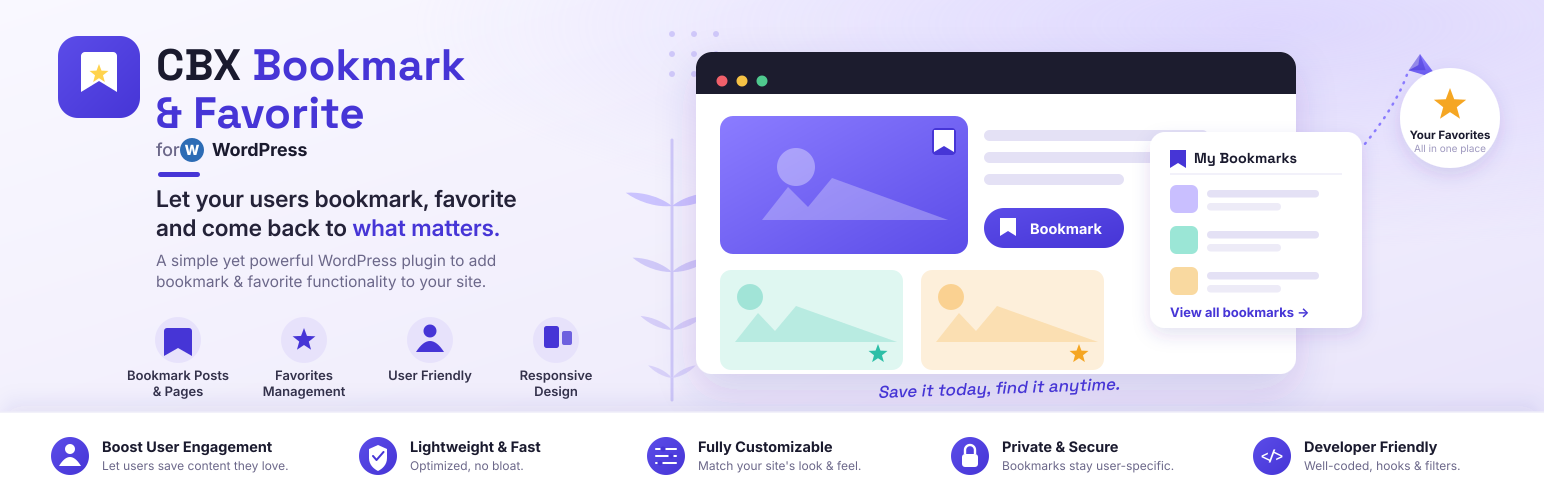
CBX Bookmark & Favorite 外掛讓使用者能夠創建個人化的書籤類別,並將文章儲存於不同的資料夾或清單中。此外掛不僅支援個人書籤,還提供管理員創建全域類別的功能,適合用來建立書籤網站或使用者生成清單網站。
【主要功能】
• 支援文章、頁面及附件的書籤按鈕
• 使用者專屬的書籤類別
• 管理員可創建全域類別(專業版)
• 單一點擊書籤(專業版)
• 私人或公開類別選擇
• 顯示使用者的書籤與清單
外掛標籤
開發者團隊
📦 歷史版本下載
原文外掛簡介
This plugin is inspired from YouTube’s bookmark or favorite feature. User can create their own bookmark category public or private and save articles inside different folders/list/category. Later we extended the plugin so that category can be global created by admin or single click bookmark without any category as pro features. There are lots of practical use for this simple but useful(we like to call it ‘powerful’) plugin. This plugin can help you create a bookmark site or user generated list site.
CBX Bookmark & Favorite by Codeboxr
📋 Documentation | 🌟 Upgrade to PRO | 👨💻 Free Support | 🤴 Pro Support | 📱 Contact
If you think any necessary feature is missing contact with us, we will add in new release. Best way to check the feature is install the free core version in any dev site and explore
🛄 Core Plugin Features
♟ Important Features
Add Bookmark button like youtube under post, page, attachment(Core WordPress Post types, Custom post types are supported via pro addon) etc
Bookmark categories are per user
Global category created by site admin(pro)
No category, single click bookmark(pro)
Private or Public Category
Display user’s bookmarks
Display user’s list
Third party plugin’s integration
Developer friendly
Shortcodes and Widgets
Template system, can be overridden from theme or child theme.
🀄 Widgets
Classic Widgets
My Bookmarked Posts/All Bookmarks
Most Bookmarked Posts
My Bookmark Categories(For user category mode)
My Bookmarked Posts Grid(Pro
Most Bookmarked Posts Grid(Pro
Most Bookmarked Downloads(EDD) – Pro
Most Bookmarked Products(Woocommerce) – Pro
Every widget has it’s own setting fields
Gutenberg Block
Bookmark button
My bookmarked posts/All Bookmarks
My bookmark categories(For user category mode)
Most bookmarked posts
My bookmarked posts/All bookmarks Grid (pro)
Most bookmarked posts Grid (pro)
Most Bookmarked Downloads(EDD) – Pro
Most Bookmarked Products(Woocommerce) – Pro
WPBakery Widgets
Bookmark button
My bookmarked posts/All Bookmarks
My bookmark categories(For user category mode)
Most bookmarked posts
My bookmarked posts/All bookmarks Grid (pro)
Most bookmarked posts Grid (pro)
Most Bookmarked Downloads(EDD) – Pro
Most Bookmarked Products(Woocommerce) – Pro
Elementor Widgets
Bookmark button
My bookmarked posts/All Bookmarks
My bookmark categories(For user category mode)
Most bookmarked posts
My bookmarked posts/All bookmarks Grid (pro)
Most bookmarked posts Grid (pro)
Most Bookmarked Downloads(EDD) – Pro
Most Bookmarked Products(Woocommerce) – Pro
🧮 Shortcodes
[cbxwpbookmarkbtn] Bookmark button
[cbxwpbookmark] Shows logged or any user’s bookmarks
[cbxwpbookmark-mycat] Shows logged or any user’s bookmark category
[cbxwpbookmark-most] Shows most bookmarked posts/items
[cbxwpbookmarkgrid] Bookmark posts grid(pro)
[cbxwpbookmark-mostgrid] Most bookmarked posts grid(pro)
[cbxwpbookmark-mostdownloads] Most bookmarked products(pro) – Woocommerce (pro)
[cbxwpbookmark-mostproducts] Most bookmarked downloads(pro) – Easy digital downloads (pro)
💎 Pro Addon: Core feature enhancement
Custom Post type(s) supports
BuddyPress Integration to show bookmarks in user profile in grid manner.
BuddyPress stream bookmark
bbPress forum and topic bookmark support
Compatible with BuddyBoss
WooCommerce: My Bookmarks tab in User Frontend Account
Widget: My bookmarks Grid/All bookmarks Grid
Widget: Most bookmarked post grid
Widget: Easy Digital downloads (Most bookmarked downloads)
Widget: Woocommerce (Most bookmarked products)
Shortcode: My bookmark posts grid[cbxwpbookmarkgrid]
Shortcode: Most bookmarked posts grid[cbxwpbookmark-mostgrid]
Shortcode: Most bookmarked products(Woccommerce)[cbxwpbookmark-mostproducts]
Shortcode: Most bookmarked downloads(EDD)[cbxwpbookmark-mostdownloads]
Elementor Widget: My bookmarked posts/All bookmarks Grid
Elementor Widget: Most bookmarked posts Grid
Elementor Widget: Most Bookmarked Downloads(EDD)
Elementor Widget: Most Bookmarked Products(Woocommerce)
WPBakery Widget: My bookmarked posts/All bookmarks Grid
WPBakery Widget: Most bookmarked posts Grid
WPBakery Widget: Most Bookmarked Downloads(EDD)
WPBakery Widget: Most Bookmarked Products(Woocommerce)
Gutenberg Block: My bookmarked posts/All bookmarks Grid
Gutenberg Block: Most bookmarked posts Grid
Gutenberg Block: Most Bookmarked Downloads(EDD)
Gutenberg Block: Most Bookmarked Products(Woocommerce)
Custom Bookmark icon/Image (From V1.2.0)
Option to show wooCommerce’s Login form to guest
Option to show Restrict Content Pro’s Login form to guest
Login/Register Options via – WooCommerce Login & Register
Login/Register Options via – Restrict Content Pro Login & Register
Login/Register Options via – bbPress Login & Register
Login/Register Options via – BuddyPress Login & Register
Login/Register Options via – Ultimate Member Login & Register
Login/Register Options via – Paid Membership Pro Login & Register
Ultimate member support
usersWP support
🔱 Pro Feature: myCred Integration
User gets point after bookmark (configurable)
Point cuts from user after remove bookmark (configurable)
🔱 Third party plugin Integration
buddyBoss
myCred
bbPress
Fifu(Featured Image from URL)
🔩 Installation
How to install the plugin and get it working.
Upload cbxwpbookmark folder to the /wp-content/plugins/ directory
Activate the plugin through the ‘Plugins’ menu in WordPress
Go to Setting-> CBX Wp Bookmark Setting to edit settings
In any post or page you can write shortcode as described
Frontend shortcode to edit any bookmark and bookmark category with delete feature
More will come soon as per user demand and natural user experience



