
內容簡介
/p>
CBX Tour - 使用者導覽/導遊外掛可幫助創建產品、服務或任何步驟演示的互動功能導覽。現在展示任何服務或產品的步驟是非常重要的,任何類型的導遊型實現都可以幫助解決此問題。CBX Tour 將解決使用下一步、上一步按鈕和小彈出信息的自由行程功能。
CBX Tour - Codeboxr提供的使用者導覽/導遊
📺 Live Demo | 🌟 升級到PRO | 📋 文檔 | 👨💻 免費支援 | 🤴 專業支援 | 📱 聯繫
🛄 核心外掛功能
創建導覽
– 從WordPress本機文章創建和列表窗口中創建、刪除、更新導覽
– 添加多個導覽步驟,包括標題、縮略說明和HTML元素ID
– 可選擇導覽結束後的重定向URL
– 單個導覽設置
– 顯示/隱藏導覽按鈕
– 自定義導覽按鈕文字輸入
– 導覽方塊按鈕(全寬)
– 導覽按鈕對齊
– 自動開始導覽
– 選擇導覽佈局
– 一次顯示導覽(Pro功能)
導覽佈局
– 核心版本包括4個現成的佈局,可擴展
– 基本佈局
– 紅色佈局
– 綠色佈局
– 藍色佈局
– Pro附加組件有大量現成的佈局和自定義佈局(自定顏色選擇器)
導覽顯示和縮略代碼
可以以不同方式顯示導覽
1. 導覽顯示縮略代碼[cbxtakeatour id=”旅遊文章ID">”]
2. 導覽顯示小部件
3. 自定義函數調用
🀄 小部件
經典小部件
– 動態導覽(選擇顯示內容的來源)
– 顯示/隱藏導覽按鈕
– 自定義導覽按鈕文字輸入
– 導覽方塊按鈕(全寬)
– 導覽按鈕對齊
– 自動開始導覽
Elementor小部件
– 動態導覽(選擇顯示內容的來源)
– 顯示/隱藏導覽按鈕
– 自定義導覽按鈕文字輸入
– 導覽方塊按鈕(全寬)
– 導覽按鈕對齊
– 自動開始導覽
WPBakery附加組件
– 動態導覽(選擇顯示內容的來源)
– 顯示/隱藏導覽按鈕
– 自定義導覽按鈕文字輸入
– 導覽方塊按鈕(全寬)
– 導覽按鈕對齊
– 自動開始導覽
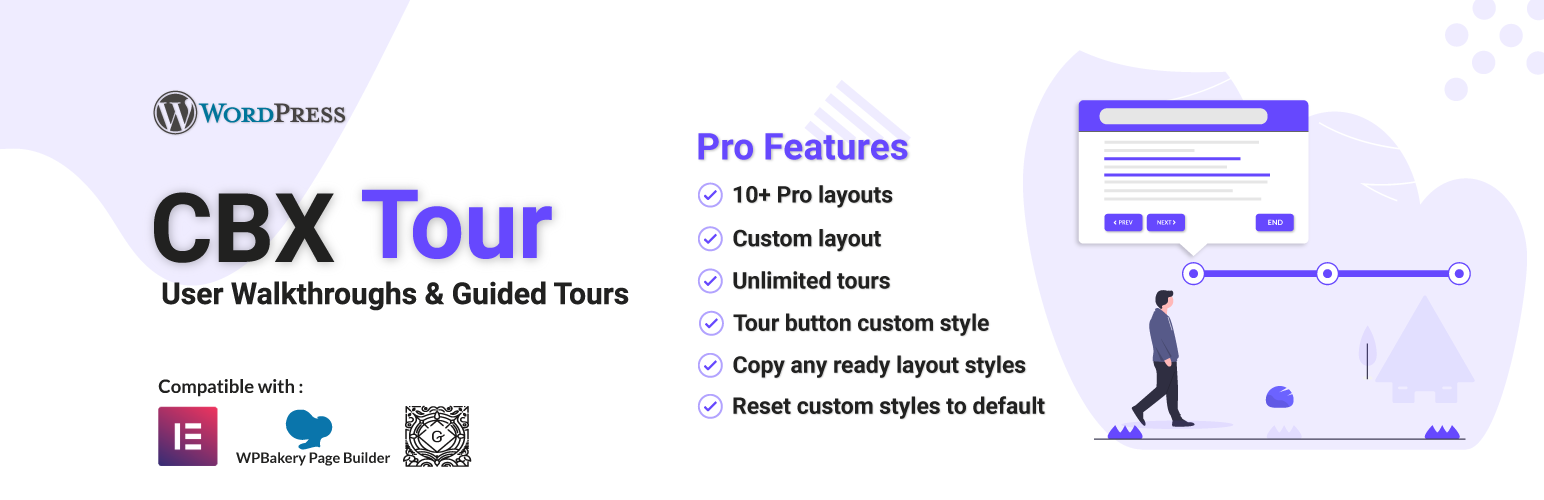
我們的核心外掛是免費的,並且將始終是免費的。為了擴展功能,我們提供了一個Pro附加組件,稱為CBX Tour - 使用者導覽/導遊Pro。使用Pro附加組件,我們添加了一些很酷的功能和更多控制。
💎 CBX Tour - 使用者導覽/導遊Pro功能
👉 獲取...
外掛標籤
開發者團隊
② 後台搜尋「CBX Tour – User Walkthroughs & Guided Tours」→ 直接安裝(推薦)
原文外掛簡介
CBX Tour – User Walkthroughs/Guided Tours helps to create interactive feature tour for product, service or simply step by step feature demonstration of anything. Now a days it’s really important to display any service or product step by step. Any kind of take a tour type implementation can help or solve this problem.
Here comes CBX Tour to solve step by step feature walk though with next prev button, little pop info.
CBX Tour by Codeboxr
📺 Live Demo | 🌟 Upgrade to PRO | 📋 Documentation | 👨💻 Free Support | 🤴 Pro Support | 📱 Contact
🛄 Core Plugin Features
Create Tours
– Create, Delete, Update tour from WordPress native post creating and listing window
– Add Multiple tour steps with title, mini description and html element id
– Redirect url as optional after tour is ended.
– Single Tour Setting
– Show/Hide tour button
– Tour Button Text custom input
– Tour Block Button (full width)
– Tour Button alignment
– Auto start tour
– Tour Layout choose
– Display Tour Once (Pro Feature)
Tour Layout
– Core version includes 4 ready made layouts and can be extended
– Basic layout
– Red layout
– Green layout
– Blue layout
– Pro addon has lots of ready layouts and custom layout(Custom color chooser)
Tour Display & Shortcode
Tour can be display in different ways
Tour display shortcode [cbxtakeatour id=”tour post id here”]
Tour display widget
Custom function call
🀄 Widgets
Classic Widgets
Dynamic Tours (Select the source from which the tour will display the content)
Show/Hide tour button
Tour Button Text custom input
Tour Block Button (full width)
Tour Button alignment
Auto start tour
Elementor Widgets
Dynamic Tours (Select the source from which the tour will display the content)
Show/Hide tour button
Tour Button Text custom input
Tour Block Button (full width)
Tour Button alignment
Auto start tour
WPBakery Addon
Dynamic Tours (Select the source from which the tour will display the content )
Show/Hide tour button
Tour Button Text custom input
Tour Block Button (full width)
Tour Button alignment
Auto start tour
Our Core plugin is free and will always be free. To extends the features we have Pro addon called CBX Tour – User Walkthroughs/Guided Tours Pro
Using the pro addons we have added some cool features and more controls.
💎 CBX Tour – User Walkthroughs/Guided Tours Pro Features
👉 Get the new
Pro Layouts
Pro Layouts
Tour Usages Tracking
Google Analytics Tracking
Available Pro Layouts
There are 10+ pro layouts including custom layout. Custom layout helps to choose custom colors and everything custom style needed.
Custom layout helps to style both the tour button and the tour popup box all elements.
Basic(core)
Red(core)
Green(core)
Blue(core)
Pink(pro)
Purple(pro)
Indigo(pro)
Teal(pro)
Yellow(pro)
Amber(pro)
Orange(pro)
Brown(pro)
Deep Orange(pro)
Blue Grey(pro)
Custom Layout(pro)
Tour Button Custom Style
Tour button custom font size
Tour button custom padding
Tour layout custom color
Google Analytics Integration
Enable/disable tour start event with google analytics event tracking
Track tour start
Prevent Bounce Rate
Tour Usages Logging
Enable/disable tour tour usages log
Enable/disable tour repeat visit log
Track IP Address
Anonymize IP Address
Guest Cookie Stay Day(s)
Display tour button once(Per tour configuration basis)
Other Pro Feature
Unlimited Tours
Reset custom styles to default
Copy any ready layout styles to custom style settings
👍 Liked Codeboxr?
Join our Facebook Page
Learn from our tutorials on Youtube Channel
Or Rate us on WordPress
🔩 Installation
[WordPress has clear documentation about how to install a plugin].(https://codex.wordpress.org/Managing_Plugins)
After install activate the plugin “CBX Interactive Feature Tour” through the ‘Plugins’ menu in WordPress
You’ll now see a menu called “CBX Tour” in left menu, start from there, create new tour
Use shortcode or widget or other custom features as you need to display tour
Try our pro and free addons for more extra features