
內容簡介
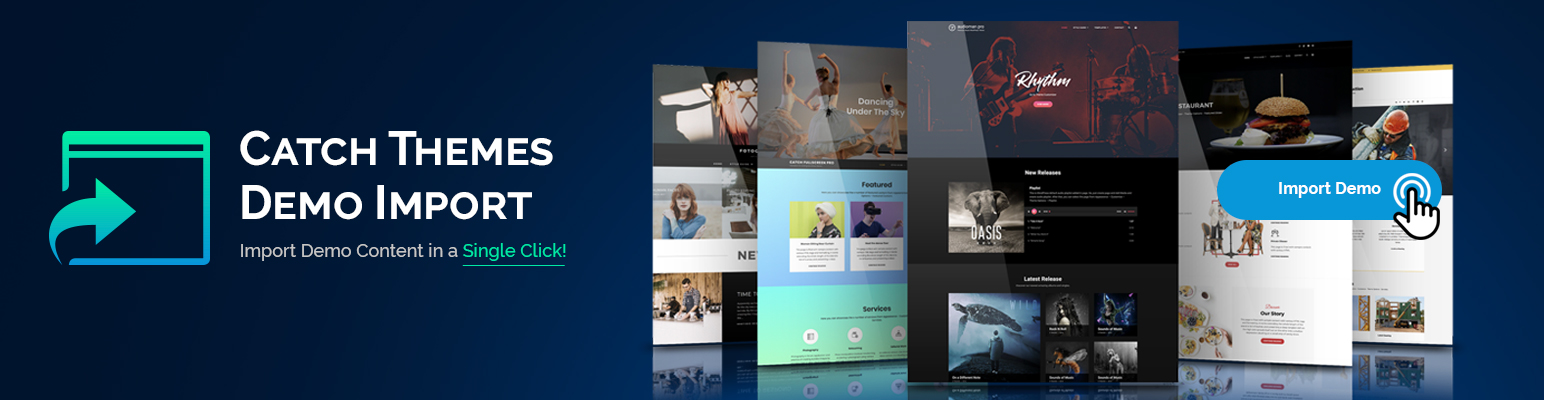
Catch Themes Demo Import 是一個免費的 WordPress 外掛程式,可讓您僅需點擊一次就匯入所需的樣本。此外掛程式可立即使用,您只需要安裝並啟用即可輕鬆串連您目前使用的主題中的所有樣本(請前往「外觀」=>「匯入樣本資料」頁面)。如果您的主題沒有預定義的匯入檔案,您將需要上傳三個檔案,包括匯入內容所需的演示內容XML檔案、匯入 Widget 所需的WIE/JSON檔案,以及匯入客製化設定所需的DAT檔案。當啟用了此外掛程式後,無論您是否具有可使用的預定義演示檔案,都能在您的網站上匯入演示而不需猶豫。立即下載 Catch Themes Demo Import,開始在您的網站上匯入主題演示,同時也不需要減少您的錢包!
您是主題作者嗎?
為您的主題安裝 Catch Themes Demo Import,您的使用者將為此而感謝您!
此外掛程式會在「外觀」下創建一個子菜單,標題為「匯入演示資料」。
如果您所使用的主題沒有預定義的匯入檔案,則需要三個檔案上傳介面。第一個是必要的,需要上傳演示內容的 XML 檔案。第二個是選擇性的,會要求您上傳 Widget 的 WIE 或 JSON 檔案,您可以使用「Widget Importer & Exporter」外掛程式來建立該檔案。第三個也是選擇性的,會匯入客製化設定,請選擇您可從「Catch Import Export」外掛程式中產生 DAT 檔案(僅在導出檔案是由相同的主題建立時,客製化設定才會被匯入)。最後一個也是可選的,會匯入您的 Redux 架構設定,您可以使用 Redux 架構外掛程式生成匯出 JSON 檔案。
此外掛程式使用的是仍在開發中且可在此處找到的更佳 WP import 2.0 版本: https://github.com/humanmade/WordPress-Importer。
此外掛程式的所有進度回報都會以日誌檔案的形式紀錄在預設的 WP 上傳目錄中,同時也會與匯入過程中使用的演示資料一併紀錄。
注意: 沒有設定可以將演示匯入檔案的作者與 WP 網站中現有的使用者連接起來(就像原有 WP Importer 外掛程式所做的那樣)。所有演示資料將會在目前的使用者下匯入。
外掛標籤
開發者團隊
📦 歷史版本下載
原文外掛簡介
Catch Themes Demo Import is a free demo importer WordPress plugin that lets you import the demo you desire in just a single click. The plugin works out of the box; all you have to do is install and activate the plugin and all the demos available on your currently used theme will be on your fingertips (visit Appearance=> Import Demo Data). If the theme doesn’t have any predefined import files, you’ll have to upload three files – a demo content XML file for content import, a WIE/JSON file for widget import, and a DAT file for customizer import. With the plugin activated, whether you have predefined demo files available or not, you’ll be able to import demos on your website without any hesitancy. Download Catch Themes Demo Import today and start importing theme demos to your website without affecting your wallet!
Are you a theme author?
Setup Catch Themes Demo Import for your theme and your users will thank you for it!
This plugin will create a submenu page under Appearance with the title Import demo data.
If the theme you are using does not have any predefined import files, then you will be presented with three file upload inputs. First one is required and you will have to upload a demo content XML file, for the actual demo import. The second one is optional and will ask you for a WIE or JSON file for widgets import. You create that file using the Widget Importer & Exporter plugin. The third one is also optional and will import the customizer settings, select the DAT file which you can generate from Catch Import Export plugin (the customizer settings will be imported only if the export file was created from the same theme). The final one is optional as well and will import your Redux framework settings. You can generate the export json file with the Redux framework plugin.
This plugin is using the improved WP import 2.0 that is still in development and can be found here: https://github.com/humanmade/WordPress-Importer.
All progress of this plugin’s work is logged in a log file in the default WP upload directory, together with the demo import files used in the importing process.
NOTE: There is no setting to “connect” authors from the demo import file to the existing users in your WP site (like there is in the original WP Importer plugin). All demo content will be imported under the current user.






