外掛標籤
開發者團隊
② 後台搜尋「Carthound – Stop Card Testing & Fake Orders」→ 直接安裝(推薦)
原文外掛簡介
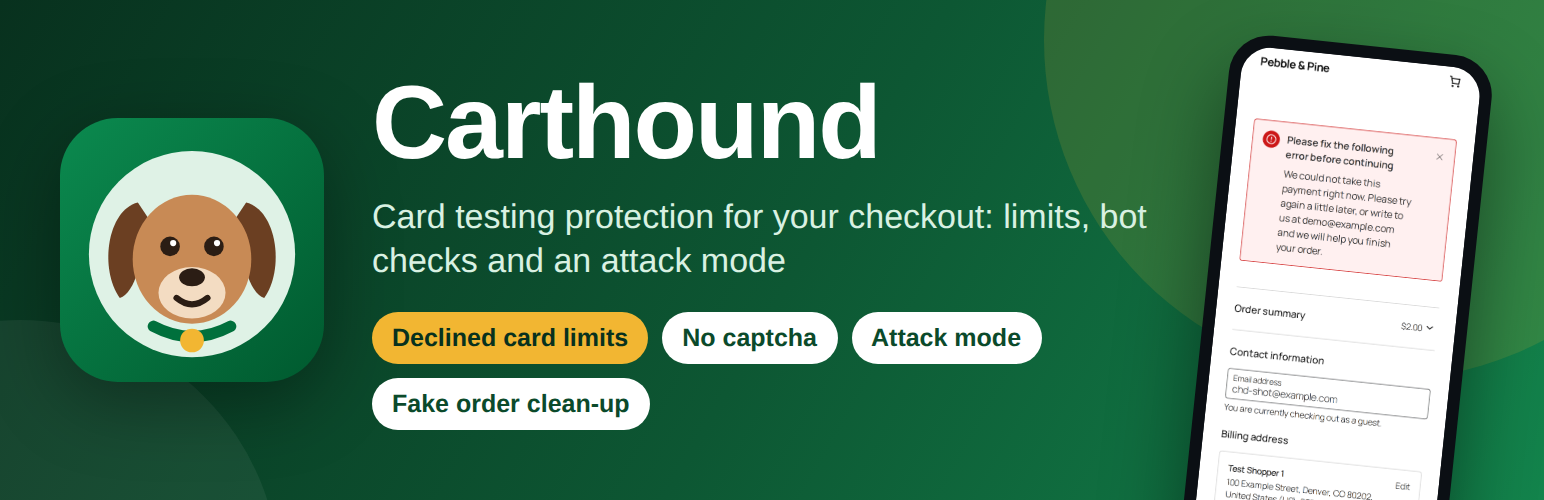
Carthound guards every way into a payment on your shop — the block and classic checkouts, pay for order, Add payment method and your gateway’s card fields — and counts the cards the bank says no to, per visitor, e-mail and group of addresses. When the declines spike it turns on attack mode by itself, can hold the flood of failed-order e-mails, and afterwards moves the junk orders to the Trash in one tap. It explains every refusal in plain words, judges a returning customer by their own tries only, and sends nothing to any other company.
Card testing (some call it carding) is a bot trying stolen card numbers on your checkout, one small payment after another, to find the ones that still work. It leaves your shop with piles of failed orders, a flood of e-mails, payment fees and a worried payment company. Carthound is fraud prevention for the checkout itself, against card testing and fake orders: it counts, refuses and explains.
Limits on declined cards per visitor and e-mail
Carthound counts the declined payments of each visitor, each e-mail, each address and each group of addresses. With the Normal setting, a visitor or an e-mail may have 4 cards declined in an hour, an address 10 and a group of addresses 15; the next try is refused, and that visitor is stopped for 60 minutes. A refused shopper sees a calm message with your shop’s e-mail address, and you can write that message yourself.
Try limits on every checkout
A rate limit on every checkout, paid or not: with the Normal setting, a visitor may try 8 times in 10 minutes and an address 20 times, an order may be tried 5 times in an hour, and an account may add 3 cards in an hour. Choose how careful Carthound is — Gentle, Normal or Strict — and change any number in the Advanced settings.
Stop spam and bot orders
Spam orders and bot orders are refused before they reach your payment method: the limits above, the bot checks below and your own block list work on every checkout, so a bot that changes its e-mail, its address or its card is still counted.
Bot checks without a captcha
Bot protection with no captcha: a small script on your checkout gives each real browser a short-lived pass from your own site, a hidden field catches the scripts that fill in every box, and a form sent faster than a person can type adds to a try’s score. Outside attack mode none of these refuses a shopper alone. Your shoppers never see a puzzle.
Works with the block checkout and the classic checkout
Carthound guards the block checkout (WooCommerce’s Store API, its batch route included), the classic checkout, the checkout sent without JavaScript and pay for order, all on the server. Express payment buttons on the cart and product pages pay through the same guarded doors. Webhooks, the REST API with keys, wp-admin, scheduled jobs and the login are never touched, so a payment that came in is still marked paid.
Protect the Add payment method page
The Add payment method page of My Account is a door bots use to try cards without placing an order. Carthound counts its tries and its declined cards like any checkout, and an account may add 3 cards in an hour with the Normal setting.
Attack mode turns itself on and off
When your shop is under attack — 20 declined payments in 10 minutes with the Normal setting, a sudden share of declines, a slow drip over hours, or many refused tries — attack mode turns itself on. The limits get tighter and a try without the pass is refused, but your checkout stays open, guest checkout stays on and every payment method stays on, so real shoppers keep buying. You get one e-mail when it starts and one when it ends, and you can choose one summary instead of WooCommerce’s “Failed order” e-mails. It turns itself off after 60 minutes of calm, and you can turn it on or off yourself.
Clean up junk failed orders
Clean up junk failed orders and pending orders: Carthound lists the unpaid orders an attack left behind, each with its reason, and moves them to WooCommerce’s Trash in one tap. Their stock goes back, a paid or refunded order is never touched, an order a person wrote a note on stays, and Undo brings them back for 30 days. It works on an attack from before you installed Carthound too.
Block and allow lists
Block an IP address, a group of addresses, an e-mail or every e-mail of a domain, for 24 hours, 7 days, 30 days or for good — your own block list, some call it a blacklist — or let a customer through, even when they are also on the block list. Add many at once from a CSV file, and save the lists as one. Carthound never lets you block yourself.
A log that explains every refusal
Every refused try is in the log, with the reason in plain words. From an entry you can let a real customer through in one tap, or block an address, a group of addresses or an e-mail yourself. Filter the log by day, by page and by what happened, save it as a CSV file, and print a one-page summary of what Carthound did between the days you choose — for your records, or to show your payment company.
Test my shield
One button sends practice tries to your own checkout, the way a bot would, and in about 10 seconds shows the one Carthound refuses, with the reason in words. No order is made, nothing is charged and no e-mail is sent. If something on your site gets in Carthound’s way, the screen says what to change.
Set up on one screen
Carthound asks whether your shop is being attacked right now and chooses its settings from your answer. One button turns protection on, and nothing changes before you press it.
Privacy
Carthound keeps a code for each visitor’s address and e-mail, not the address or e-mail itself, and its log shows only part of each. The log is kept for 30 days (you choose from 7 to 90) and the daily counts for 13 months. It suggests text for your privacy policy, and WordPress’s Export and Erase Personal Data tools find what it keeps for an e-mail.
The Shield screen has an ordinary link, “Get early access”, to a page about a paid service we are thinking about. Nothing is sent when the screen loads: the page opens in your browser only if you tap it, and your e-mail address reaches us only if you type it there.
Made for a phone first
Every screen fits a small phone, the log shows one card for each entry, and every button is big enough for a thumb. The message a refused shopper sees reads well on a phone too, even inside a social app’s own browser.
How Carthound is different
Every door into a payment is guarded on the server, by name: the block and classic checkouts, pay for order, Add payment method and the card fields’ own doors of your payment plugin, each read from that plugin’s code.
Attack mode turns itself on and off, and while it is on your checkout stays open: it never closes the checkout, never turns guest checkout off and never turns a payment method off. It can hold the flood of “Failed order” e-mails.
It cleans up the junk orders an attack left, in one tap, to the Trash with an Undo — never a paid order, and never a real shopper’s lone declined order.
Test my shield shows you, in about 10 seconds, a practice bot being refused on your own checkout, with no order and no charge.
This plugin does not connect to any external service.