內容簡介
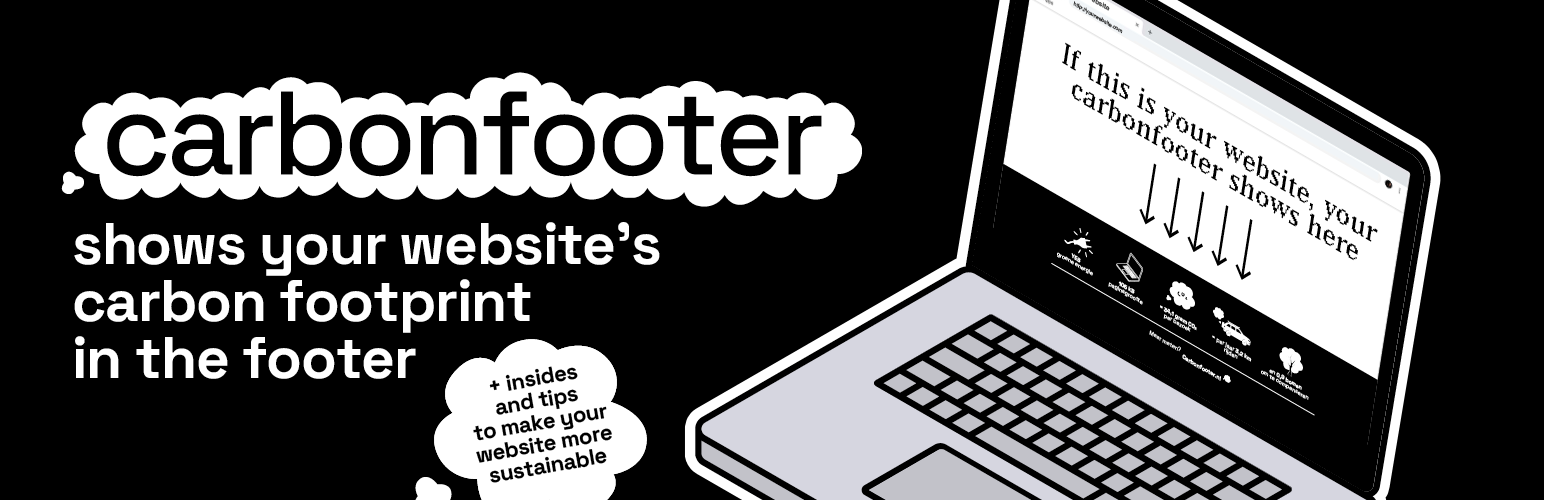
總結:Carbonfooter外掛幫助您了解和展示網站的碳排放。自動測量網頁的碳足跡並提供易於使用的短代碼,以將此信息顯示給訪客。
問題與答案:
1. Carbonfooter外掛有哪些主要功能?
- 自動測量所有貼文和頁面的碳排放
- 後台處理以避免影響網站性能
- 自動刷新排放數據(默認每週一次)
- 一個短代碼用於顯示:[carbonfooter](可在設置→外觀→小工具風格中選擇視覺風格:簡約、貼紙或完整)
- 在管理員中顯示排放的貼文/頁面欄
- 可選的綠色託管檢測
- 多語言支持(英語和荷蘭語)
2. 如何使用Carbonfooter外掛?
- 使用單個短代碼來呈現小工具,在設置中選擇視覺風格。
- 視覺風格選擇:在Carbonfooter → 設置 → 外觀 → 小工具風格中選擇「簡約」、「貼紙」或「完整」。短代碼不帶屬性;將應用於整個網站的風格。
- 自動插入:在設置中,將顯示設置為「自動」,以將小工具自動嵌入前端的網站頁腳。將其設置為「短代碼」,僅在使用短代碼的地方呈現。
3. Carbonfooter外掛如何處理隱私問題?
- 此外掛連接到Carbonfooter API(由與此外掛相同的開發人員/所有者運營),以計算頁面級別的排放。以下數據可能被發送到carbonfooter.nl:
* 分析中的頁面URL
* 網站URL
* 貼文ID
* 外掛版本
* 時間戳記
- 數據發送時間:
* 當您在WordPress管理員中觸發測量時
* 當外掛在後台刷新過時數據(通過WP-Cron)
* 當單個頁面查看安排後台刷新時
- 此外掛不會收集或存儲個人數據。您可以隨時在Carbonfooter → 設置 → 隱私中關閉數據收集。
以上是關於Carbonfooter外掛的主要功能、使用方法和隱私相關內容的問題與答案。
外掛標籤
開發者團隊
原文外掛簡介
Carbonfooter helps you understand and showcase the carbon emissions of your website. The plugin automatically measures the carbon footprint of your pages and provides easy-to-use shortcodes to display this information to your visitors.
Important Note: This plugin uses the carbonfooter.nl API service to calculate emissions data. By installing and activating this plugin, you agree to share your website URLs with this service for analysis. See the Privacy and External services sections below for more details.
Features
Automatic emissions measurement for all posts and pages
Background processing to avoid impacting site performance
Automatic refresh of emissions data (weekly by default)
One shortcode for display: [carbonfooter] (choose the visual style in Settings → Appearance → Widget style: minimal, sticker, or full)
Post/page columns showing emissions in admin
Optional green hosting detection
Multilingual support (English and Dutch)
Usage
Use the single shortcode to render the widget. The visual style is selected in Settings.
`
[carbonfooter]
`
Style selection: Choose between “minimal”, “sticker”, or “full” in Carbonfooter → Settings → Appearance → Widget style. The shortcode does not take attributes; a site-wide style is applied.
Automatic insertion: In Settings, set Display to “Auto” to automatically inject the widget into the site footer on the frontend. Set to “Shortcode” to only render where the shortcode is used.
Privacy
This plugin connects to the Carbonfooter API (operated by the same developer/owner as this plugin) to calculate page-level emissions. The following data may be sent to carbonfooter.nl:
Page URL being analyzed
Site URL
Post ID
Plugin version
A timestamp
When is data sent:
* When you trigger a measurement in the WordPress admin
* When the plugin refreshes stale data in the background (via WP-Cron)
* When a single page view schedules a background refresh
No personal data is collected or stored by this plugin.
Opt-out controls:
* You can disable data collection at any time in Carbonfooter → Settings → Privacy (toggle “Data collection”).
Provider:
* Carbonfooter by Pixel to Planet
* Privacy Policy: https://carbonfooter.nl/privacy
Terms:
* Terms of Service for the Carbonfooter API are currently under preparation and will be linked here when available.
External services
This plugin connects to the Carbonfooter API (operated by the same developer/owner as this plugin) to calculate page-level emissions.
What is sent and when:
– Page URL being analyzed
– Site URL, post ID, plugin version, timestamp
– Sent when you trigger a measurement in admin, when the plugin refreshes stale data in the background, or when a single page view schedules a background refresh.
Provider: Carbonfooter (Pixel to Planet)
– Privacy Policy: https://carbonfooter.nl/privacy
– Terms of Service: currently under preparation
Terms of Service
The Carbonfooter API used by this plugin is operated by the same developer/owner as this plugin (Pixel to Planet / carbonfooter.nl). By using this plugin, you agree that the URLs being tested are sent to the external Carbonfooter API for analysis. Terms of Service are currently under preparation. Privacy Policy: https://carbonfooter.nl/privacy