
內容簡介
BuyGet 是一款專為 WooCommerce 設計的外掛,能夠在產品頁面上新增基於數量的優惠。它幫助顧客在限時促銷中輕鬆比較價格,並鼓勵他們一次購買更多商品,以獲得更好的價值。
【主要功能】
• 設定數量規則及固定總價
• 顯示常規總價、優惠總價及省錢金額
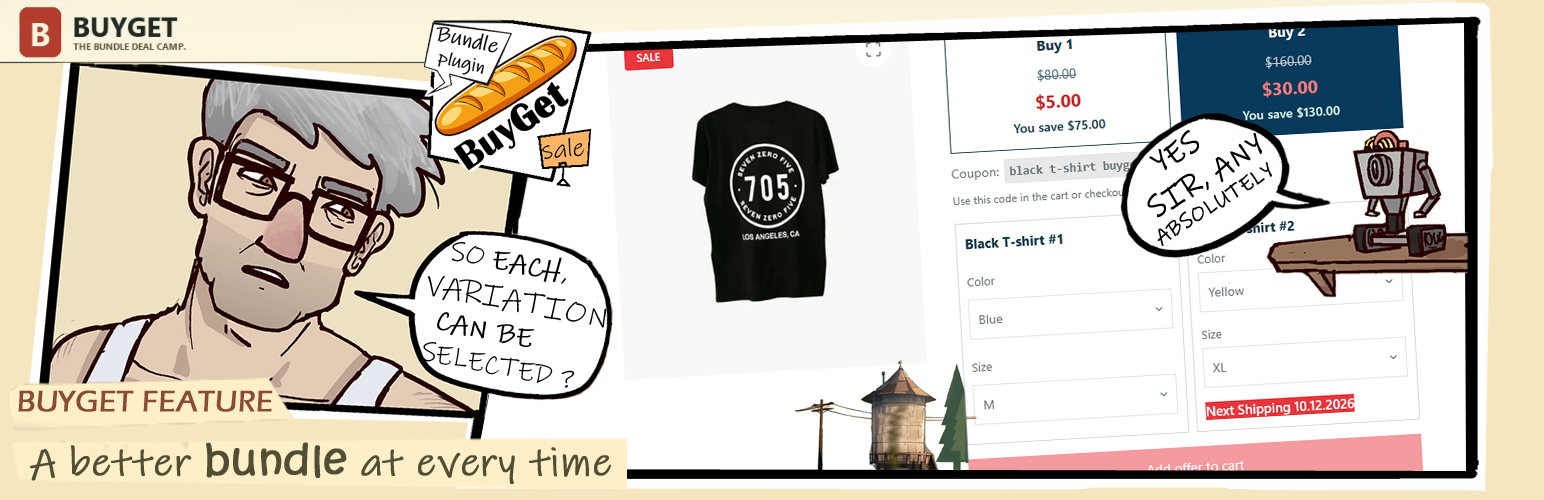
• 讓顧客為每個商品選擇可用變體
• 在加入購物車前檢查變體庫存
• 附加簡單產品作為數量規則的贈品
• 創建標準 WooCommerce 優惠券以應用折扣
外掛標籤
開發者團隊
② 後台搜尋「BuyGet — Quantity Offers for WooCommerce」→ 直接安裝(推薦)
原文外掛簡介
BuyGet adds quantity-based offers to WooCommerce product pages. Set a fixed total for each quantity, show the regular total and savings, and let shoppers add the selected bundle in one step. Clear prices help shoppers compare options during a time-sensitive promotion and explain the value of buying more for everyday offers. A campaign landing page can link directly to the product offer; BuyGet does not build landing pages.
BuyGet brings three parts together in one offer: independent variation choices for each bundle item, optional gifts tied to quantity rules, and a native WooCommerce coupon. For variable products, shoppers can mix available sizes, colors, or other attributes in the same bundle instead of being limited to identical variations. BuyGet checks that each selection is available and purchasable before adding the offer to the cart.
Each saved campaign creates a standard WooCommerce coupon, so WooCommerce records its use and discount on the order. BuyGet normally applies the campaign when the shopper adds an offer; if automatic application is unavailable, the coupon code is shown for the cart or checkout. Store owners can review the coupon in WooCommerce and use BuyGet’s campaign report to see attributed orders and product-line sales. Optional gifts can be attached to quantity rules. A gift is added as a separate free cart item, is not included in the bundle price, and must be a simple product.
Review campaign orders, BuyGet product-line sales, coupon discounts, order links, and daily totals in BuyGet’s analytics screen. Filter results by date and order status. The report uses WooCommerce order data and supports HPOS. Store owners can also customize BuyGet’s customer-facing messages.
Use quantity offers for flash sales, product launches, seasonal campaigns, or everyday multi-item pricing. Showing the final bundle price and savings before checkout can make a promotion easier to understand and act on. The same product offer can be linked from a landing page, while the page design and setup remain with your site builder or theme. Results depend on the offer, audience, pricing, and campaign execution.
BuyGet includes compatibility handling for the Caddy side cart and CheckoutWC Lite checkout templates. Compatibility can vary with the active theme and other extensions, so test the complete purchase flow on your store before launching an offer.
Features
Configure quantity rules and a fixed total bundle price for a simple or variable product.
Show the regular total, offer total, and savings on product-page offer cards.
Let shoppers select an available variation separately for every item in a bundle.
Check variation stock and purchasability before adding an offer to the cart.
Attach an optional simple-product gift to a quantity rule; the gift is added separately from the bundle price.
Create a standard WooCommerce coupon for each saved campaign and use it to apply the configured offer discount.
Review campaign orders, BuyGet line sales, coupon discounts, and daily totals in the analytics screen.
Customize storefront labels and messages.
Integrate with Caddy side-cart behavior and CheckoutWC Lite checkout templates.














