內容簡介
購買 X 得 Y 外掛
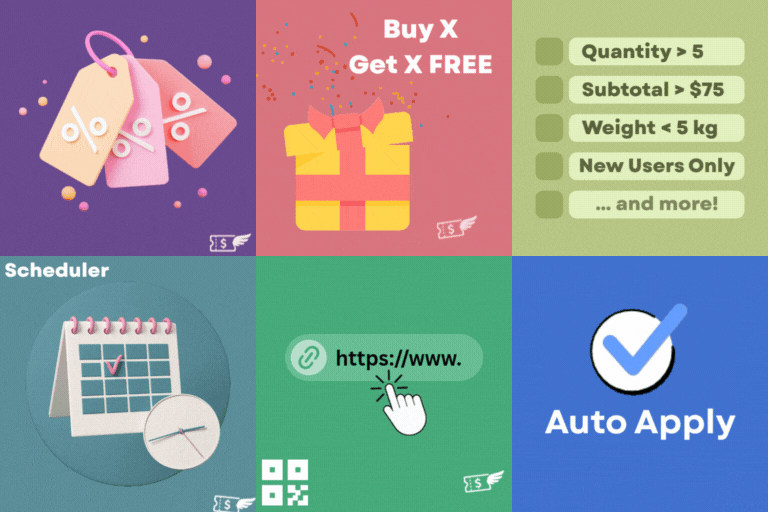
你想在購物車裡增加一些促銷產品嗎?現在這個 Buy X Get Y 外掛可以幫助你達成目標。只需要透過簡單的外掛設置,你就可以在購物車中加入所需的免費產品。
安裝
啟用 Buy X Get Y 外掛。前往 Buy X Get Y 設定頁面並按照以下步驟進行設置。
- 全域啟用 "Buy X Get Y"
- 啟用購物車訊息(非必要)
- 新增自訂購物車訊息
- 選取主產品
- 選取主產品數量
- 選取免費產品
- 選取免費產品數量
- 儲存
完成了!現在可以開始使用了!
外掛標籤
開發者團隊
② 後台搜尋「Buy X Get Y Free by StorePro」→ 直接安裝(推薦)
原文外掛簡介
Buy X Get Y Plugin
Are you looking to add some promotional products to your cart? Here you go! The Buy X Get Y by StorePro allows you to achieve your goal. You can add the desired free product to the cart along with the main product with the help of simply arranged plugin settings.
Installation
Activate the Buy X Get Y plugin. Go to the Buy X Get Y settings and follow the Steps.
-Enable ‘Buy X Get Y’ globally
-Enable Cart Message (Optional)
-Add custom Cart Message
-Select the Main Product
-Select the Quantity of Main Product
-Select the Free Product
-Select the Quantity of Free Product
-Add text to be displayed on the promotional product
-Add text to be displayed on the product page of the Promotional Item
-Save
That’s It. You are Ready to Go!