內容簡介
### Summary:
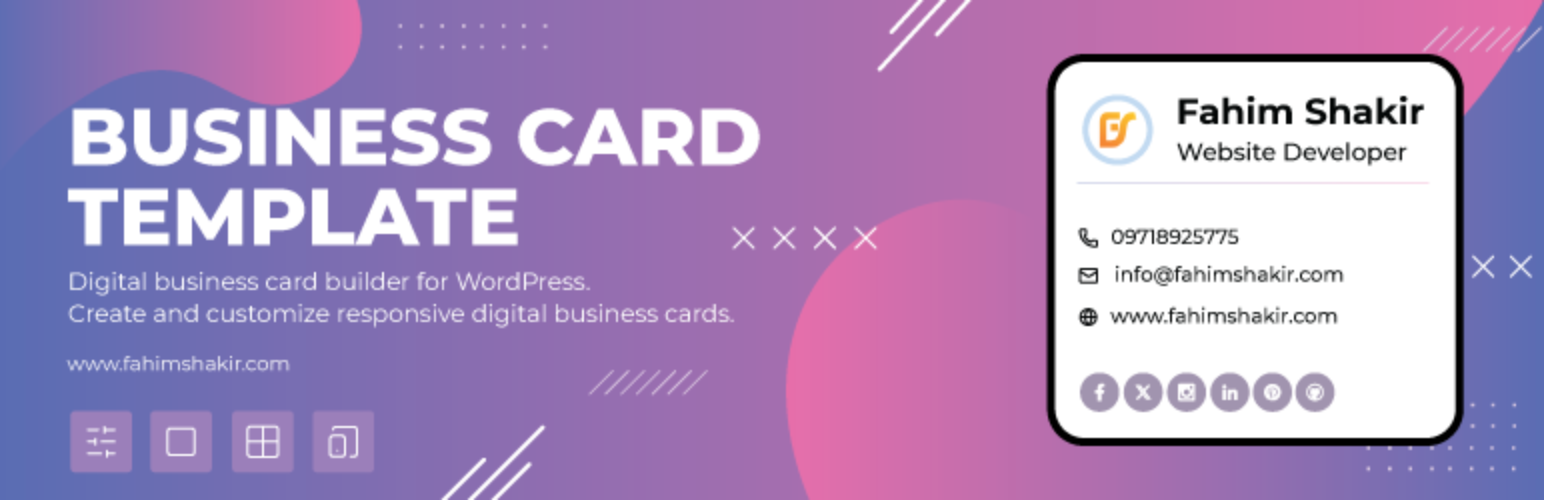
Business Card Template 外掛是一個強大且靈活的解決方案,適合想要在 WordPress 上建立時尚、響應式數位作品集或自定義文章類型的使用者。特別適合自由工作者、創意人士和商業專業人士,可幫助您以乾淨、專業的版面呈現項目、服務、案例研究或推薦信。
### 問題與答案:
1. 如何在 WordPress 儀表板中輕鬆建立和自訂數位名片?
- 使用 Digital Business Card Builder 功能可以直接在 WordPress 儀表板中輕鬆建立和自訂數位名片。
2. 可以從哪些多個佈局選項中選擇時尚的商務卡模板?
- 可以從設計為專業人士的多種時尚商務卡模板中進行選擇。
3. 有哪些完全可自定義的字段可以添加和編輯?
- 可以添加和編輯姓名、職稱、電話號碼、電子郵件、網站、社交連結等字段。
4. 如何確保您的商務卡在桌面、平板電腦和移動設備上看起來完美?
- 透過 Responsive Design 功能,您的商務卡可以在桌面、平板電腦和移動設備上呈現完美。
5. 如何將商務卡顯示在網站的任何位置?
- 使用 Shortcode Integration,可以使用簡單的短代碼將商務卡顯示在網站的任何位置。
6. 有哪些社交媒體連結可以添加和自定義圖標?
- 可以添加和自定義像 LinkedIn、Twitter、Instagram 等流行平台的圖標。
7. 如何讓使用者下載您的聯絡詳細信息?
- 通過 vCard Download Option 功能,使用者可以將您的聯絡詳細信息下載為 .vcf 檔案(虛擬聯絡檔案)。
8. 如何將商務卡插入帖子或頁面中?
- 使用 Gutenberg Block Support,可以使用專用區塊將商務卡插入帖子或頁面中。
9. 如何確保商務卡準備好進行多語言翻譯?
- 透過 Multilingual & Translation Ready 功能,帶有 .pot 檔案來本地化您的商務卡。
10. 如何確保外掛輕量且運行快速?
- 通過優化速度和性能、乾淨、最小化的代碼來確保輕量且運行快速。
外掛標籤
開發者團隊
原文外掛簡介
The Business Card Template plugin is a powerful and flexible solution for WordPress users looking to create stylish, responsive digital portfolios or custom post types. Ideal for freelancers, creatives, and business professionals, it helps you present projects, services, case studies, or testimonials in a clean, professional layout.
With an intuitive interface and responsive design, the plugin offers seamless portfolio management with no coding required. Easily tailor your digital content to match your brand and captivate your audience.
Features included
Digital Business Card Builder
Easily create and customize digital business cards directly in your WordPress dashboard.
Multiple Layout Options
Choose from a variety of stylish business card templates designed for professionals.
Fully Customizable Fields
Add and edit fields like name, title, phone number, email, website, social links, and more.
Responsive Design
Your business card looks perfect on desktops, tablets, and mobile devices.
Shortcode Integration
Display your business card anywhere on your site using a simple shortcode.
Social Media Links
Add and customize icons for popular platforms like LinkedIn, Twitter, Instagram, and more.
vCard Download Option
Allow users to download your contact details as a .vcf file (virtual contact file).
Gutenberg Block Support
Insert business cards into posts or pages using a dedicated block.
Multilingual & Translation Ready
Ready for translation with included .pot file to localize your business card.
Lightweight & Fast
Optimized for speed and performance with clean, minimal code.
Development & Source
This plugin uses a modern JavaScript build process with webpack.
The full human-readable source code is included within this plugin in the /src directory.
To build from source:
Run npm install
Run npm run build
The compiled output will be generated in the /build folder