
內容簡介
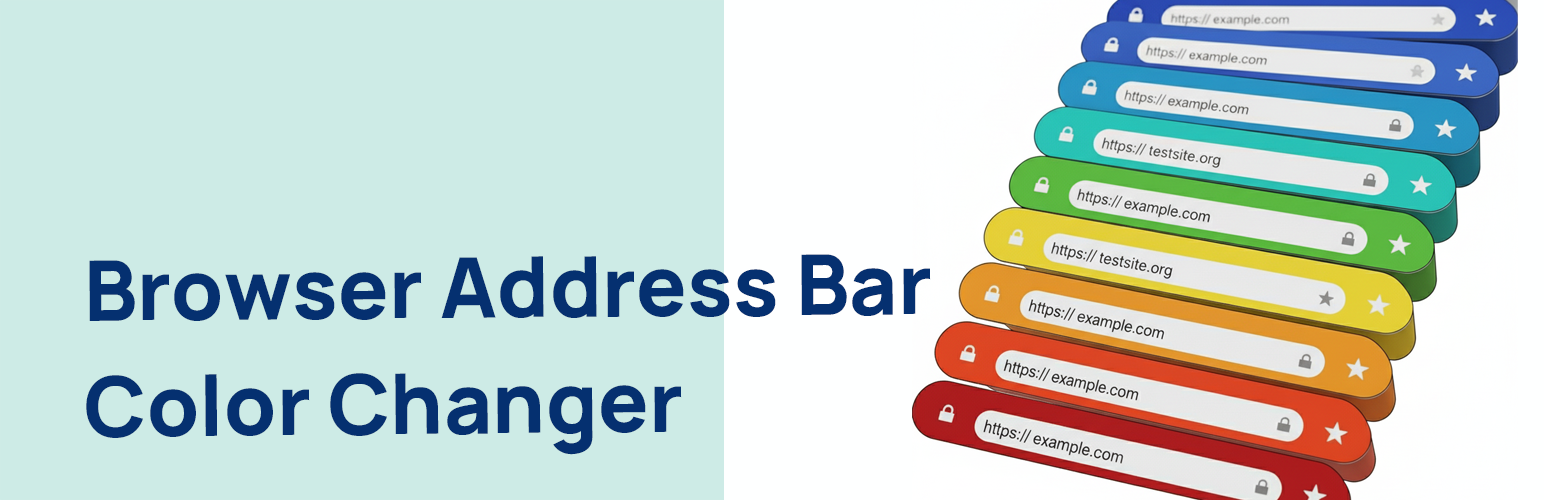
總結:Browser Address Bar Color Changer 是一個輕量、安全、且易於使用的外掛程式,可讓您在支援的行動瀏覽器上(例如 Android 上的 Chrome)設定瀏覽器的位址列顏色。這有助於為您的行動訪客提供更具沉浸感且品牌化的體驗。
1. 這個 WordPress 外掛程式的作用是什麼?
- 這個外掛程式可讓您在支援的行動瀏覽器上設定瀏覽器的位址列顏色,提供更沉浸式且品牌化的體驗給您的行動訪客。
2. 如何在 WordPress 管理設定中設定外掛程式?
- 您可以在 WordPress 管理設定中使用簡單的顏色選取器,在“設定 > 瀏覽器位址列顏色”一頁中直接選取您想要的顏色,而不需編寫任何程式碼。
3. 這個外掛程式有哪些主要特點?
- 使用簡單:在設定頁面(設定 > 瀏覽器位址列顏色)提供簡單的顏色選取器,並可從外掛程式頁面直接連結。
- 安全:採用 WordPress 設定 API 架構建立,確保所有資料都安全地保存和輸出,並進行適當地淨化、轉義和驗證。
- 輕量:這個外掛程式是極簡的,並只在其自己的設定頁面載入其腳本,不對您的網站前端性能產生任何影響。
- 遵循最佳實踐:遵照最高的 WordPress 標準編寫,使用獨特的命名慣例來避免外掛程式衝突。
外掛標籤
開發者團隊
② 後台搜尋「Browser Address Bar Color Changer」→ 直接安裝(推薦)
原文外掛簡介
Browser Address Bar Color Changer is a lightweight, secure, and easy-to-use plugin that allows you to set the color of the browser’s address bar on supported mobile browsers (like Chrome on Android). This helps in providing a more immersive, branded experience for your mobile visitors.
The plugin adds a theme-color meta tag to the head section of your website. You can easily pick your desired color from a simple color picker in the WordPress admin settings, without touching a single line of code.
Key Features:
Easy to Use: A simple color picker in the settings page (Settings > Browser Address Bar Color) with a direct link from the plugins page.
Secure: Built using the WordPress Settings API, ensuring all data is saved and outputted securely with proper sanitization, escaping, and validation.
Lightweight: The browser address bar color changer plugin is minimal and only loads its scripts on its own settings page, having zero impact on your site’s frontend performance.
Follows Best Practices: Coded to the highest WordPress standards with unique naming conventions to prevent plugin conflicts.