外掛標籤
開發者團隊
② 後台搜尋「Bring Images Home – Copy Remote Images Locally」→ 直接安裝(推薦)
原文外掛簡介
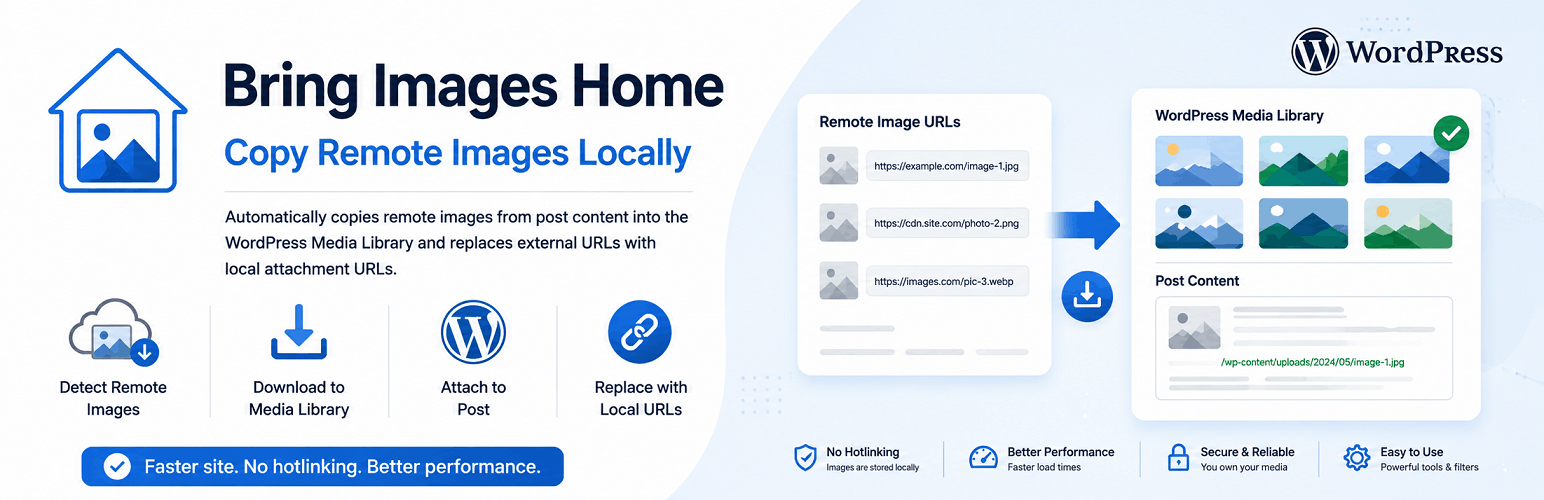
Bring Images Home scans post content for remote image URLs, downloads those images into the WordPress Media Library, attaches them to the post, and replaces the remote URLs in the post content with the local attachment URLs.
Use it for new posts, already published content, or large backfills with filters and progress tracking.
Features
Copies remote images when posts are published or updated (configurable).
Processes already published posts from a single post screen or in bulk.
Bulk processing with filters for post type, status, author, category, tag, search, date range, and remote-only posts.
Modern admin dashboard with scan preview, progress bar, and per-post results log.
Block Editor sidebar panel and classic editor metabox for single-post processing.
Manual row action in post list tables.
Copies images into the Media Library and sets the post as the attachment parent.
Replaces remote image URLs in post content with local attachment URLs.
Supports img src, srcset, block editor image URLs, featured images, and optional CSS background images.
Skips images already hosted on the current site.
Reuses previously copied images for the same post and source URL.
Domain allowlist and blocklist support.
Configurable download timeout, batch size, and supported post types.
Uses WordPress core media sideloading APIs with nonces and capability checks.