
內容簡介
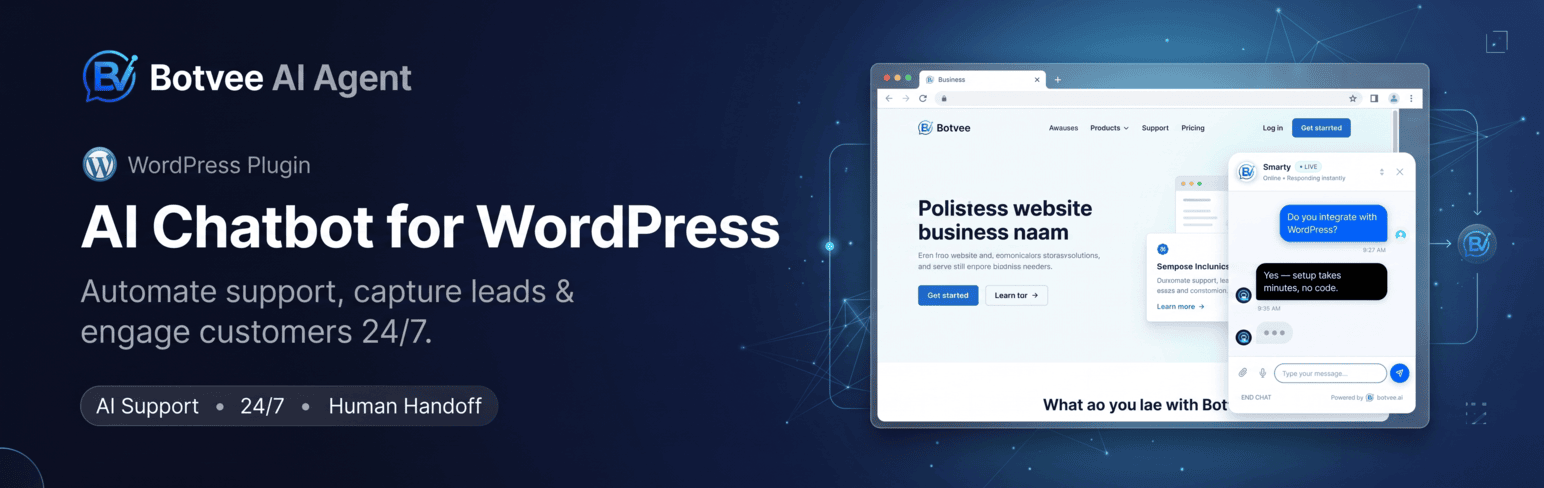
Botvee AI Agent 是一款官方 WordPress 連接器,能輕鬆將您的 WordPress 網站與 Botvee 帳戶連接。無需編碼或 FTP,只需安裝並連接,即可立即啟用您的 AI 代理。
【主要功能】
• 一鍵連接 — OAuth 認證,無需手動輸入令牌
• AI 代理選擇器 — 從可搜尋下拉選單中選擇顯示的 AI 代理
• 自動小工具注入 — AI 代理小工具自動加載於頁面
• 顯示規則 — 可選擇在所有頁面或特定頁面顯示 AI 代理
• 活動面板 — 在 WordPress 中查看對話、消息和潛在客戶
• WooCommerce 整合 — 實時產品、庫存和訂單查詢
外掛標籤
開發者團隊
原文外掛簡介
Botvee AI Agent is the official WordPress connector for the Botvee AI Agent platform.
This lightweight plugin connects your WordPress website directly with your Botvee account. No coding, no FTP, no theme editing required — just install, connect, and your AI Agent is live.
How It Works
Install and activate the plugin
Click Connect with Botvee
Log into your Botvee account
Select which AI Agent to display
Your AI Agent is live instantly!
Key Features
One-Click Connection — OAuth-style authentication, no manual token pasting
AI Agent Selector — Choose which AI Agent appears on your site from a searchable dropdown
Auto Widget Injection — AI Agent widget loads automatically on your pages
Display Rules — Show the AI Agent everywhere, only on selected pages, or everywhere except the pages you choose
Activity Panel — Conversations, messages and leads without leaving WordPress
Agent Health — See at a glance if your AI Agent is untrained, paused, or deleted on Botvee
WooCommerce — Live product, stock and order lookups, plus optional browse-abandonment and cart-recovery tracking
Ultra Lightweight — Under 1MB, minimal database usage, async loading
Fully Managed — All AI logic, training, and customization stays on Botvee’s platform
Secure — Encrypted token storage, nonce validation, capability checks
What This Plugin Does NOT Do
This plugin is a connector only. It does not store chats, process AI, manage training data, or render the AI Agent widget. All intelligence lives on botvee.ai.
External services
This plugin is a connector for Botvee, an external AI Agent service run by Botvee (https://botvee.ai). The plugin cannot work without it: all AI logic, agent training, conversation storage and the chat widget itself live on Botvee’s servers, not on your site.
It talks to two Botvee hosts:
https://botvee.ai — where the chat widget script (/widget.js) is loaded from on your public pages, and where the dashboard links in this plugin point.
https://api.botvee.ai — the API this plugin sends requests to, and where you sign in to authorise the connection.
What is sent, and when:
When you click “Connect with Botvee” — a sign-in window opens on api.botvee.ai. On success your site domain and the chosen AI Agent id are registered with Botvee, and an access token is stored (encrypted) on your site. Nothing is sent before you click Connect.
On every page where the AI Agent is shown — the visitor’s browser loads the widget script from botvee.ai and sends the AI Agent id, your site domain, an anonymous visitor id, and, for logged-in users only, their display name, email address, and (with WooCommerce) their order count and total spent. This is what lets the agent answer “where is my order?” for a signed-in customer.
While you use the plugin dashboard — your AI Agent list, conversation/message/lead counts and agent status are fetched from the API.
After you connect, if WooCommerce is active — your published products, and your orders with their payment status, are sent to Botvee so the AI Agent can answer questions about stock, prices and order status. Product stock changes are sent as they happen so Stock Alert customers are notified.
Only if you switch them on — Browse abandonment sends the viewed product, view duration, an anonymous visitor id and the shopper’s email/phone; Cart recovery sends the cart contents and the shopper’s email/phone. Both are off by default, and even when on, nothing is sent for a shopper who has not given an email address or phone number. You can switch them off at any time under Botvee → WooCommerce → Send shopper activity to Botvee.
By using this plugin you agree to Botvee’s terms and privacy policy:
Terms of Service: https://botvee.ai/terms
Privacy Policy: https://botvee.ai/privacy














