內容簡介
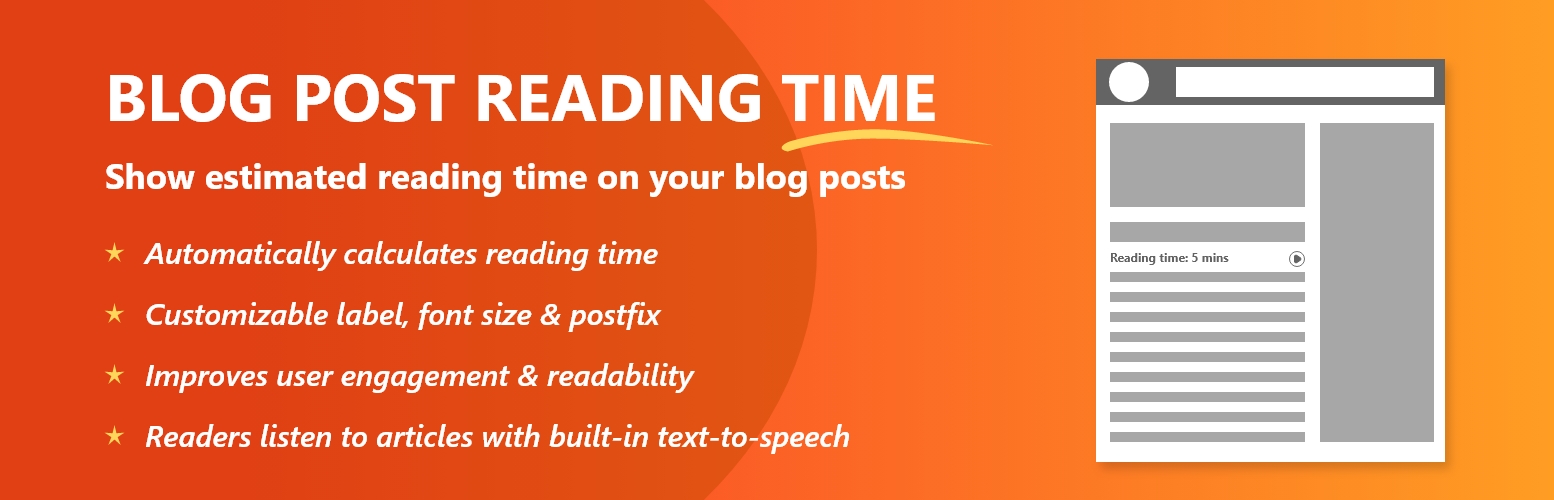
總結:WordPress 外掛「Blog Post Reading Time」是一個輕量級插件,可以顯示閱讀博客文章所需的預估時間。這個外掛可以根據設定自動在標題後面、特色圖像後面或內容前顯示閱讀時間,也可以通過短代碼手動插入。幫助讀者快速了解閱讀內容所需時間,提升互動並減少跳出率。
問題與答案:
1. 這個外掛的主要功能是什麼?
- 回答:這個外掛的主要功能是顯示博客文章的預估閱讀時間。
2. 如何設定外掛來顯示閱讀時間?
- 回答:你可以選擇在標題後、特色圖像後或內容前自動顯示閱讀時間,也可以使用短代碼手動插入。
3. 這個外掛有哪些功能?
- 回答:這個外掛的功能包括自動顯示閱讀時間、支援短代碼、可自訂標籤文字、選擇顯示或隱藏時鐘圖標、標題後、特色圖像後或內容前的顯示位置、自訂字體大小、可調整每分鐘字數設置、添加自訂後綴等功能。
外掛標籤
開發者團隊
原文外掛簡介
Blog Post Reading Time is a lightweight plugin that enhances your blog posts with two key features:
Estimated Reading Time – show readers how long it will take to read your article.
Listen to Article (Text-to-Speech) – allow visitors to listen to your blog post using a simple “Listen” button powered by the browser’s built-in speech API.
These features improve accessibility, keep users engaged, and reduce bounce rates by giving them multiple ways to consume your content.
Features:
– Automatically display reading time on posts
– Shortcode support: [bprt_post_reading_time] and [bprt_listen_article]
– Customizable label text (e.g., “Estimated reading time:”)
– Option to show or hide the clock icon (⏱)
– Display positions: after title, after featured image, or before content
– Custom font size setting (in px)
– Adjustable words-per-minute (WPM) setting
– Add a custom postfix (e.g., “min read”)
– Enable/disable “Listen to this Article” feature
– Lightweight and works without third-party APIs (uses browser’s built-in Web Speech API)
License
This plugin is released under the GPLv2 or later.
Credits
Developed by Rathod Narendra
Visit: https://kappatechnosoft.com








![Font Resize With Post Reading Time [GWE]](https://ps.w.org/font-resizer-with-post-reading-time/assets/icon-256x256.png?rev=2770083)