
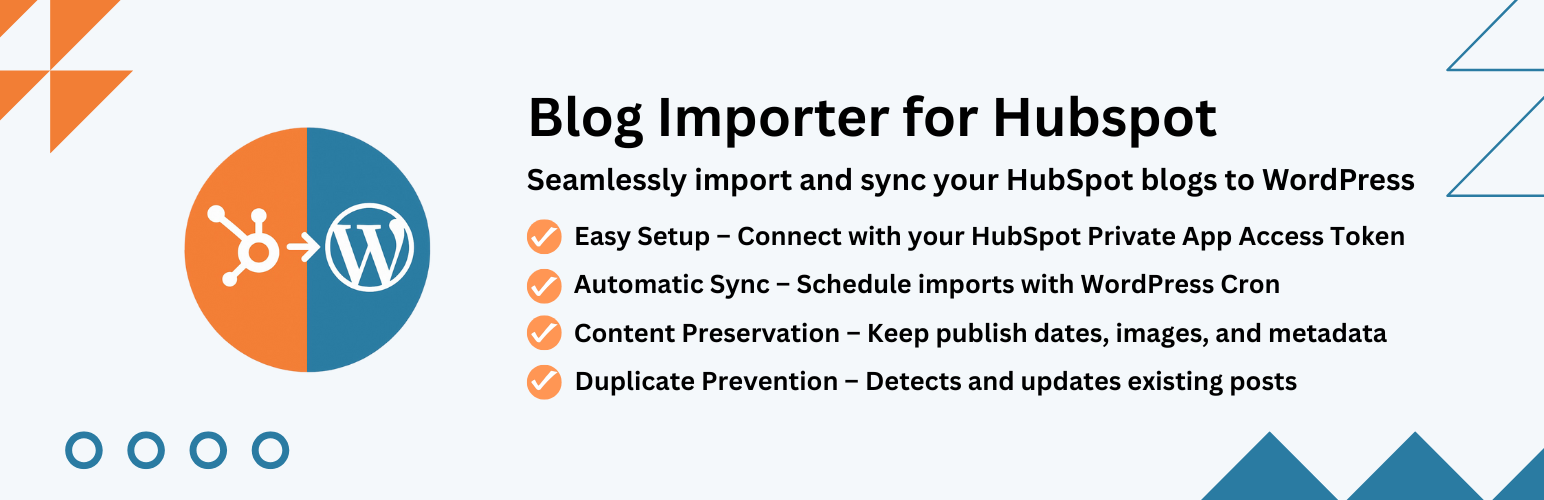
內容簡介
Blog Importer for HubSpot 是一款強大的 WordPress 外掛,能夠無縫整合您的 HubSpot 部落格內容,輕鬆將 HubSpot 部落格文章匯入 WordPress,並支援批次遷移或自動同步,確保內容始終保持最新。
【主要功能】
• 簡易 HubSpot 整合 - 使用 HubSpot API 金鑰連接
• 選擇性匯入 - 從 HubSpot 選擇特定文章匯入
• 實時進度追蹤 - 可視化進度條顯示匯入狀態
• 標籤對應 - 自動匯入並對應 HubSpot 標籤至 WordPress 標籤
• 彈性匯入選項 - 可匯入為文章、頁面或自訂文章類型
• 自動排程 - 設定定時任務以定期同步內容
外掛標籤
開發者團隊
原文外掛簡介
Blog Importer for HubSpot is a powerful HubSpot blog migration plugin for WordPress that seamlessly integrates your HubSpot blog content with your WordPress website. Easily import HubSpot blog posts to WordPress, migrate in bulk, or set up automatic HubSpot to WordPress synchronization to keep your content up-to-date.
Third-Party Service Usage:
This plugin connects to HubSpot’s external API service to import blog content. Here are the important details:
Service Used: HubSpot CMS API (https://api.hubapi.com)
Purpose: To fetch and import blog posts from your HubSpot account to WordPress
Data Sent: Your HubSpot Private App Access Token (API key) for authentication
Data Received: Blog post content, metadata, images, and publishing information
When: Only when you manually trigger an import or have scheduled automatic imports enabled
User Control: All API connections require your explicit configuration of API credentials
Privacy & Terms:
* HubSpot Privacy Policy: https://legal.hubspot.com/privacy-policy
* HubSpot Terms of Service: https://legal.hubspot.com/terms-of-service
* This plugin does NOT track users or collect any personal data from your website visitors
* Only administrators with proper permissions can configure and use this plugin
Key Features:
Easy HubSpot Integration – Connect using your HubSpot API key
Selective Import – Choose specific posts to import from HubSpot
Real-time Progress Tracking – Visual progress bar shows import status
Tag Mapping – Automatically imports and maps HubSpot tags to WordPress tags
Flexible Import Options – Import as posts, pages, or custom post types
Automated Scheduling – Set up cron jobs for regular content synchronization
Comprehensive Logging – Track all import activities with detailed logs
Duplicate Prevention – Smart detection prevents duplicate content
Content Preservation – Maintains original formatting and metadata
WordPress Standards – Fully compliant with WordPress coding standards
Perfect for:
* Marketing teams managing content across platforms
* Businesses centralizing their blog content
* Developers building integrated content workflows
* Anyone wanting to sync HubSpot blogs with WordPress
How to Get Your HubSpot Access Token:
Log in to your HubSpot account
Go to Settings → Integrations → Legacy Apps (Private Apps have moved here)
Click “Create a legacy app”
Important: Make sure to create a Private App (not a Public App). Only Private Apps provide Access Tokens.
Give your app a name (e.g., “WordPress Blog Importer”)
Go to the “Scopes” tab and enable the “content” scope (under CMS)
Click “Create app” to finish
Once created, go to the “Auth” tab and copy the Access Token
Paste the copied token into the plugin settings in WordPress
Note: HubSpot has consolidated all Private Apps into the Legacy Apps page. Your existing private apps are still running and accessible there.
Installations
Upload the blog-importer-for-hubspot folder to the /wp-content/plugins/ directory
Activate the plugin through the ‘Plugins’ menu in WordPress
Navigate to ‘Blog Importer for HubSpot’ in the WordPress admin menu
Configure your HubSpot API key (see instructions below) and import settings
Start importing your blog content!
Support
For support, please visit the plugin’s support forum or contact the developer.
