內容簡介
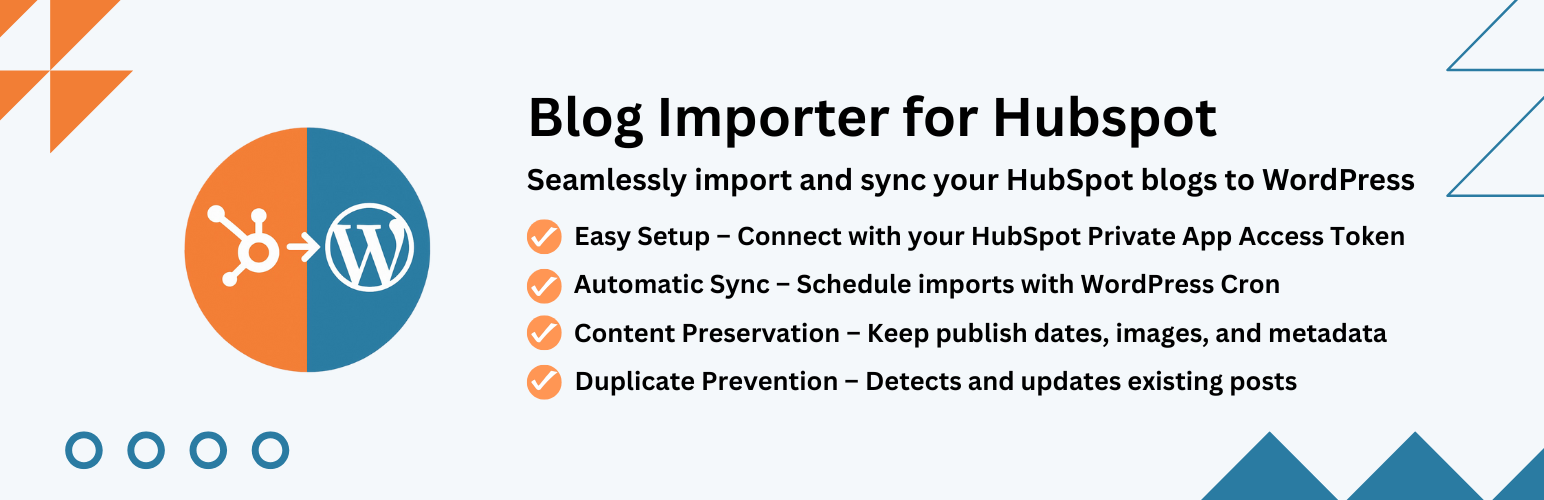
總結:Blog Importer for HubSpot 是一個功能強大的 HubSpot 博客遷移外掛程式,能夠無縫地將您的 HubSpot 博客內容與 WordPress 網站整合。輕鬆將 HubSpot 博客文章匯入 WordPress,批量遷移,或設定自動 HubSpot 至 WordPress 同步,讓您的內容保持最新。
問題與答案:
1. 這個外掛程式使用了哪個第三方服務來匯入博客內容?
- 使用了 HubSpot CMS API (https://api.hubapi.com)。
2. 哪些數據會被發送和接收到?
- 發送:您的 HubSpot 私人應用程序訪問權杖(API 金鑰)進行身份驗證。
- 接收:博客文章內容、元數據、圖片和發佈信息。
3. 有哪些重要隱私和條款相關信息需要注意?
- HubSpot 隱私政策:https://legal.hubspot.com/privacy-policy。
- HubSpot 服務條款:https://legal.hubspot.com/terms-of-service。
4. 這個外掛程式主要適用於哪些用途或對象?
- 推廣團隊跨平台管理內容。
- 中心化他們的博客內容的企業。
- 構建集成內容工作流程的開發人員。
- 希望將 HubSpot 博客與 WordPress 同步的任何人。
外掛標籤
開發者團隊
原文外掛簡介
Blog Importer for HubSpot is a powerful HubSpot blog migration plugin for WordPress that seamlessly integrates your HubSpot blog content with your WordPress website. Easily import HubSpot blog posts to WordPress, migrate in bulk, or set up automatic HubSpot to WordPress synchronization to keep your content up-to-date.
Third-Party Service Usage:
This plugin connects to HubSpot’s external API service to import blog content. Here are the important details:
Service Used: HubSpot CMS API (https://api.hubapi.com)
Purpose: To fetch and import blog posts from your HubSpot account to WordPress
Data Sent: Your HubSpot Private App Access Token (API key) for authentication
Data Received: Blog post content, metadata, images, and publishing information
When: Only when you manually trigger an import or have scheduled automatic imports enabled
User Control: All API connections require your explicit configuration of API credentials
Privacy & Terms:
* HubSpot Privacy Policy: https://legal.hubspot.com/privacy-policy
* HubSpot Terms of Service: https://legal.hubspot.com/terms-of-service
* This plugin does NOT track users or collect any personal data from your website visitors
* Only administrators with proper permissions can configure and use this plugin
Key Features:
Easy HubSpot Integration – Connect using your HubSpot API key
Selective Import – Choose specific posts to import from HubSpot
Real-time Progress Tracking – Visual progress bar shows import status
Tag Mapping – Automatically imports and maps HubSpot tags to WordPress tags
Flexible Import Options – Import as posts, pages, or custom post types
Automated Scheduling – Set up cron jobs for regular content synchronization
Comprehensive Logging – Track all import activities with detailed logs
Duplicate Prevention – Smart detection prevents duplicate content
Content Preservation – Maintains original formatting and metadata
WordPress Standards – Fully compliant with WordPress coding standards
Perfect for:
* Marketing teams managing content across platforms
* Businesses centralizing their blog content
* Developers building integrated content workflows
* Anyone wanting to sync HubSpot blogs with WordPress
How to Get Your HubSpot Access Token:
Log in to your HubSpot account
Go to Settings → Integrations → Legacy Apps (Private Apps have moved here)
Click “Create a legacy app”
Important: Make sure to create a Private App (not a Public App). Only Private Apps provide Access Tokens.
Give your app a name (e.g., “WordPress Blog Importer”)
Go to the “Scopes” tab and enable the “content” scope (under CMS)
Click “Create app” to finish
Once created, go to the “Auth” tab and copy the Access Token
Paste the copied token into the plugin settings in WordPress
Note: HubSpot has consolidated all Private Apps into the Legacy Apps page. Your existing private apps are still running and accessible there.
Installations
Upload the blog-importer-for-hubspot folder to the /wp-content/plugins/ directory
Activate the plugin through the ‘Plugins’ menu in WordPress
Navigate to ‘Blog Importer for HubSpot’ in the WordPress admin menu
Configure your HubSpot API key (see instructions below) and import settings
Start importing your blog content!
Support
For support, please visit the plugin’s support forum or contact the developer.