內容簡介
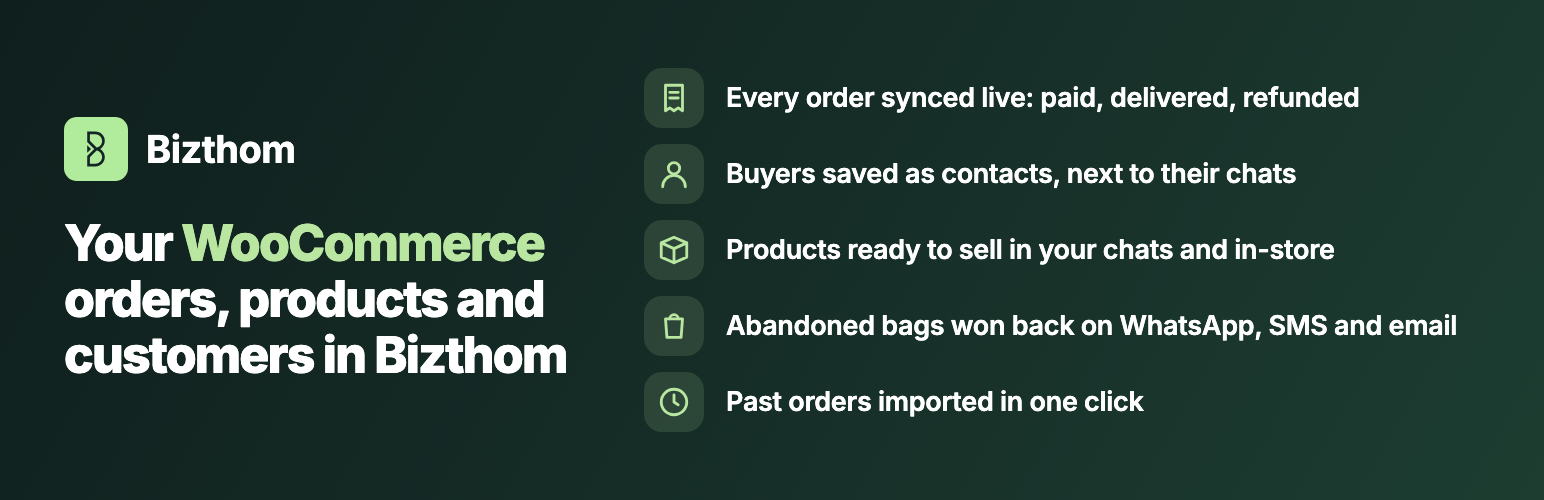
Bizthom for WooCommerce 將您的 WooCommerce 商店與 Bizthom 平台連接,提供一個整合的商務解決方案,讓您能夠透過 WhatsApp、SMS 和電子郵件進行銷售自動化、客戶管理及訂單追蹤,提升銷售效率。
【主要功能】
• 實時訂單同步至 Bizthom
• 自動化放棄購物車提醒
• 產品變更自動更新至 Bizthom
• 客戶聯絡人管理與 WhatsApp 整合
• 過去訂單背景匯入功能
• 支援經典結帳與結帳區塊
外掛標籤
開發者團隊
原文外掛簡介
Bizthom for WooCommerce connects your WooCommerce store to Bizthom, the commerce platform built around how Nigerians buy: an inbox that sells, an AI sales agent, automations, campaigns and a POS, all working from the same customers and orders.
Every WooCommerce sale in Bizthom, kept in step
Each order arrives in Bizthom as it happens, with its items, totals and customer.
It stays in step with WooCommerce: paid when a transfer is confirmed, delivered when you complete it, refunded or cancelled when you do that in WooCommerce.
Each buyer is saved as a contact, so their WooCommerce purchases sit next to their WhatsApp chats and in-store sales.
Your products, kept in step
Products you add or change in WooCommerce are sent to Bizthom, so you can sell them from your WhatsApp chats and in-store too.
Win back abandoned bags
A shopper adds items, types their phone number at checkout, then leaves. Bizthom sends your abandoned-bag message on WhatsApp, SMS or email.
The message carries a link that puts the items back in their bag and opens checkout with their details filled in, so finishing the order takes one tap.
You choose the wording, the channels and the timing in Bizthom. A shopper who has already ordered isn’t chased.
Run your Bizthom automations on WooCommerce shoppers
Ask for a review after delivery, and more, from ready-made automations or your own.
Bizthom’s own order messages (order confirmed, delivered, refunded) can go to WooCommerce shoppers on WhatsApp too. WooCommerce already emails them, so this stays off until you turn it on in Bizthom.
Bring your history across
“Import past orders” sends your order history to Bizthom in the background. Past orders send no messages.
Built to stay out of your checkout’s way
Everything is sent in the background, so checkout never waits on Bizthom.
If Bizthom can’t be reached, updates are tried again later, and the settings page shows anything that couldn’t be sent, with a button to send it again.
Works with the classic checkout and the checkout block, and with WooCommerce’s order storage (HPOS).
You need a Bizthom account. See pricing.
External services
This plugin sends data to Bizthom (https://app.bizthom.com), operated by Bizthom, to provide the features above. Nothing is sent until you click “Connect to Bizthom” on the plugin’s settings page.
What is sent, and when:
Connecting: when you click “Connect to Bizthom”: your site’s address and name, the address of the plugin’s settings page (where Bizthom sends you back after you approve the store), and a one-way challenge of a secret the plugin keeps. Bizthom then opens in your browser for you to approve the store, and the plugin collects the store’s key from Bizthom directly. No shopper data is sent.
Orders: when an order is created, changes status, is paid or is refunded, and when you click “Import past orders”: the order’s number, status, dates, currency, totals, items (product, variation, quantity, price, SKU, link), refunds, and the customer’s name, email, phone number and delivery address.
Abandoned bags: only when “Recover abandoned bags” is on in Bizthom, and only once the shopper has typed an email or phone number at checkout: the items in their bag, their name, email and phone number, and a link that refills the bag on your store. The plugin reads the phone and email as the shopper types them, before the order is placed, so a bag they leave can be followed up.
Products: when you connect the store and whenever a product is published, updated, trashed or deleted: the product’s name, variations, price, SKU and link.
Connection checks: when you connect, click “Check again”, and once a day. These carry no shopper data.
Once connected, requests are signed with the store’s key; the key itself is never sent.
Bizthom’s terms and privacy policy.