外掛標籤
開發者團隊
原文外掛簡介
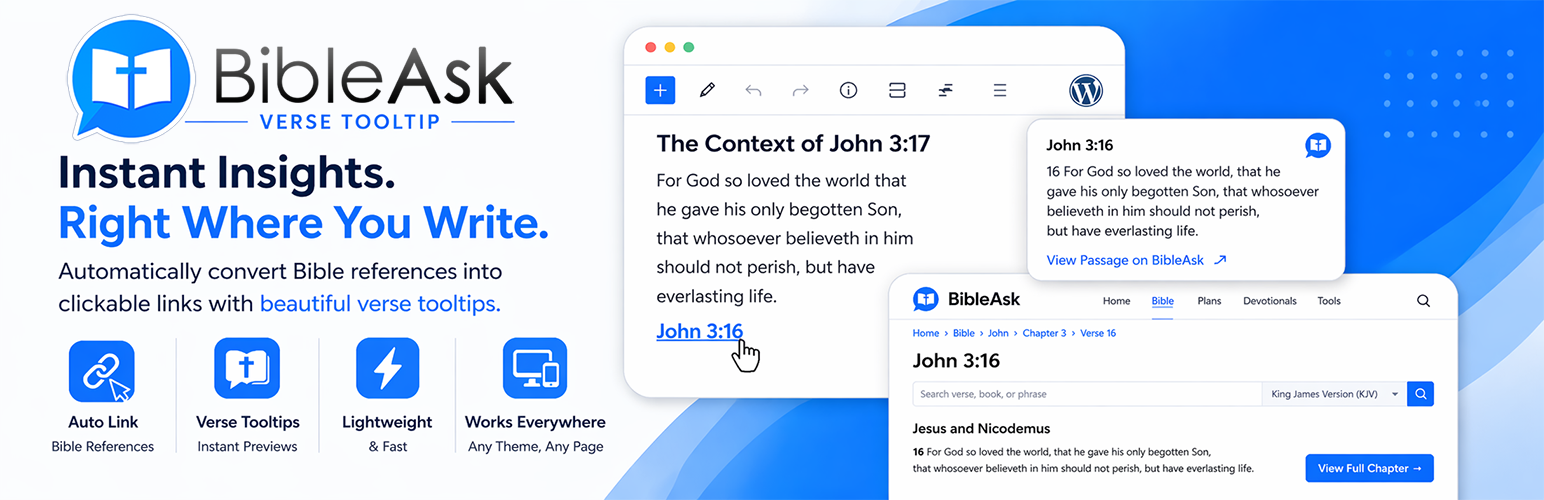
BibleAsk – Verse Tooltip transforms plain Bible references in your content (e.g. “Genesis 1:1”, “Colossians 3:3”, “Psalm 23”) into clickable links that point to the corresponding passage on BibleAsk.org. References in parentheses like (Colossians 3:3) are also supported.
Features:
Auto-links common formats: book + chapter, book + chapter:verse, book + chapter:verse-verse
Does not linkify references that already appear inside an HTML link or (optionally) inside a heading
Supports references in parentheses, e.g. (John 3:16)
Optional hover tooltip with reference and link (and optional verse text fetched from BibleAsk.org)
Settings: open in new tab or same tab; apply to posts and/or pages; enable tooltip; show verse text in tooltip; tooltip can show BibleAsk logo and branding (logo files are bundled with this plugin)
All JavaScript and CSS are included locally; no third-party CDNs for plugin assets
Uses WordPress transients and in-memory cache to speed up tooltip verse loading
Link behavior:
Control whether links open in a new tab
Choose to apply linking to posts, pages, or both
Optionally skip linking inside headings (h1–h6)
Toggle the hover tooltip on or off
Optionally show the full verse text in the tooltip (fetched from BibleAsk.org and cached)
Optionally show BibleAsk logo and “BibleAsk” in the tooltip link text (credits default to hidden)
External services
This plugin relies on BibleAsk.org (operated by BibleAsk), an external website that hosts Bible reading pages and related content.
What it is used for
Links: Detected Bible references in your content become links to the matching passage pages on BibleAsk.org (HTTPS). When a visitor follows a link, their browser requests that page from BibleAsk.org like any normal website visit.
Optional verse text in the tooltip: If you enable “Show verse text in tooltip,” your WordPress site requests the same passage URL from BibleAsk.org over HTTPS (server-side, using WordPress wp_remote_get). The response HTML is parsed to extract verse text for display in the tooltip. That request is only made when a visitor triggers the tooltip flow and the verse is not already cached. The URL contains only the passage location (book/chapter/verse path). This plugin does not send your users’ names, email addresses, WordPress account details, or other personal data to BibleAsk.org as part of that request.
Branding: The settings screen and optional tooltip can display BibleAsk logos supplied as image files inside this plugin (they are not loaded from BibleAsk.org’s servers by default).
Legal links for the service
Terms of Use: https://bibleask.org/terms-of-use/
Privacy Policy: https://bibleask.org/privacy/