內容簡介
### 摘要:
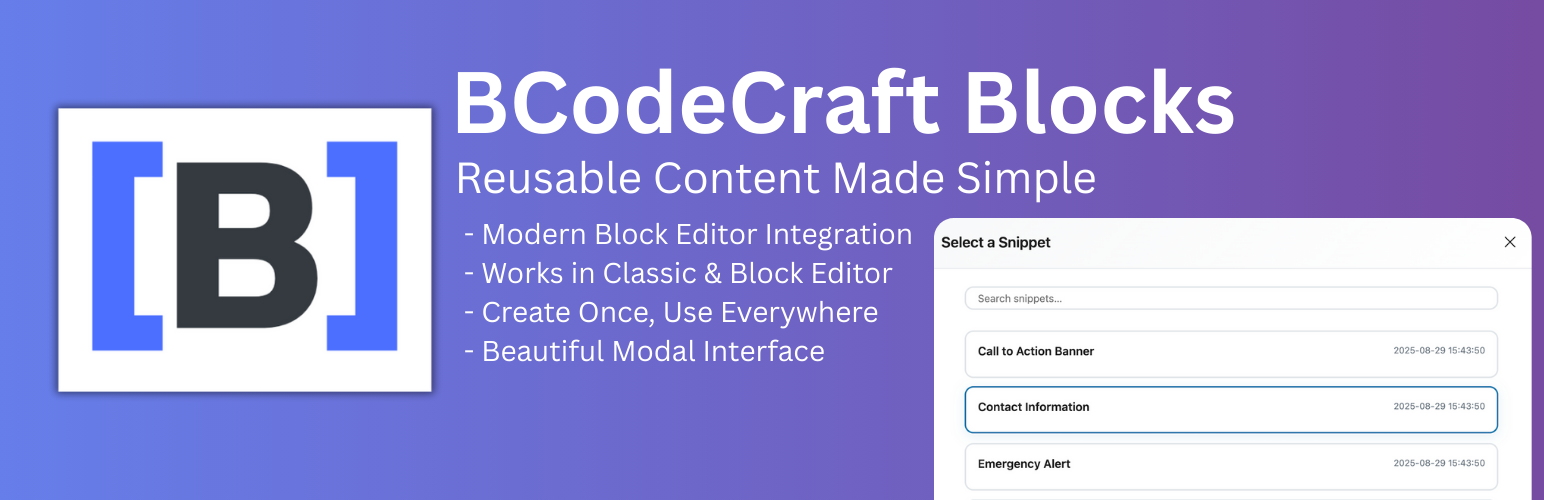
bcodecraft Blocks有助於您有效地管理WordPress站點上的可重複使用內容。使用我們現代直觀的界面一次性創建內容片段,然後在任何地方使用。
### 問題與答案:
1. 什麼是bcodecraft Blocks的主要功能?
- 現代的模式介面 - 美觀、可搜索的片段選擇,並具有實時預覽功能
- 區塊編輯器整合 - 流暢的工作流程,具有流暢的動畫和過渡
- 經典編輯器支援 - TinyMCE按鈕,可一鍵插入短代碼
- 智慧占位符狀態 - 新用戶的引導設置
- 響應式設計 - 適用於所有設備和屏幕尺寸的優化
- 性能優化 - 用於大型集合的服務器端分頁和有效加載
- 高級搜索 - 實時搜索,具有防彈跳和服務器端篩選
- 安全可靠 - 按照安全最佳實踐和輸入驗證構建
2. bcodecraft Blocks特別適合哪些用途?
- 聯絡資訊 - 地址、電話、出現在多個頁面上的電子郵件
- 呼籲區塊 - 可重複使用的促銷內容和橫幅
- 法律文本 - 產品和服務的標準描述
- 社交媒體鏈接 - 一致的社交媒體小部件
3. bcodecraft Blocks如何運作?
- 創建片段 - 使用熟悉的WordPress區塊編輯器來創建您的內容片段
- 在任何地方插入 - 通過區塊編輯器或經典編輯器中美麗的模式界面添加片段
- 實時預覽 - 在發布之前確切地看到您的內容將如何呈現
- 自動更新 - 更改片段後,它會在使用的所有地方更新
4. bcodecraft Blocks如何提供使用者體驗?
- 直觀的模態介面 - 不再有下拉菜單,從美麗的網格中搜索並選擇
- 實時搜索 - 使用即時篩選立即找到片段
- 視覺反饋 - 整個過程中流暢的動畫和懸停效果
- 跨編輯器一致性 - 在區塊編輯器和經典編輯器中相同的體驗
5. bcodecraft Blocks對開發者友好嗎?
- REST API端點 - wp-json/bccb-blocks/v1/snippets用於自定義整合
- WordPress Hooks - 用於定制的過濾器和動作
- 清潔的代碼 - 遵循WordPress編碼標準和最佳實踐
- 現代架構 - 使用React和現代JavaScript建立
6. bcodecraft Blocks有什麼系統要求?
- WordPress 6.0+
- PHP 7.4+
外掛標籤
開發者團隊
原文外掛簡介
bcodecraft Blocks helps you manage reusable content on your WordPress site efficiently. Create content snippets once and use them anywhere with our modern, intuitive interface.
Key Features
🎯 Modern Modal Interface – Beautiful, searchable snippet selection with live preview
📝 Block Editor Integration – Seamless workflow with smooth animations and transitions
⚙️ Classic Editor Support – TinyMCE button for one-click shortcode insertion
🌟 Smart Placeholder State – Guided onboarding for new users
📱 Responsive Design – Optimized for all devices and screen sizes
🚀 Performance Optimized – Server-side pagination and efficient loading for large collections
🔍 Advanced Search – Real-time search with debouncing and server-side filtering
🔒 Secure & Reliable – Built with security best practices and input validation
Perfect For
Contact Information – Address, phone, email that appears on multiple pages
Call-to-Action Blocks – Reusable promotional content and banners
Legal Text – Terms, privacy policies, disclaimers
Product Features – Standard descriptions for products and services
Social Media Links – Consistent social media widgets
How It Works
Create Snippets – Use the familiar WordPress Block Editor to create your content snippets
Insert Anywhere – Add snippets via the beautiful modal interface in Block Editor or Classic Editor
Live Preview – See exactly how your content will look before publishing
Automatic Updates – Change a snippet once, and it updates everywhere it’s used
User Experience
Intuitive Modal Interface – No more dropdown menus, search and select from a beautiful grid
Real-time Search – Find snippets instantly with live filtering
Visual Feedback – Smooth animations and hover effects throughout
Cross-Editor Consistency – Same experience in Block Editor and Classic Editor
Developer Friendly
REST API Endpoints – wp-json/bccb-blocks/v1/snippets for custom integrations
WordPress Hooks – Filters and actions for customization
Clean Code – Following WordPress coding standards and best practices
Modern Architecture – Built with React and modern JavaScript
Requirements
WordPress 6.0+
PHP 7.4+
Support
For support and bug reports, please use the WordPress.org support forum for this plugin.
Privacy
bcodecraft Blocks does not collect any personal data. All content is stored locally in your WordPress database and no external connections are made.